All-O-Matic OH-200 Manuals & Support

Identify your model
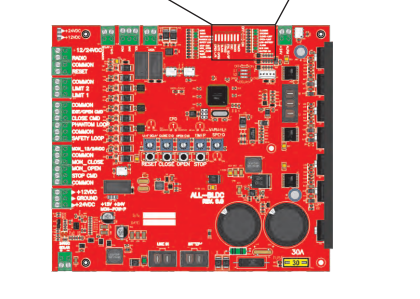
The model and serial number are on the label inside the control box. DC PRO units have the ALL-BLDC PRO board with an LCD display. Earlier DC units have an LED-only board; use the earlier board manual below for those.
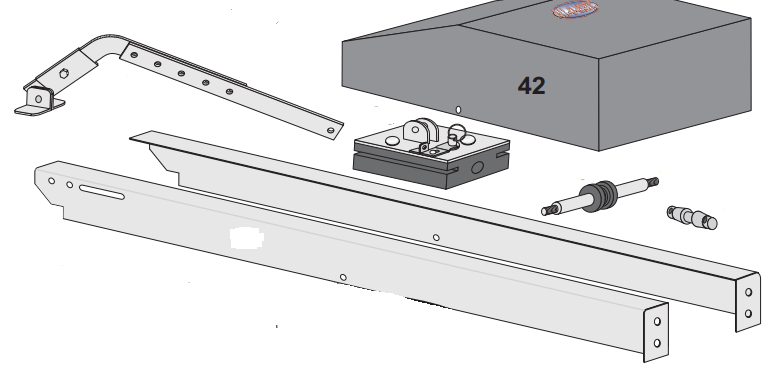
Track rails come in a standard 144 in length, and custom lengths are available.
Key specs
| Gate type | Overhead tilt-up |
|---|---|
| Max gate | 800 lb / 22 ft wide |
| Gate height | 6.5 to 8 ft |
| Motor | 1/2 HP equivalent |
| Duty cycle | Continuous |
| Power | 115 VAC (AC and DC models) |
| Size | 13 x 144 x 8 in, custom rail lengths available |
| Current draw | OH-200DC: 6 A at 115 VAC |
Manuals and documents
Installation Manual
-
OH-200 DC Manual
View PDF: OH-200 DC Manual (opens in a new tab) -
OH-200 AC Manual
View PDF: OH-200 AC Manual (opens in a new tab)
Parts List
-
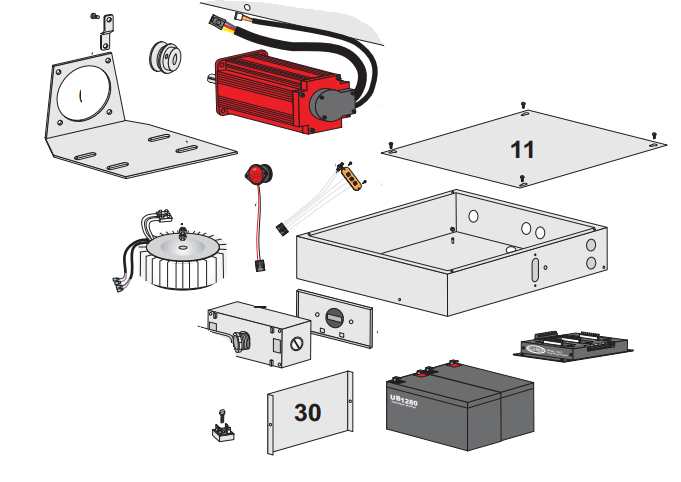
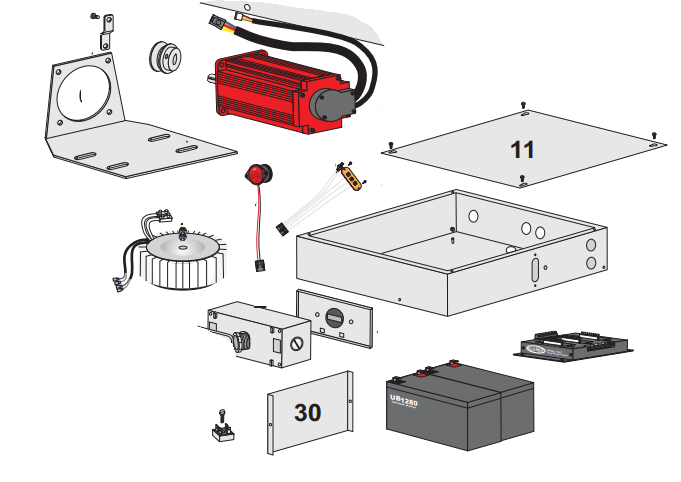
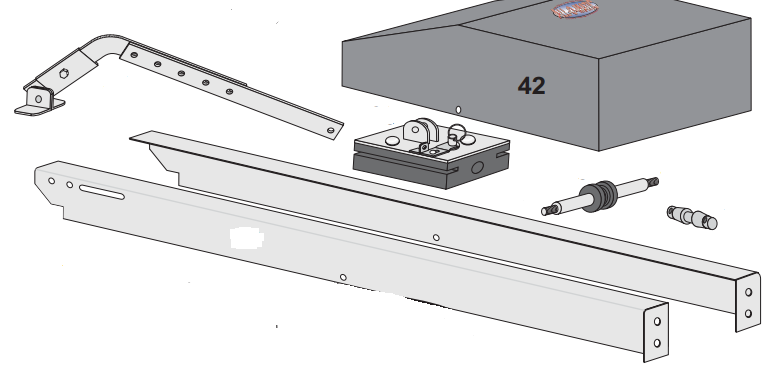
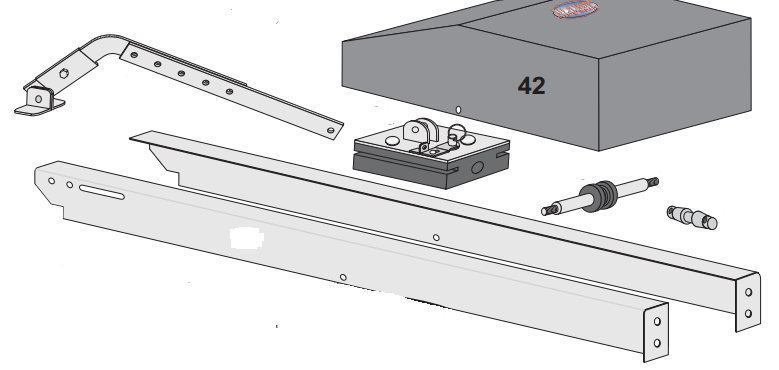
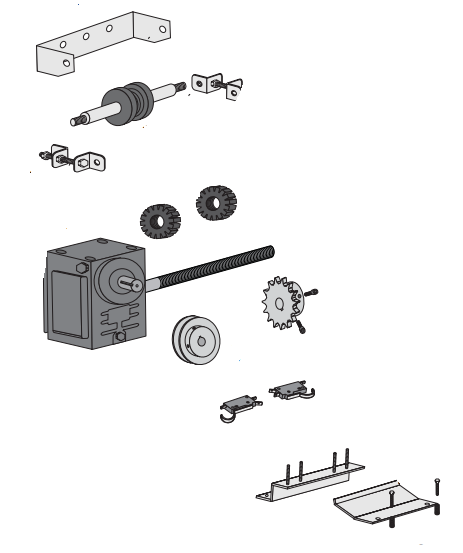
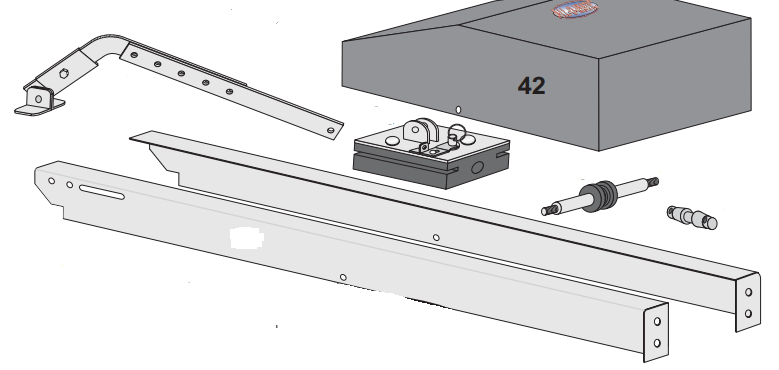
OH-200 DC Blowout Drawing
View PDF: OH-200 DC Blowout Drawing (opens in a new tab) -
OH-200 AC Blowout Drawing
View PDF: OH-200 AC Blowout Drawing (opens in a new tab)
Brochure
-
OH-200 DC Brochure
View PDF: OH-200 DC Brochure (opens in a new tab)
Troubleshooting
Common questions
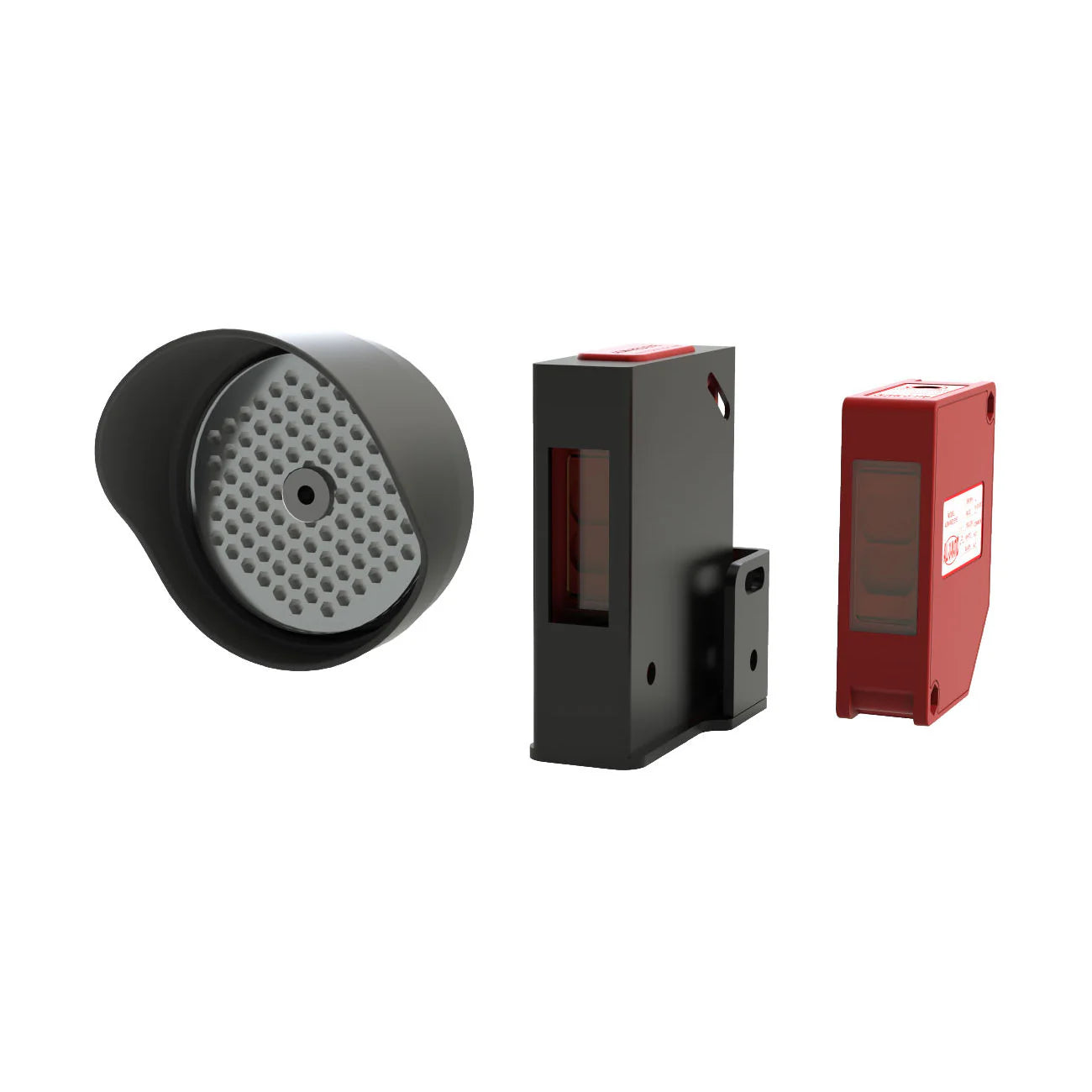
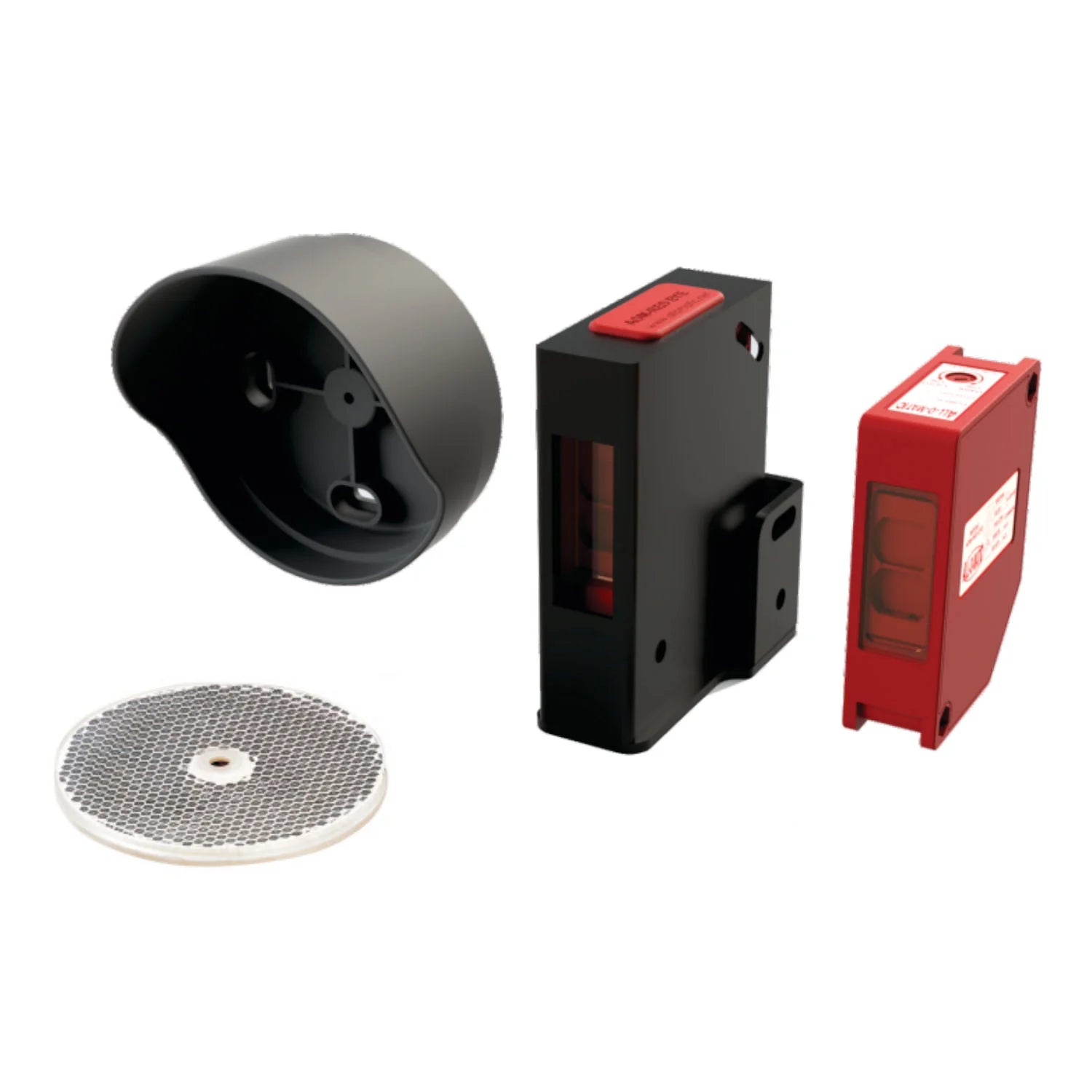
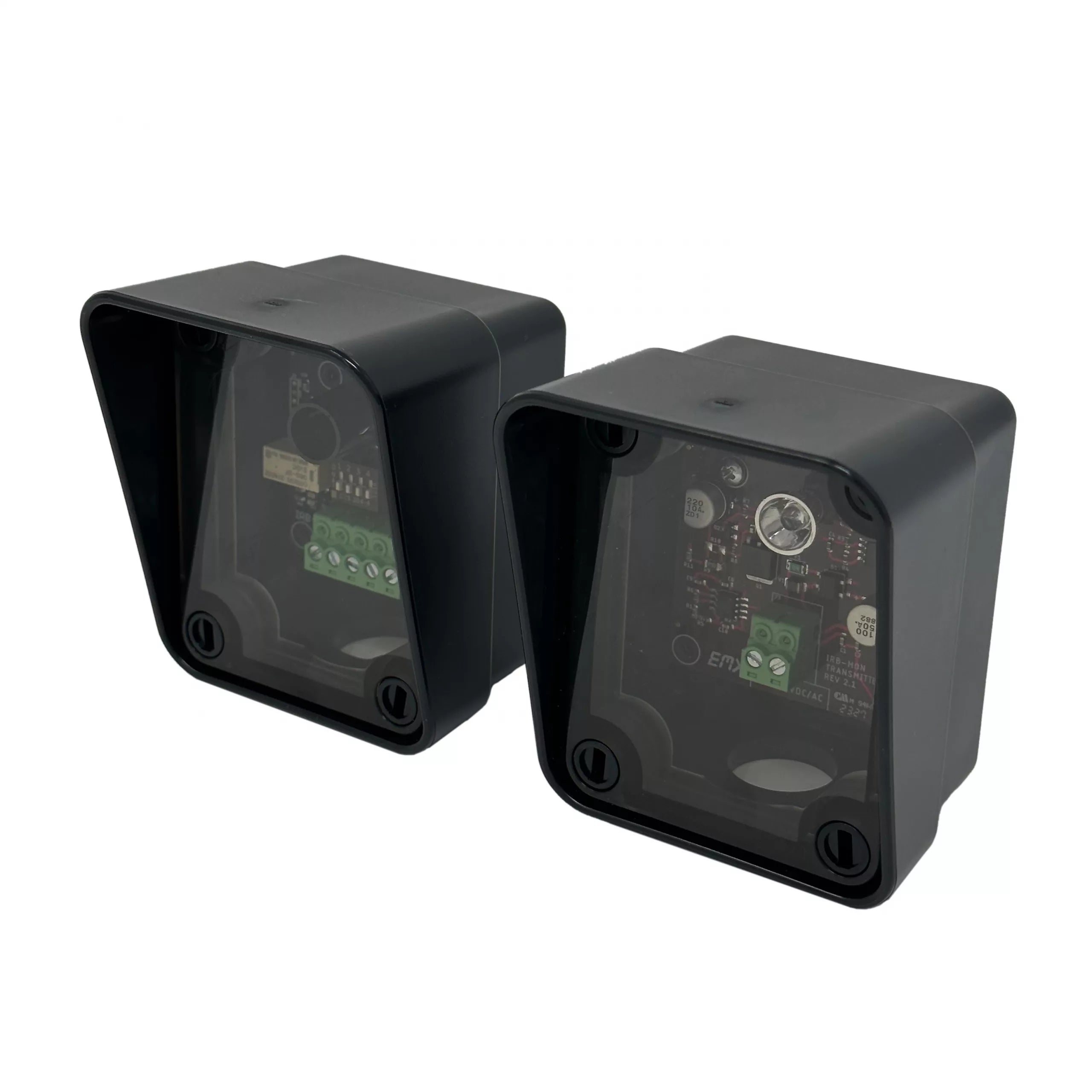
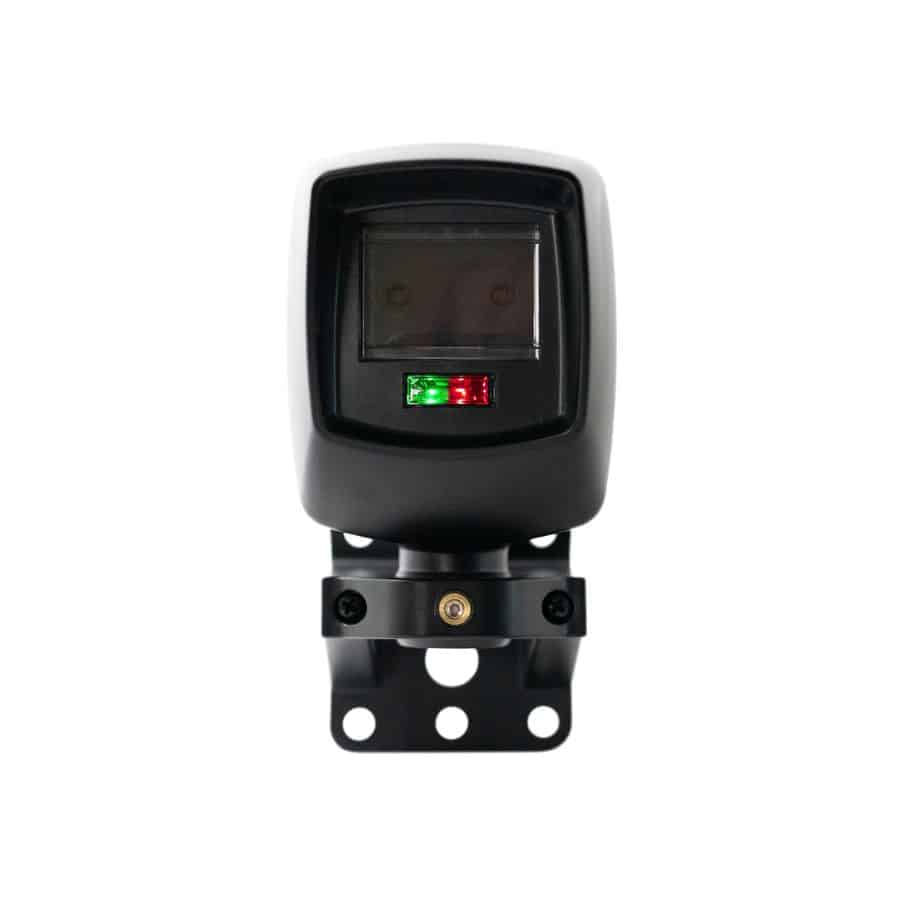
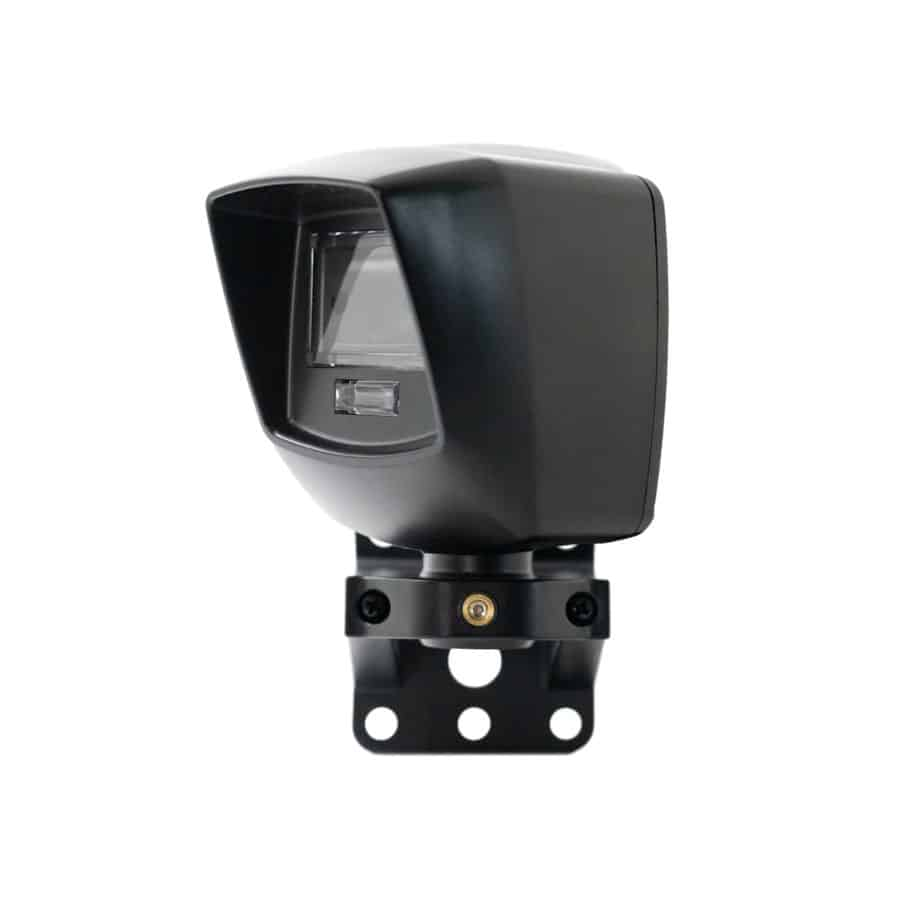
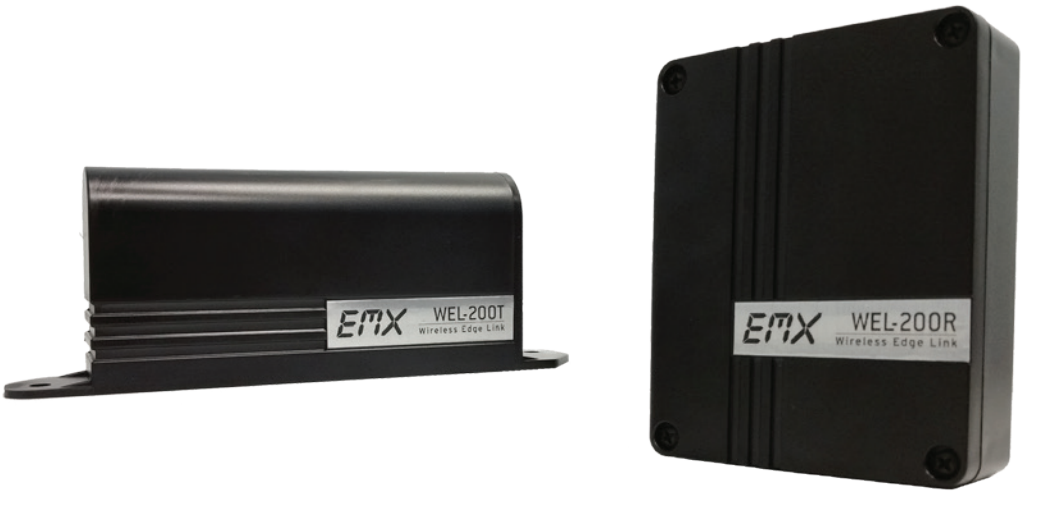
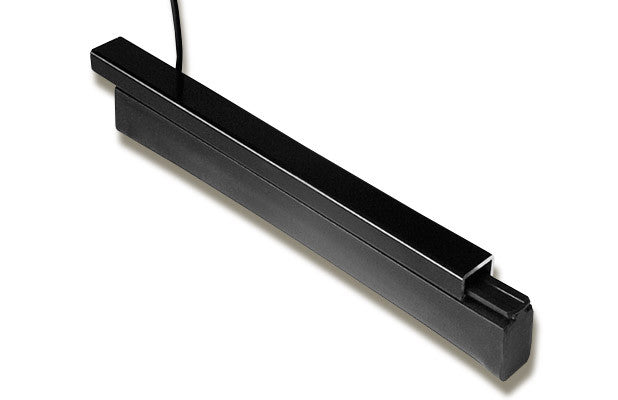
UL 325 (2018) boards need monitored entrapment devices for the open and close directions. If a device is missing or faulty, the MON_FAULT LED lights and the gate runs only on constant pressure. Wire monitored photo eyes or edges, then press RESET.
Unlock the quick release on the drive arm and carriage, then move the gate by hand. Reconnect and lock it before you run the gate.
The operator shuts down after two obstructions before full close. Clear the obstruction, then press the RESET button next to the radio connector.