LiftMaster CAPXL Smart Video Intercoms Manuals & Support

Identify your model
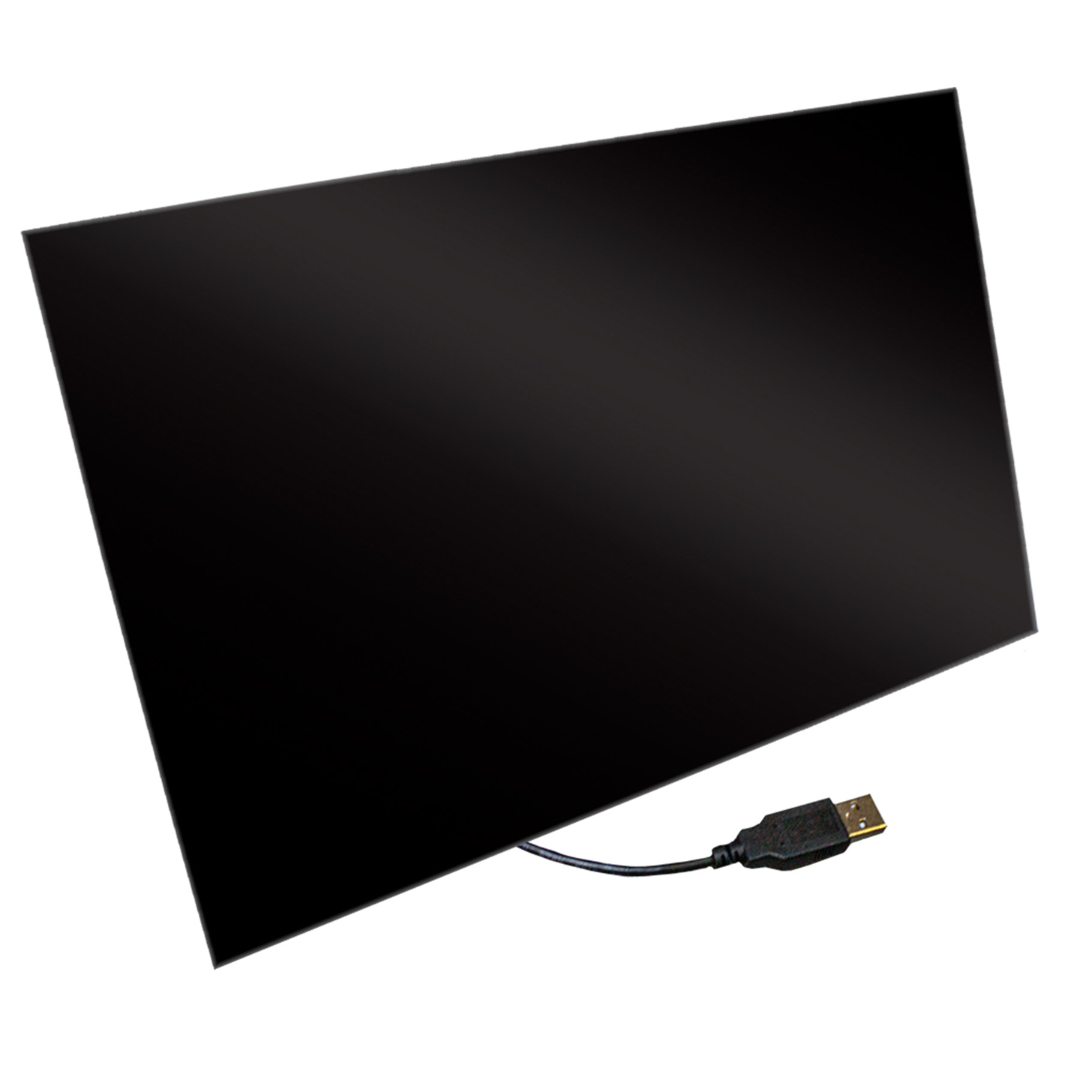
The CAPXLV2 (L) has a 10 in screen, the CAPXM (M) is the medium unit, and the CAPXS (S) has a 5 in screen. The original CAPXLV is discontinued and replaced by the CAPXLV2. A myQ Community subscription is required.
Key specs
| Screens | CAPXLV2: 10 in; CAPXS: 5 in touch screen |
|---|---|
| Users | CAPXLV2: 50,000; CAPXS: 500 |
| Doors | CAPXLV2: up to 8 (4 relays); CAPXS: 1 |
| Camera | 720p HD |
| Connectivity | Wi-Fi, Ethernet, cellular via third party modems |
| Calling | VoIP (Phone.com) |
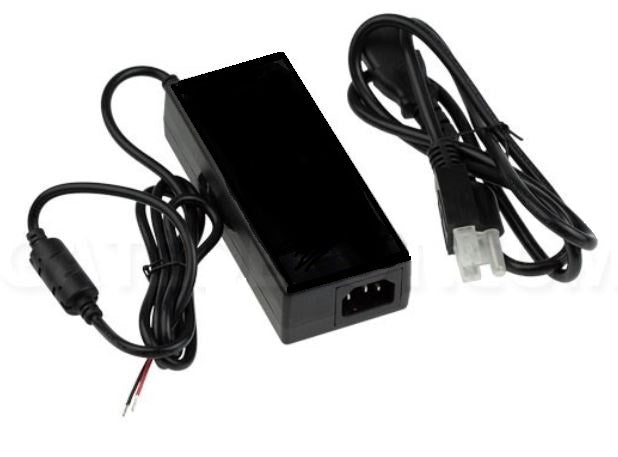
| Power | CAPXLV2: 115 VAC to 24 VDC transformer (included); CAPXS: 16 VDC supply |
| Operating temperature | CAPXLV2: -20 to 130 °F; CAPXS: -4 to 122 °F |
Manuals and documents
Installation Manual
-
CAPXLV2 Installation Manual
View PDF: CAPXLV2 Installation Manual (opens in a new tab) -
CAPXM Installation Manual
View PDF: CAPXM Installation Manual (opens in a new tab) -
CAPXS Installation Manual
View PDF: CAPXS Installation Manual (opens in a new tab) -
CAPXLV Installation Manual (Discontinued Model)
View PDF: CAPXLV Installation Manual (Discontinued Model) (opens in a new tab)
Programming Guide
-
myQ Community Account Setup
View PDF: myQ Community Account Setup (opens in a new tab) -
CAP2D LiftMaster Cloud Site
View PDF: CAP2D LiftMaster Cloud Site (opens in a new tab)
Quick Start
-
CAPXLV Quick Start Guide
View PDF: CAPXLV Quick Start Guide (opens in a new tab)
Spec Sheet
-
CAPXLV2 Data Sheet
View PDF: CAPXLV2 Data Sheet (opens in a new tab) -
CAPXS Data Sheet
View PDF: CAPXS Data Sheet (opens in a new tab) -
CAPXLV Specifications
View PDF: CAPXLV Specifications (opens in a new tab)
Brochure
-
CAPXM Product Guide
View PDF: CAPXM Product Guide (opens in a new tab) -
CAPXS Product Guide
View PDF: CAPXS Product Guide (opens in a new tab) -
CAPXLV Product Guide
View PDF: CAPXLV Product Guide (opens in a new tab)
Other documents
-
myQ Community App
View PDF: myQ Community App (opens in a new tab)
Troubleshooting
Common questions
Yes. The Smart Video Intercoms need a myQ Community subscription for remote management, resident app calls and video features.
The CAPXS covers one door and 500 users. The CAPXM covers mid-size sites. The CAPXLV2 covers up to 8 doors and 50,000 users.
The CAPXLV2.
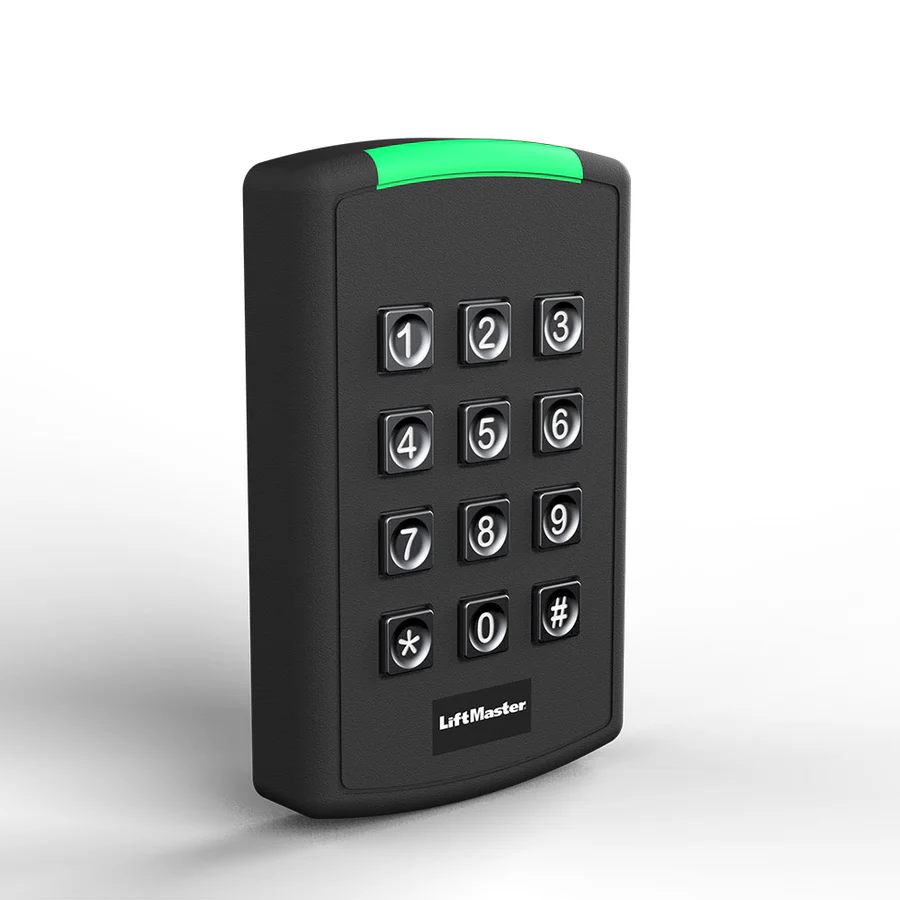
Mount any keypad or entry system at least 6 ft from a gate or gate operator, or where the user cannot reach the gate while using it.