Linear eMerge Essential Manuals & Support

Identify your model
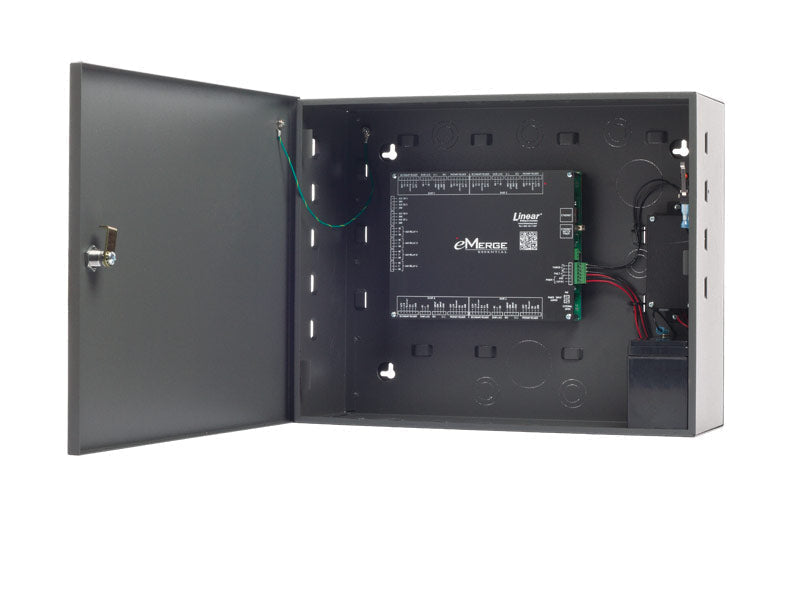
ES-1C and ES-4C are the Essential in a plastic enclosure. ES-1M, ES-4M and ES-4MP are the Essential Plus in a metal cabinet. The MAC address printed on the controller is needed for license keys.
Key specs
| Doors | 1 door / 2 readers, expandable to 4 doors / 8 readers by license |
|---|---|
| Power | 12 VDC or PoE; Essential Plus includes a 5 A supervised supply |
| Management | Web browser, any device |
| Default IP | 192.168.0.250 |
| Backup | Daily backup to micro SD or FTP |
| Upgrade path | License keys to eMerge Elite |
| Listing | UL 294 power supply (Essential Plus) |
Manuals and documents
Installation Manual
-
e3 eMerge Installation Instructions
View PDF: e3 eMerge Installation Instructions (opens in a new tab)
Programming Guide
-
eMerge User Programming Guide
View PDF: eMerge User Programming Guide (opens in a new tab)
Quick Start
-
e3 eMerge Quick Start Guide
View PDF: e3 eMerge Quick Start Guide (opens in a new tab)
Spec Sheet
-
eMerge Essential and Essential Plus Cut Sheet
View PDF: eMerge Essential and Essential Plus Cut Sheet (opens in a new tab)
Troubleshooting
Common questions
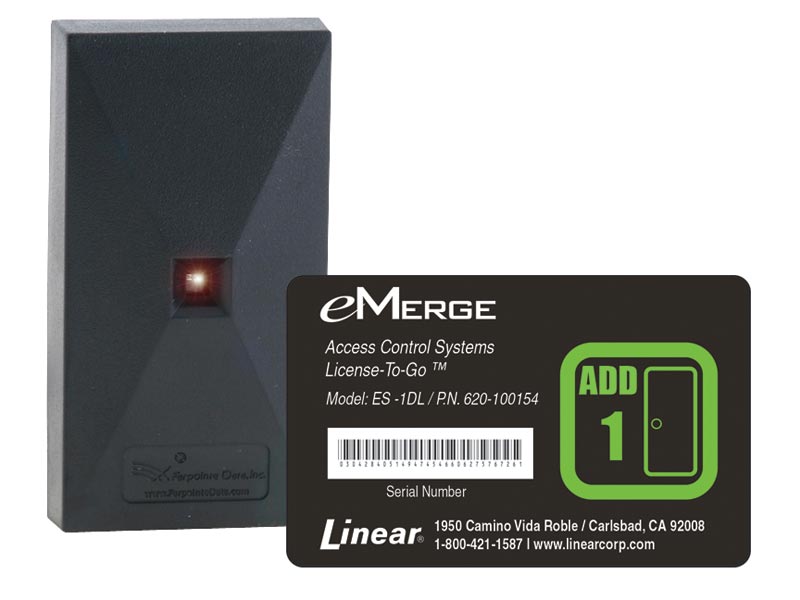
Buy a door license key. Enter the MAC address printed on the controller to get the key. No new hardware is needed up to four doors.
Connect a computer directly to the controller, give the computer a static IP of 192.168.0.149, then browse to 192.168.0.250.
The Essential comes in a plastic enclosure. The Essential Plus has a metal cabinet, a 5 A supervised power supply and room for backup batteries.