Viking X-9 Manuals & Support

This model is discontinued. The current replacement is the Viking VA-X390DLK - X-390 Dual Leaf Swing Gate Operator Kit. Manuals and replacement parts for existing units are listed below.
Identify your model
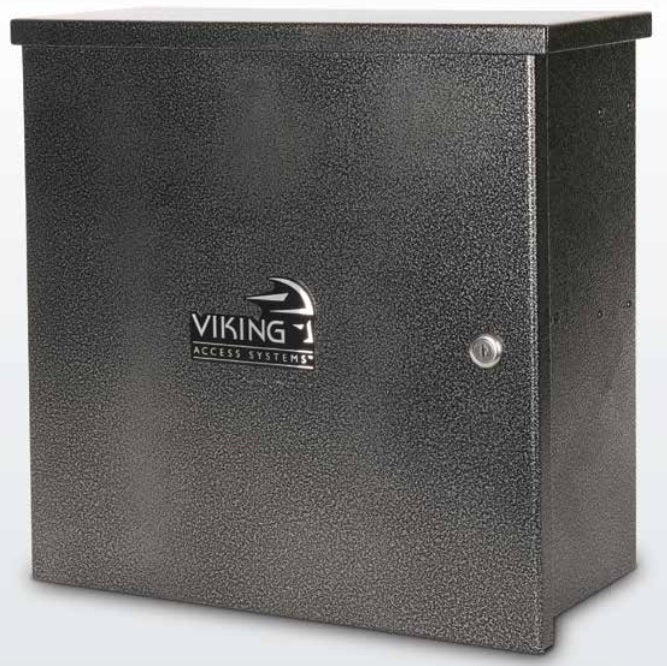
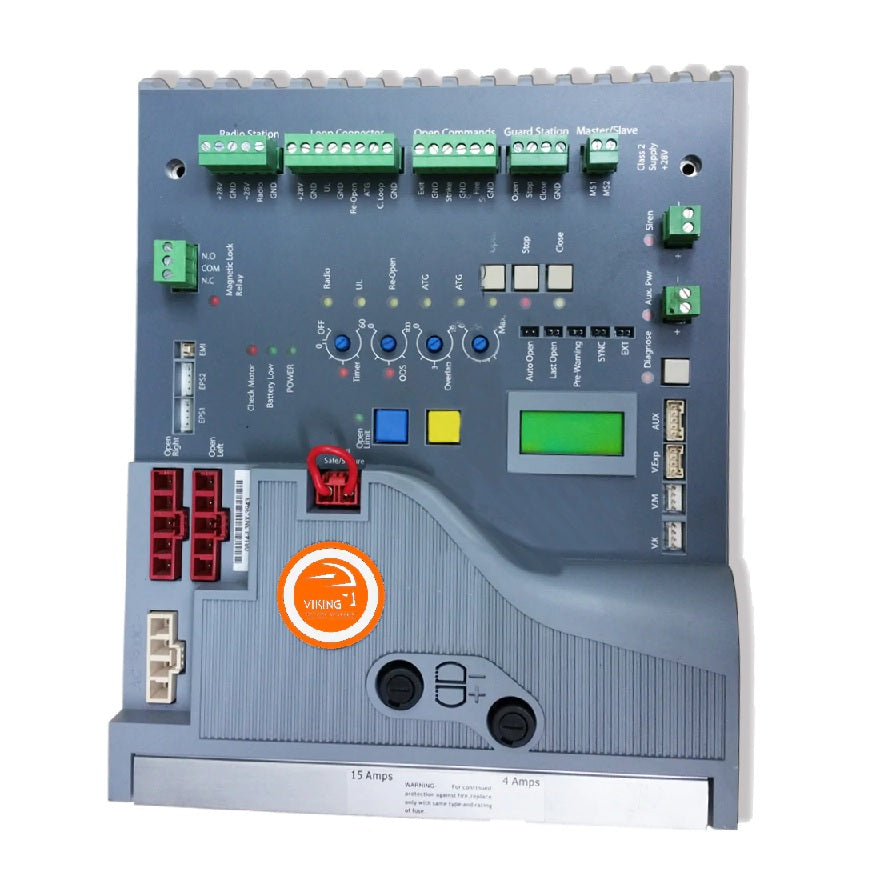
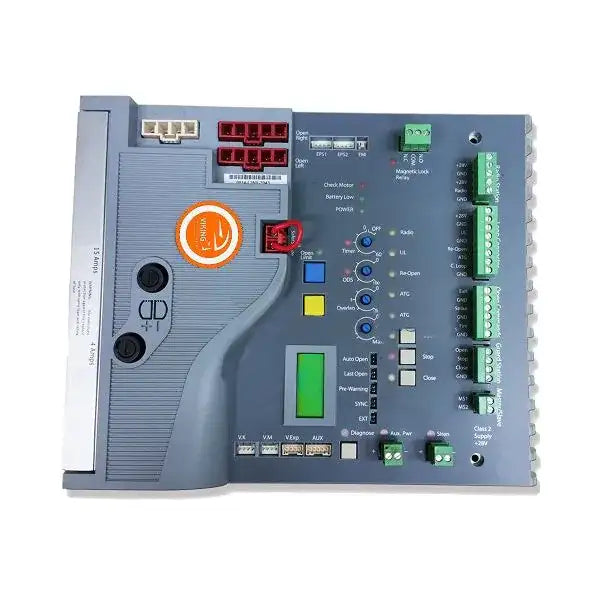
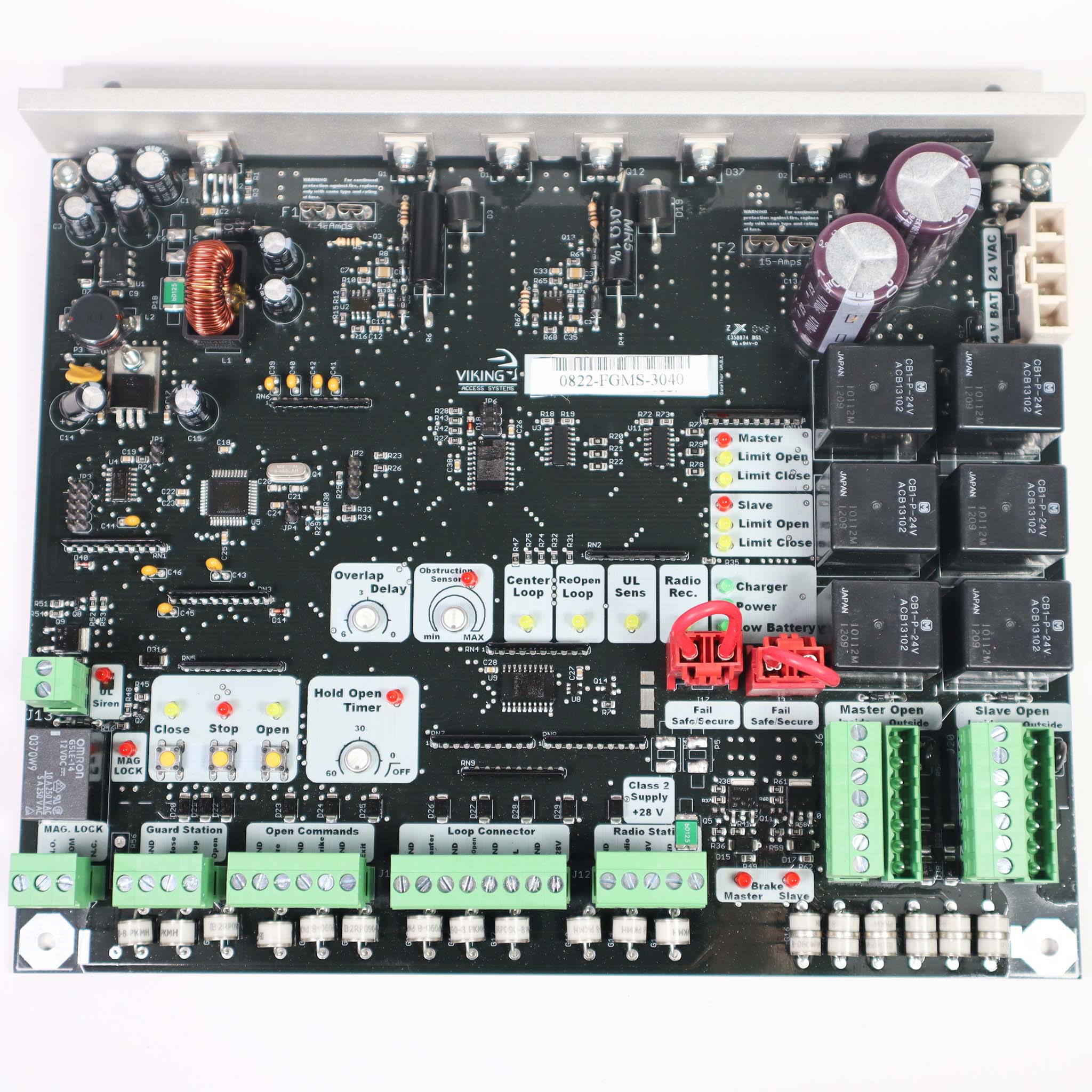
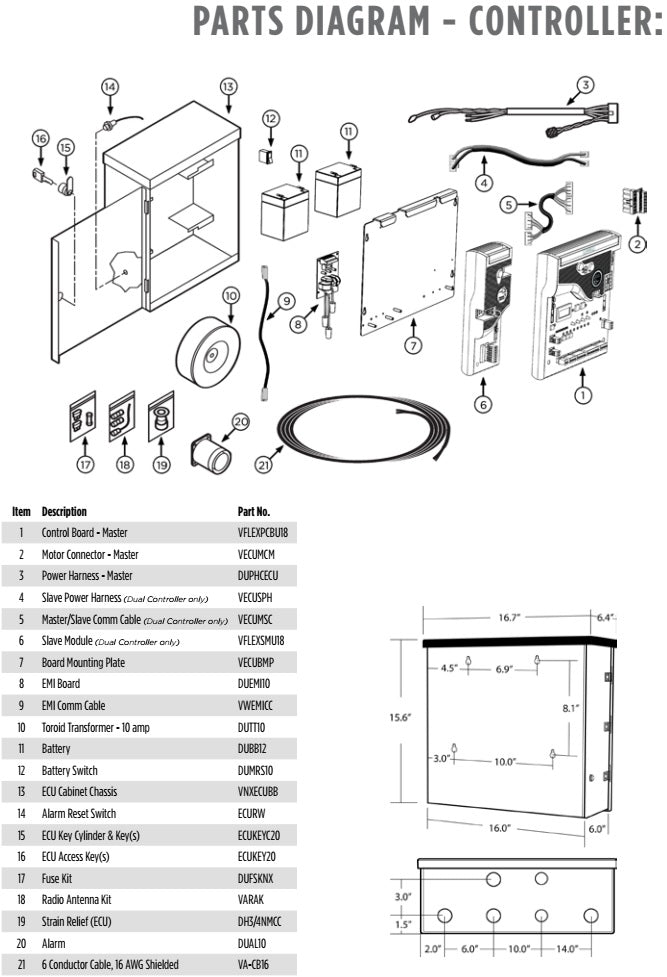
The model is on the label inside the control box. Second generation units (2019 manual) use the VFlex control board and a slave module for the second operator. First generation units (2009) use an older board.
The X-9S is the solar version. Its manual with the parts list is below.
Key specs
| Max gate | 600 lb / 14 ft per leaf |
|---|---|
| UL 325 usage class | Class I, II, III and IV |
| Motor | 1/2 HP, 24 VDC |
| Duty cycle | 100% |
| Main power | 115 VAC or 240 VAC single phase, 1.5 A / 1.0 A per operator |
| Alternative power | 24 VAC/VDC (60 VA) or solar |
| Open time | 10 to 13 seconds per 90° |
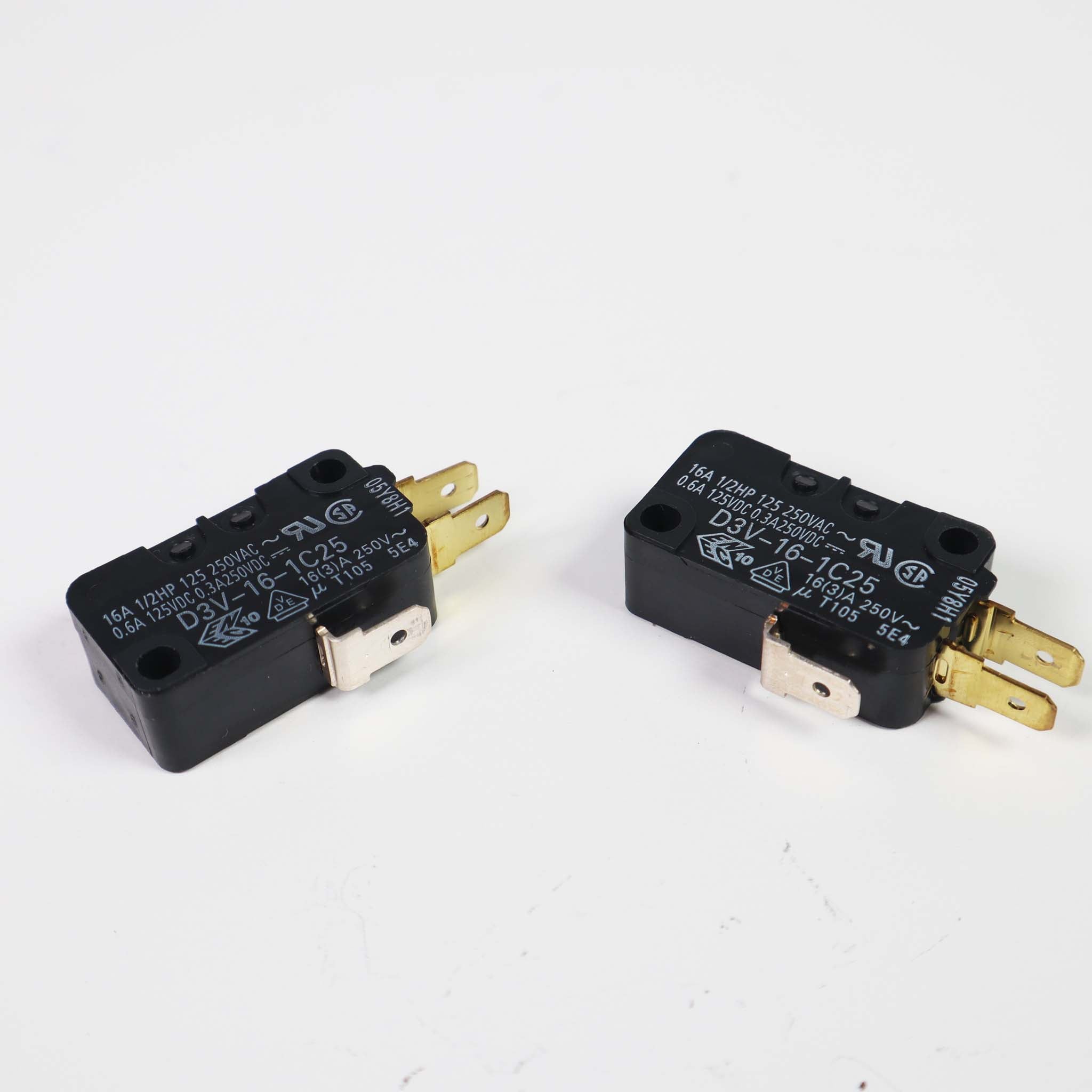
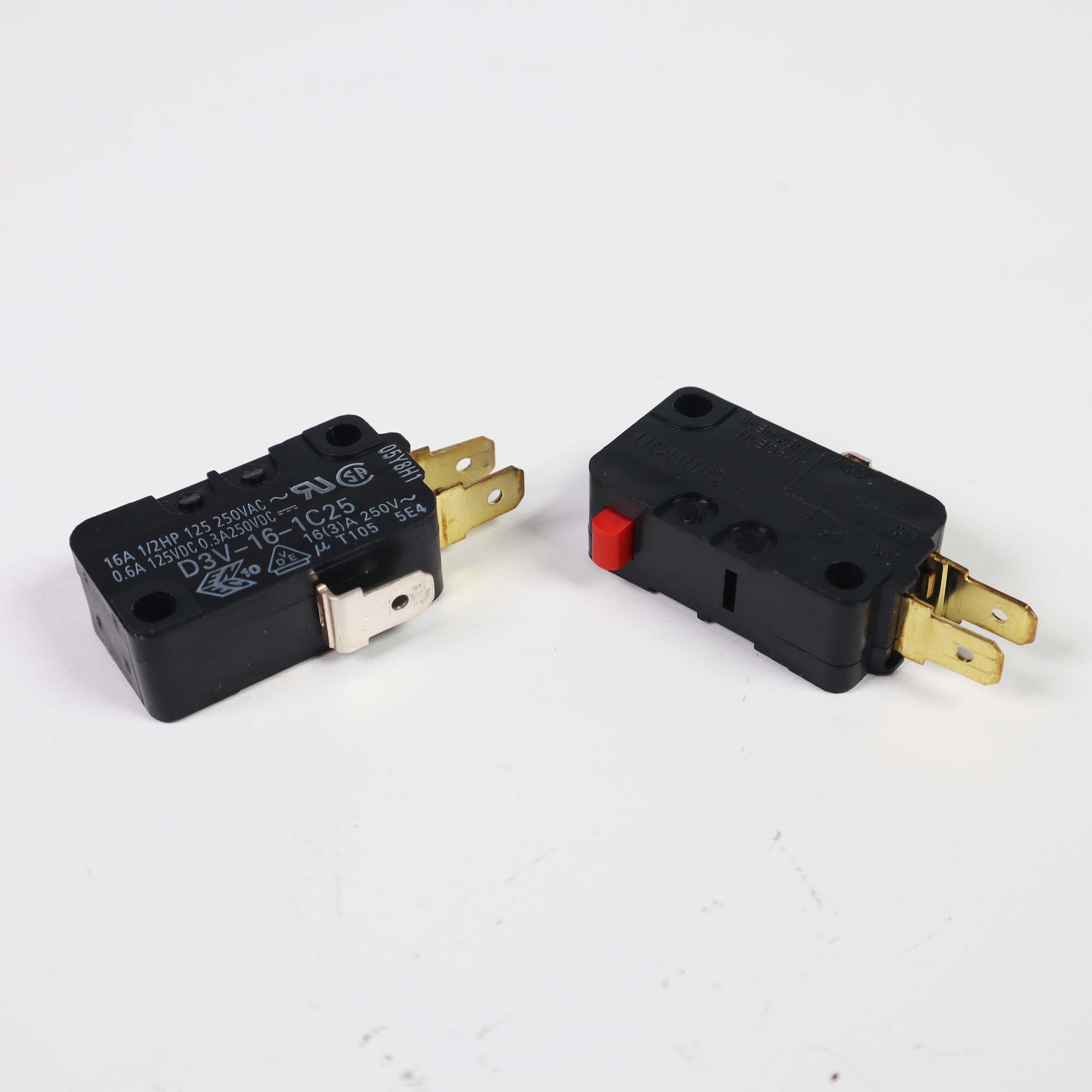
| Limits | Mechanical limit switches |
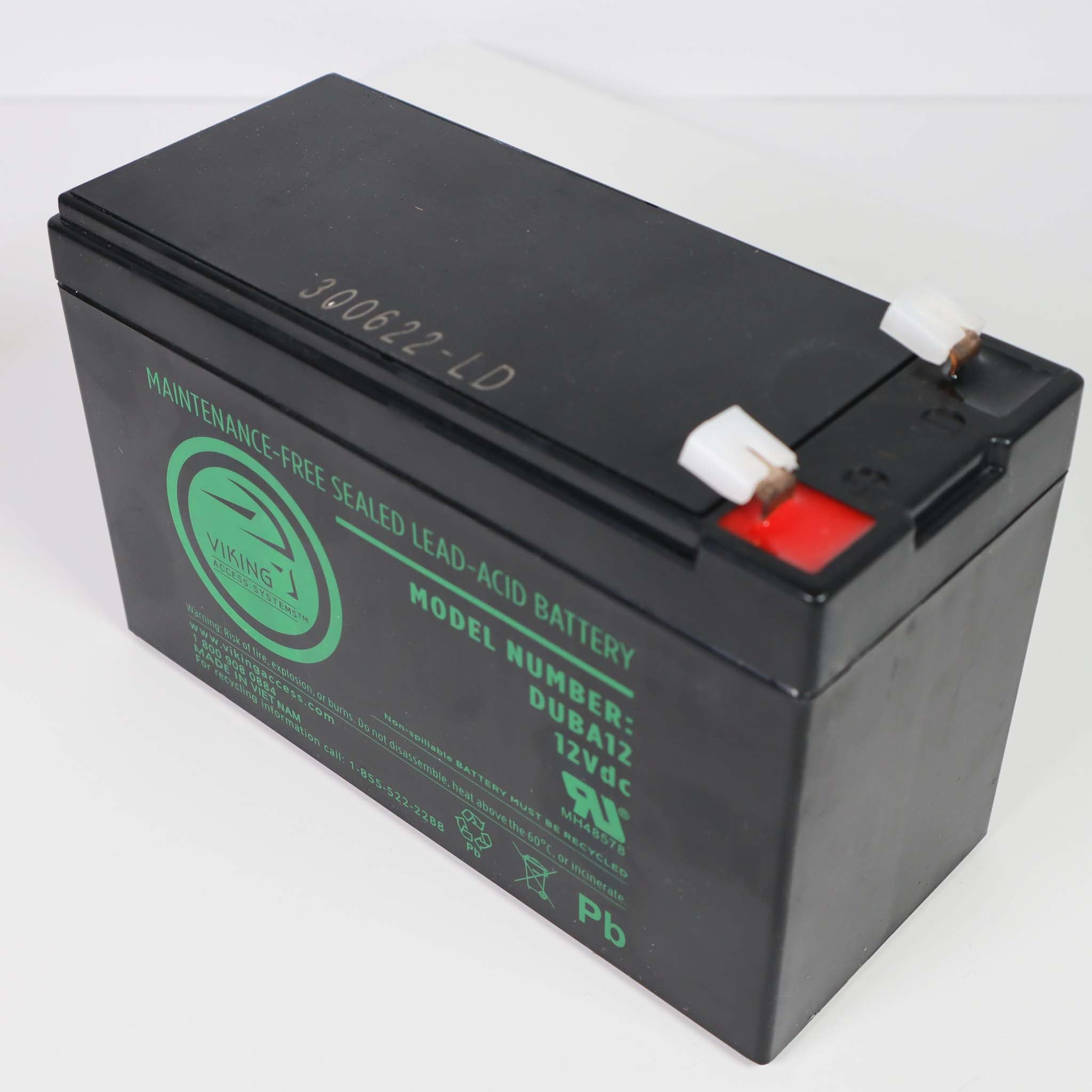
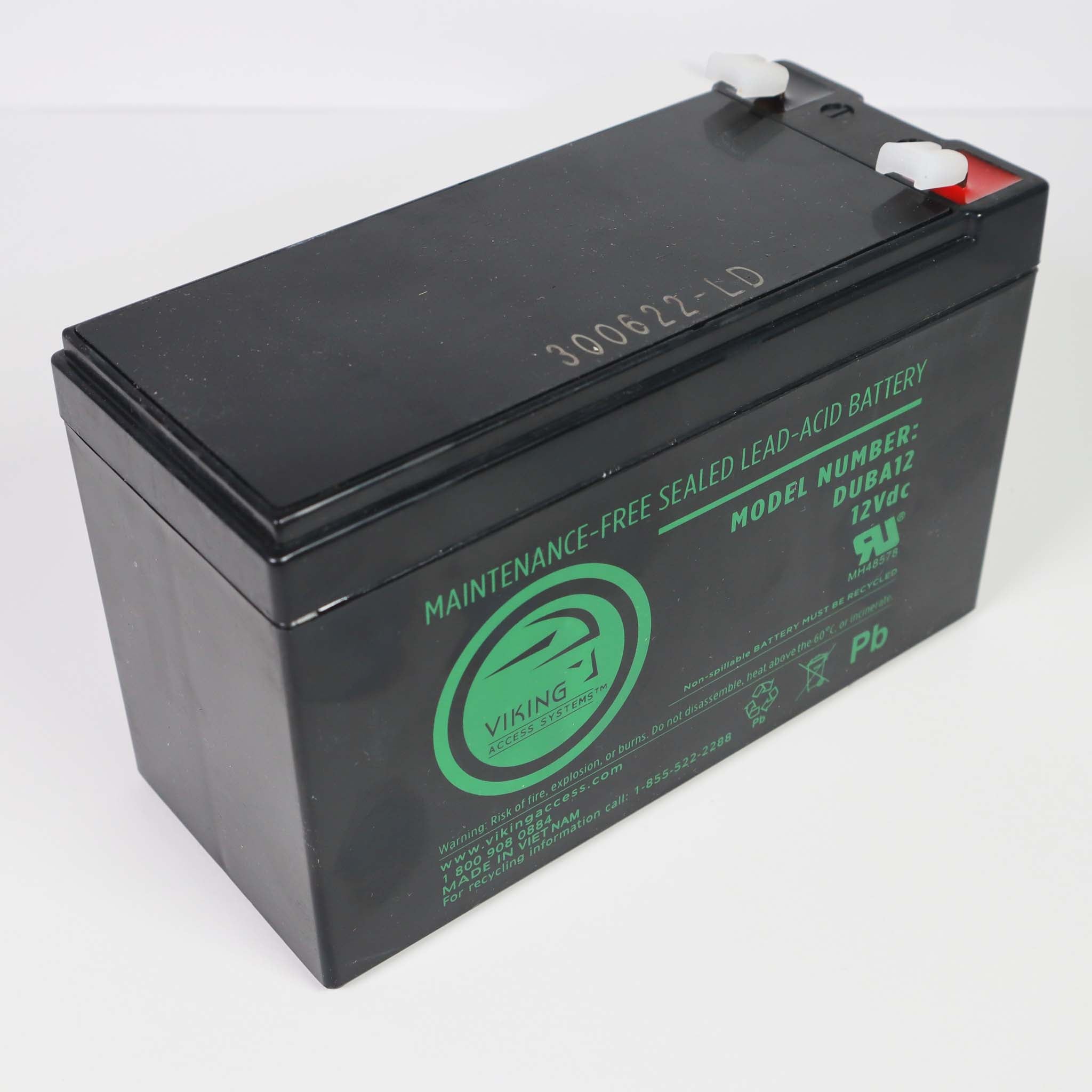
| Battery backup | Included; up to 800 cycles |
| Operating temperature | -20 to 160 °F |
| Status | Discontinued; replaced by the X-390 |
Manuals and documents
Installation Manual
-
X-9 Installation Manual, 2nd Generation
View PDF: X-9 Installation Manual, 2nd Generation (opens in a new tab) -
X-9 Manual, 1st Generation
View PDF: X-9 Manual, 1st Generation (opens in a new tab)
Parts List
-
X-9S Solar Installation Manual with Parts List
View PDF: X-9S Solar Installation Manual with Parts List (opens in a new tab) -
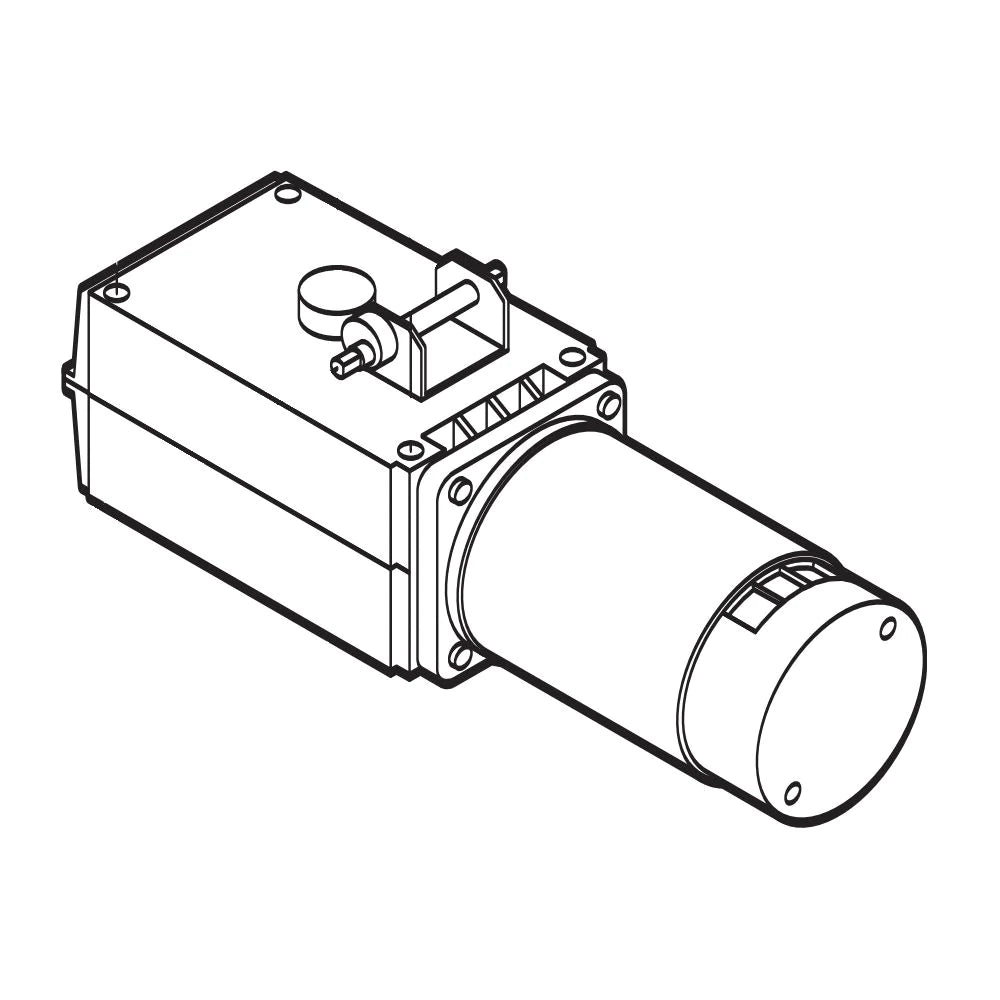
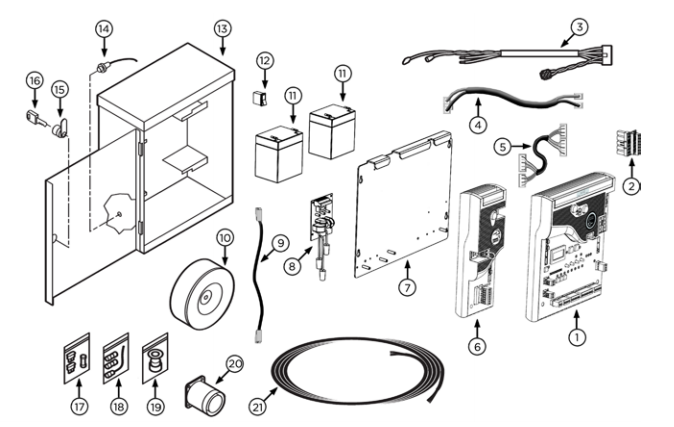
X-9 Parts Diagram
Download file: X-9 Parts Diagram (opens in a new tab)
Troubleshooting
Common questions
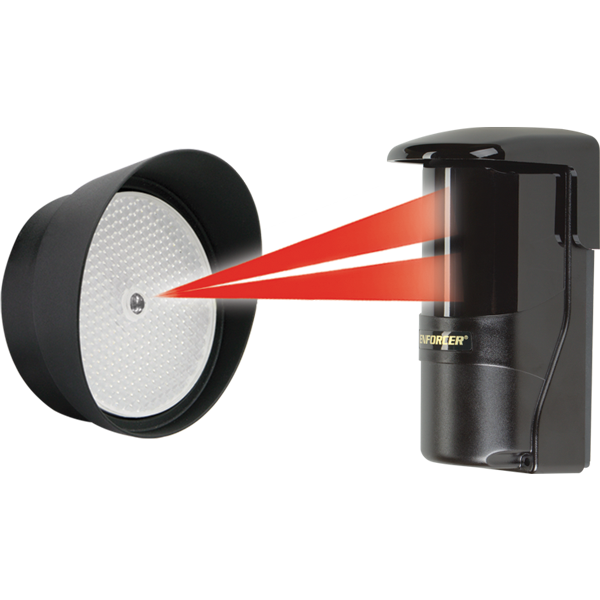
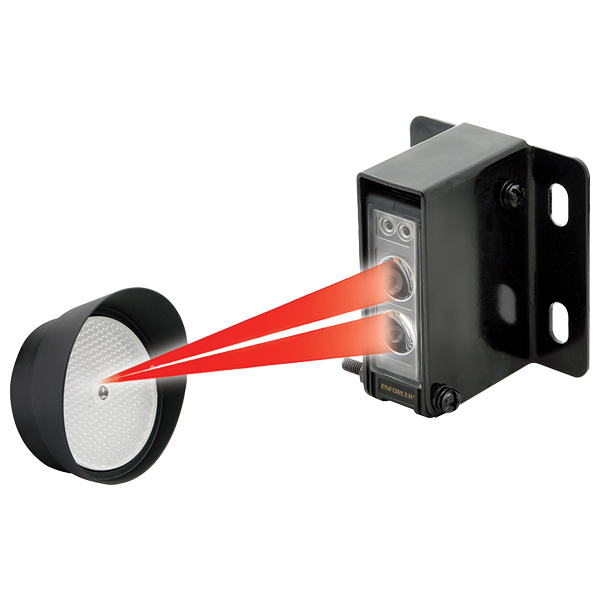
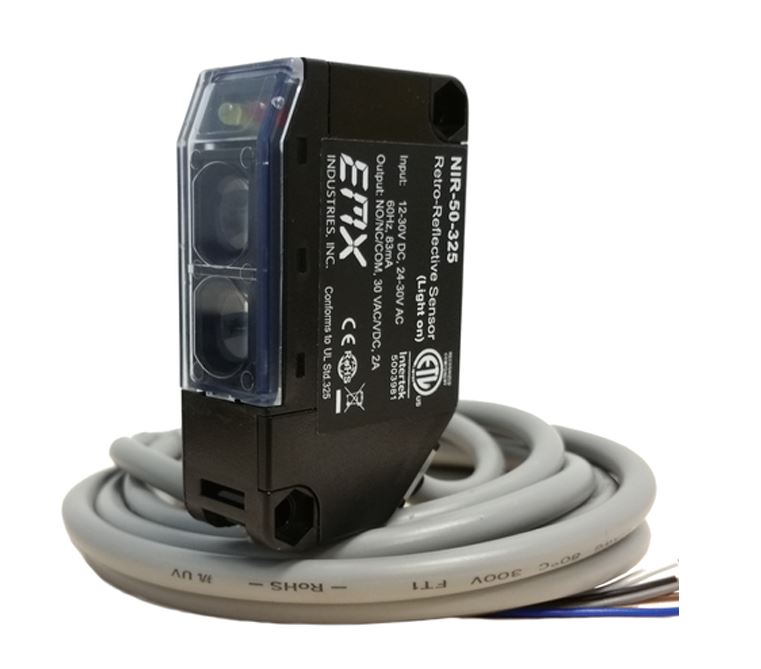
A swing gate needs at least one monitored 10K sensor on the UL or Re-Open input. If there is an entrapment zone in the open direction, a sensor must be on UL. Wire them, then run the UL LEARN process from the Diagnose button.
Viking replaced the X-9 with the X-390. For a dual gate, the X-390 Dual Leaf Kit (VA-X390DLK) is 24 VDC and handles each leaf up to 14 ft and 600 lb.
The X-9 uses mechanical limits. Move the gate to the open or close position and adjust the matching limit cam until the switch clicks.
The alarm sounds after a second obstruction in a row. Remove the obstruction and press the Alarm Reset button on the operator.