DoorKing 6050 Manuals & Support

Identify your model
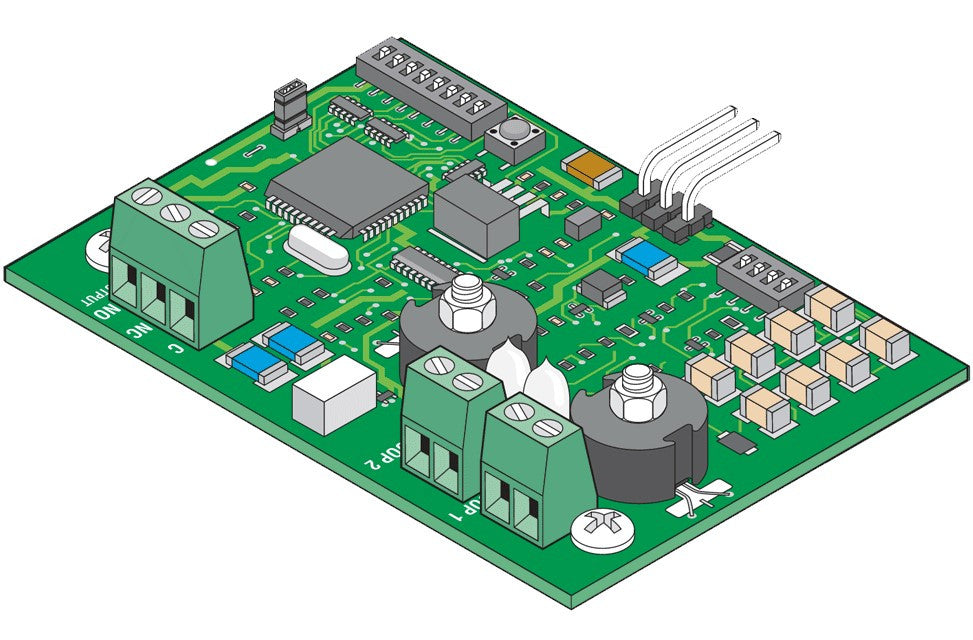
The 6050 and 6100 look alike. Check the label: the 6050 is Class I only with a 400 lb, 10 ft limit. Use the 6050/6100 manual for circuit board 4502-018 Rev A or higher.
For heavier or busier gates see the 6100.
Key specs
| Class | UL 325 Class I |
|---|---|
| Motor | 1/2 HP, 115 VAC, 4.3 A |
| Gate | Up to 10 ft and 400 lb |
| Cycles | 10 per hour |
| Speed | 90 degrees in 12 to 14 seconds |
| Board | 4502-018 |
Manuals and documents
Installation Manual
-
6050 and 6100 Swing Gate Operator Installation and Owner's Manual
View PDF: 6050 and 6100 Swing Gate Operator Installation and Owner's Manual (opens in a new tab) -
6050 Post Mount Kit Instructions
View PDF: 6050 Post Mount Kit Instructions (opens in a new tab) -
Supplemental Owner's Instructions for 1600, 6000 and 9000 Series Operators
View PDF: Supplemental Owner's Instructions for 1600, 6000 and 9000 Series Operators (opens in a new tab) -
Heater and Fan Kit Instructions, 115 VAC
View PDF: Heater and Fan Kit Instructions, 115 VAC (opens in a new tab) -
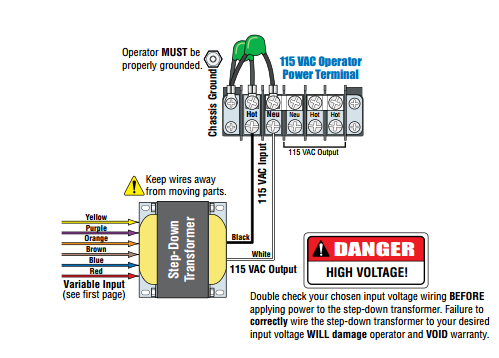
2600-266 High Voltage Kit Instructions
View PDF: 2600-266 High Voltage Kit Instructions (opens in a new tab)
Quick Start
-
6050 and 6100 Quick Start Guide
View PDF: 6050 and 6100 Quick Start Guide (opens in a new tab)
Troubleshooting
Common questions
They share the board and manual. The 6050 is Class I only, up to 10 ft and 400 lb at 10 cycles per hour. The 6100 handles 14 ft and 500 lb at 60 cycles per hour.
Current units use the 4502-018 board. Older units used the 4502-010 or 4502-012, which use the older manuals.
Yes. The operator will not run until at least one monitored photo eye or edge is connected in each entrapment area. They are not included.