DoorKing 9150 Manuals & Support

Identify your model
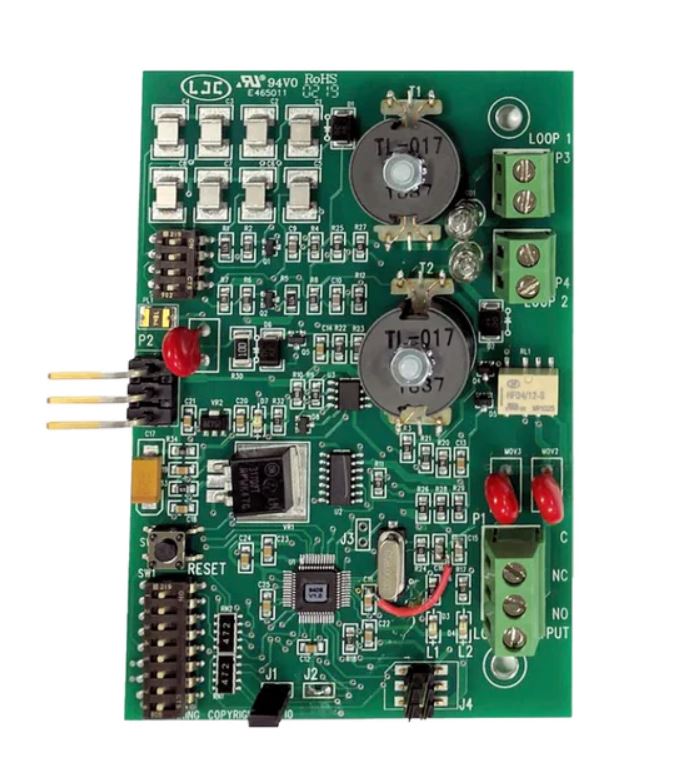
The model and serial number are on the label inside the cover. Use the manual that matches your circuit board. The current manual covers board 4602-010 Rev AA or higher. The 2014 edition covers earlier boards.
The 9150-380 and 9150-385 are 1 HP, 115 VAC units. 208, 230 and 460 VAC units use a step-down transformer to run at 115 VAC.
Key specs
| Max gate | 1/2 HP: 1,000 lb / 30 ft; 1 HP: 1,500 lb / 45 ft |
|---|---|
| Speed | About 1 ft per second |
| Duty | 60 cycles per hour |
| Power | 115, 208, 230 or 460 VAC (step-down to 115 VAC) |
| Drive | Cog belt to #40 chain, 20 ft included |
| Limits | Magnetic, self-setting |
| Entrapment | Inherent reverse (Type A) plus monitored B1 and B2 inputs |
| UL 325 usage class | Class I, II, III and IV |
| Release | Fail-safe standard, fail-secure optional |
Manuals and documents
Installation Manual
-
9150 Installation and Owner's Manual
View PDF: 9150 Installation and Owner's Manual (opens in a new tab) -
9150 Manual, 2014 Edition
View PDF: 9150 Manual, 2014 Edition (opens in a new tab) -
Chain and Gate Connection Accessory Kit
View PDF: Chain and Gate Connection Accessory Kit (opens in a new tab) -
1473-010 Circuit Board Manual (UL 325)
View PDF: 1473-010 Circuit Board Manual (UL 325) (opens in a new tab) -
Supplemental Owner's Instructions for 1600, 6000 and 9000 Series Operators
View PDF: Supplemental Owner's Instructions for 1600, 6000 and 9000 Series Operators (opens in a new tab)
Quick Start
-
9150 Quick Start Guide
View PDF: 9150 Quick Start Guide (opens in a new tab)
Parts List
-
9150-880 Parts Drawing (1 HP, 115 VAC)
View PDF: 9150-880 Parts Drawing (1 HP, 115 VAC) (opens in a new tab) -
9150-881 Parts Drawing
View PDF: 9150-881 Parts Drawing (opens in a new tab) -
9150-084 Parts Breakdown
View PDF: 9150-084 Parts Breakdown (opens in a new tab)
Spec Sheet
-
9150 Spec Sheet
View PDF: 9150 Spec Sheet (opens in a new tab)
Troubleshooting
Common questions
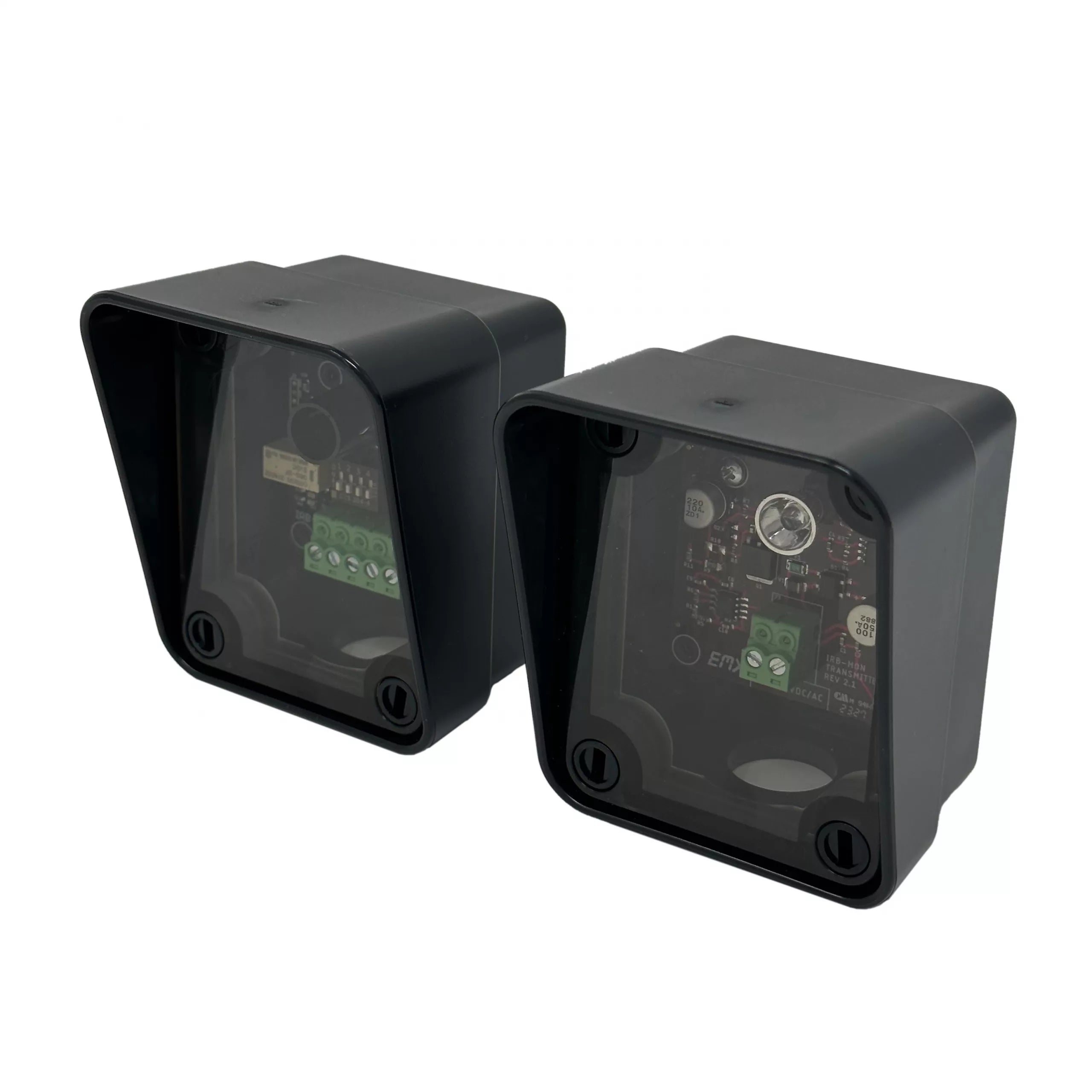
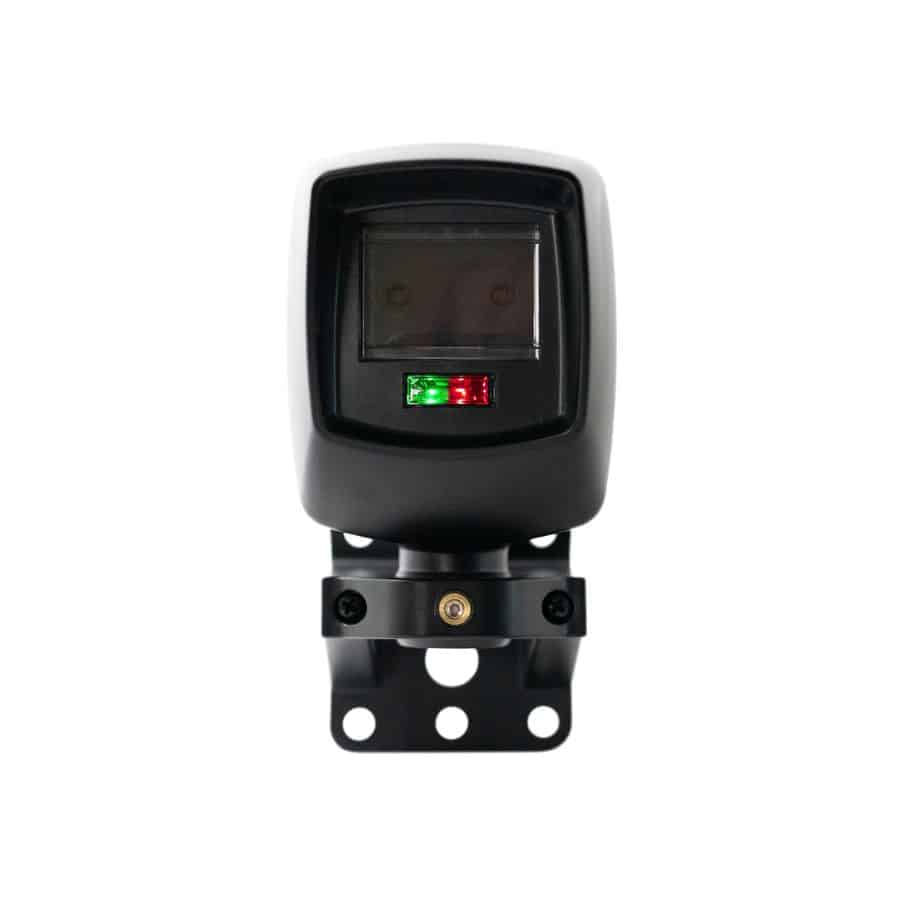
It will not run without at least one monitored Type B1 photo eye or Type B2 edge. Connect the device and turn on its UL 325 DIP switch input, then cycle power.
The limits are magnetic and set themselves. After power up, the first open command runs the gate through its cycles to find and remember the open and close positions.
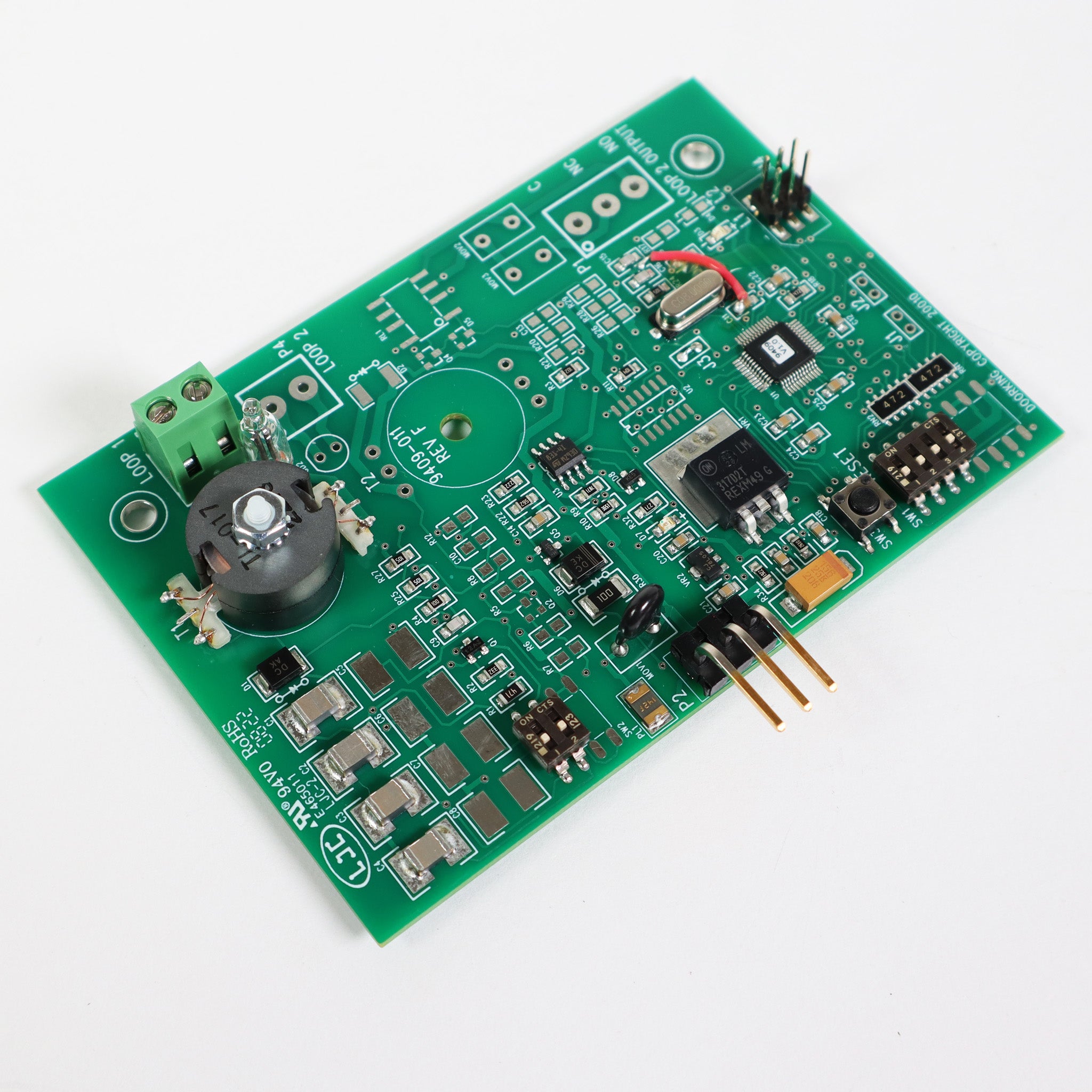
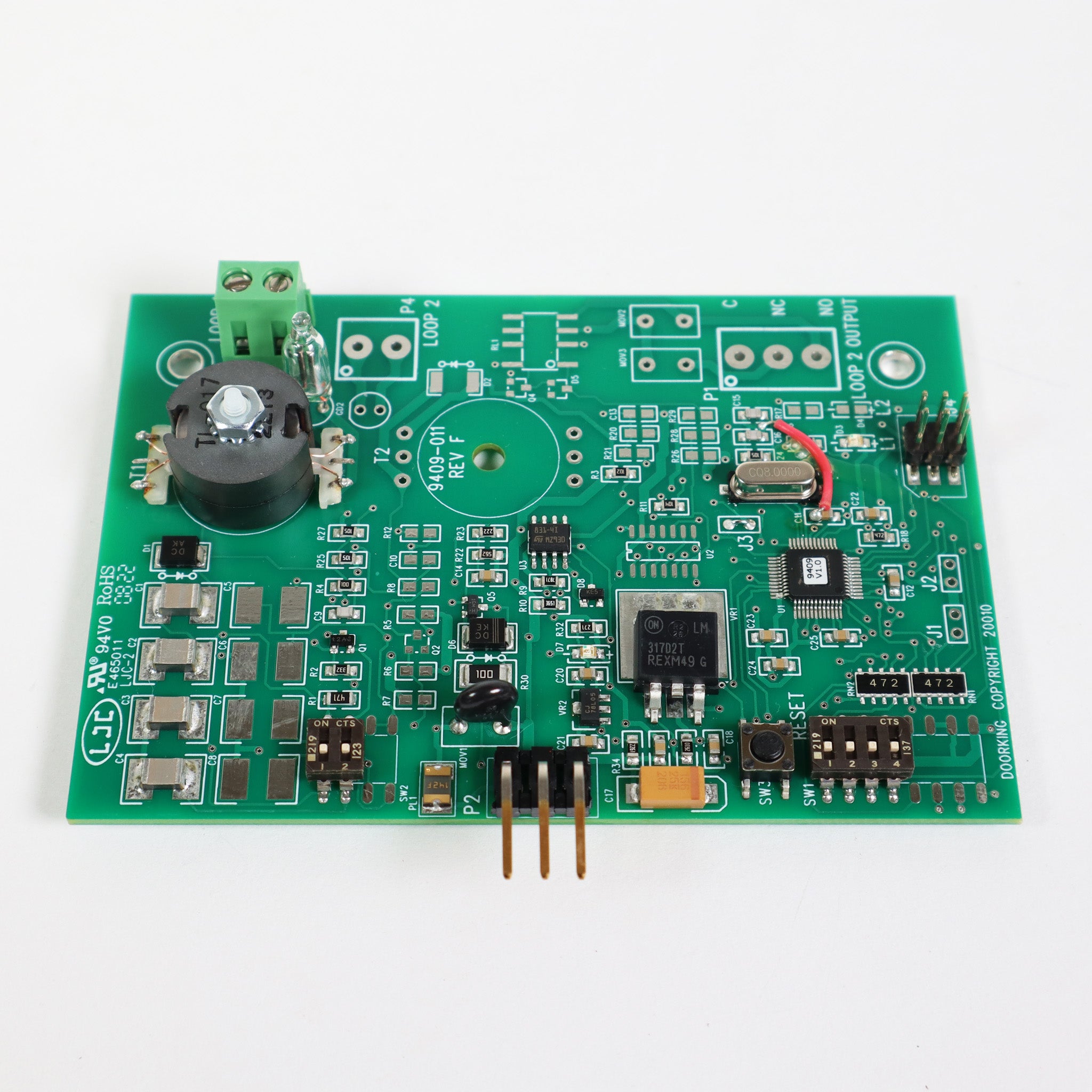
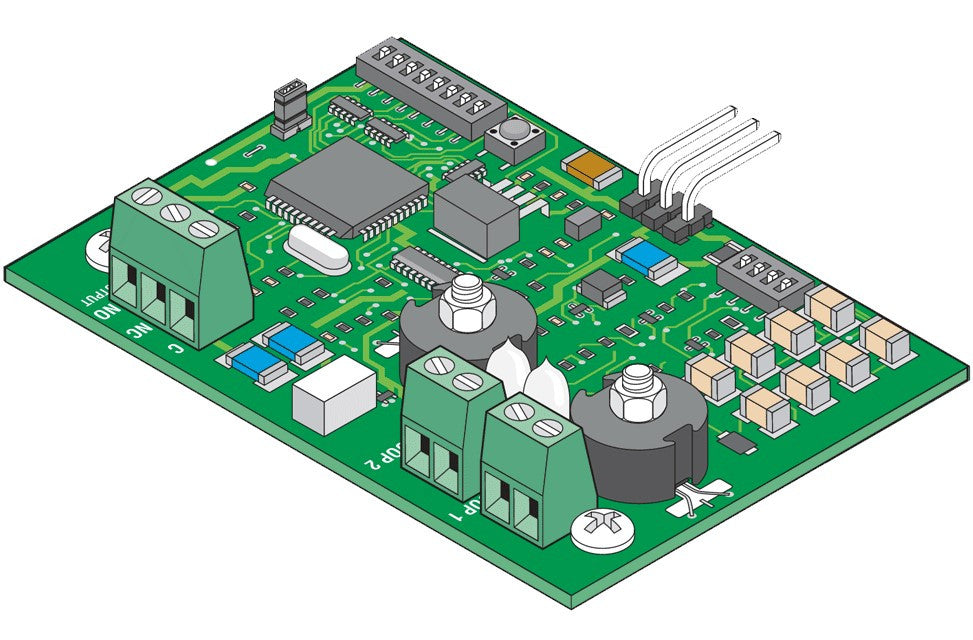
The board has ports for DoorKing plug-in loop detectors, such as the 9410 single channel and 9409 dual channel.
A sounding alarm means a hard shutdown after an obstruction. Clear the obstruction and press the reset button on the operator.
Replacement parts
Parts diagram: DoorKing 9150 Parts Diagram and Replacement Parts