HySecurity SlideSmart DC Manuals & Support

Identify your model
The model is on the operator label: DC10F, DCS10F, DC15 or DCS15. DCS models are solar powered and rated for Class I and II sites. The AC models are UL 325 Class III and IV.
The SlideSmart HD is a different, heavier operator. See the SlideSmart HD support page.
Key specs
| Models | DC10F, DCS10F, DC15, DCS15 |
|---|---|
| Max gate | 1,500 lb (DC 15); 1,000 lb (DC 10F); up to 40 ft |
| Gate speed | DC 10F open and close set at 1.75, 2 or 2.25 ft/s |
| Drive | Electromechanical, #40 chain (30 ft included) |
| Battery backup | Two 8 Ah batteries; up to 4,000 ft of travel after AC loss |
| Power | 115 VAC or 208/230 VAC; DCS models run on solar |
| Controller | Smart DC with 70+ settings and event log |
| UL 325 usage class | Class III and IV (AC); DCS for Class I and II |
| Operating temperature | -13 to 158 °F |
Manuals and documents
Installation Manual
-
SlideSmart DC Installation and Programming Manual
View PDF: SlideSmart DC Installation and Programming Manual (opens in a new tab) -
HyNet Attachment Kit Installation (SlideSmart DC, SwingSmart DC)
View PDF: HyNet Attachment Kit Installation (SlideSmart DC, SwingSmart DC) (opens in a new tab) -
Smart DC Remote Power Supply (MX3431)
View PDF: Smart DC Remote Power Supply (MX3431) (opens in a new tab)
Quick Start
-
SlideSmart DC Quick Start Guide
View PDF: SlideSmart DC Quick Start Guide (opens in a new tab)
Parts List
-
SlideSmart DC Part Diagrams (10F, 15)
View PDF: SlideSmart DC Part Diagrams (10F, 15) (opens in a new tab)
Spec Sheet
-
SlideSmart DC Spec Sheet
View PDF: SlideSmart DC Spec Sheet (opens in a new tab)
Troubleshooting
Common questions
An alert clears with a new Open or Close command. A fault clears with the Stop or Reset button. An error clears only with the Reset button or by cycling power.
The AC models use two 8 Ah batteries (HySecurity MX002008 replacement kit). They give up to 4,000 ft of gate travel after an AC power loss.
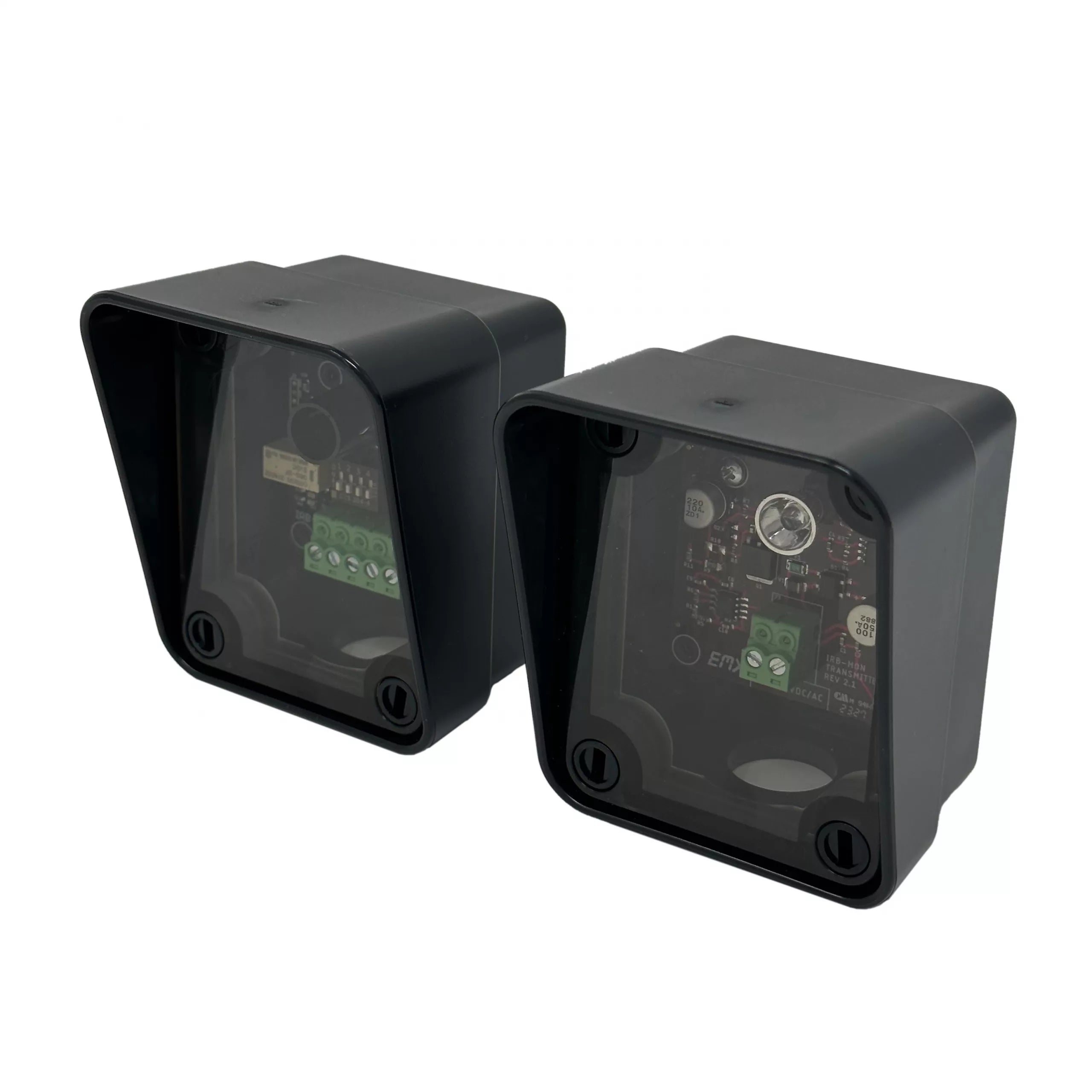
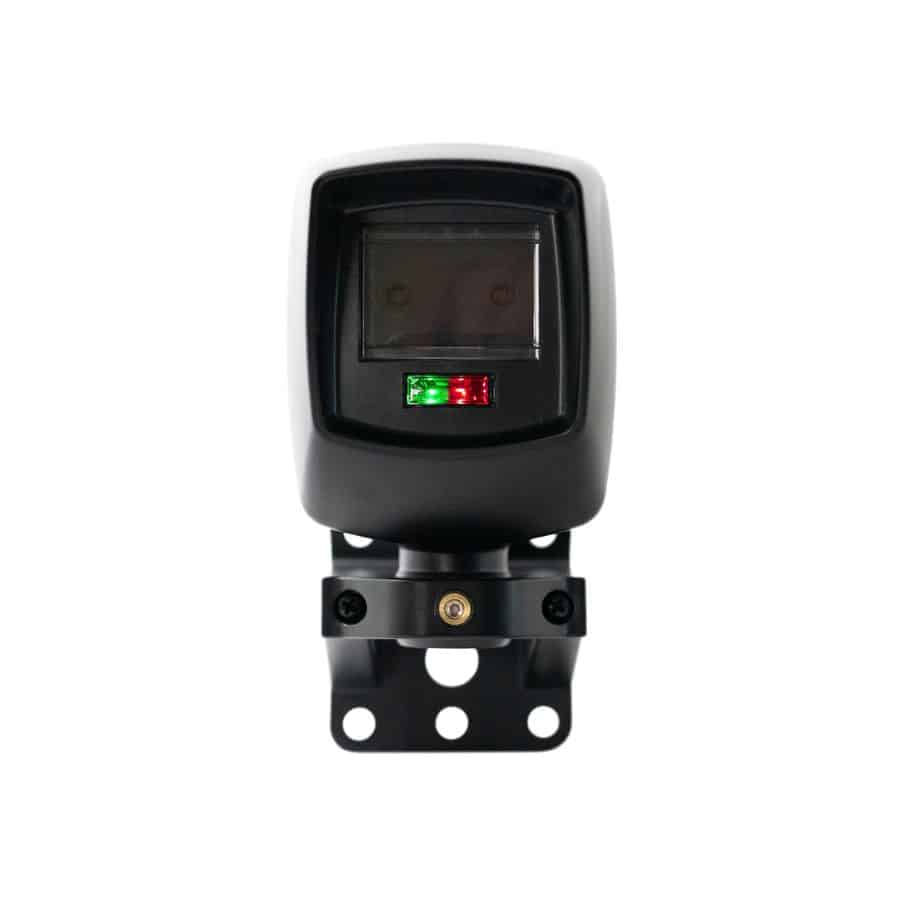
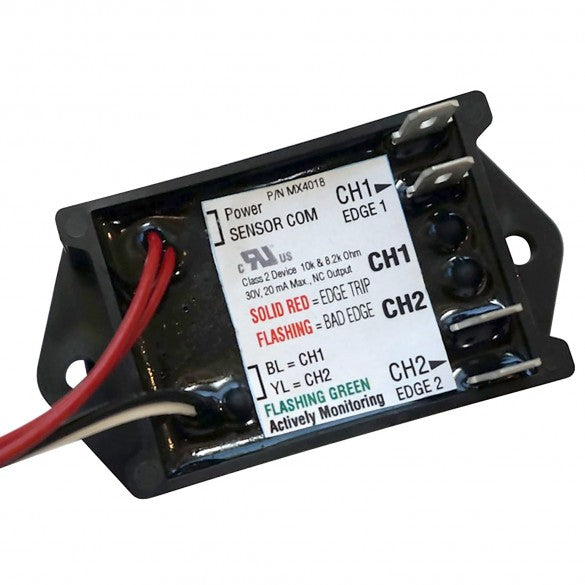
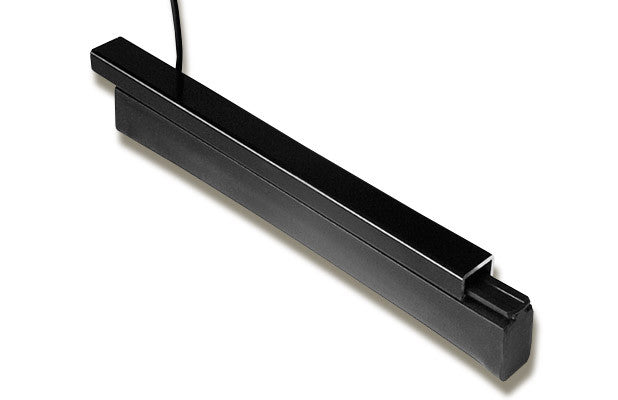
Operators built to UL 325-2016 need monitored entrapment sensors wired to the SENSOR inputs and set in the installer menu before the gate will close automatically. Check for a tripped photo eye or edge and any active open or loop input.
Software h5.52 and later keeps an event log in the User Menu with the date and time of each alert, fault and error. Older software needs a laptop with the free S.T.A.R.T. software.
The AC models are rated UL 325 Class III and IV. For Class I and II sites or solar power, use the SlideSmart DCS 15 or DCS 10F.