DoorKing 1812 Access Plus Manuals & Support

Identify your model
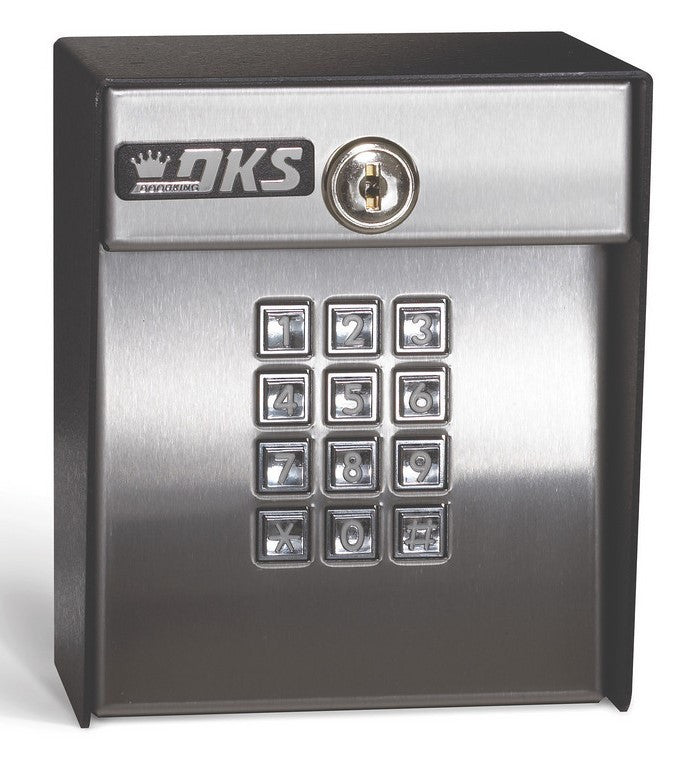
The 1812 Access Plus has an RJ-45 network jack and an RS-485 connector on the 1970-010 control board. Use the manual for board 1970-010 Rev U or higher. It comes in surface, curved surface, wall and flush mount cabinets.
The 1812 Plus has no network port, and the 1812 Classic runs on 24 VAC.
Key specs
| Power | 16.5 VAC, 20 VA transformer (DoorKing 1801-008); do not use 24 VAC |
|---|---|
| Phone line | Uses the existing home line, no second line needed |
| Relays | 2 (main gate and pedestrian gate) |
| Access codes | 100 card, transmitter or keypad codes (50 with phone numbers) |
| Expansion | Up to 6 RS-485 card readers, keypads or receivers |
| Programming | Keypad, touch-tone phone, PC over LAN/WAN or modem |
| Event log | 500 events |
| Board | 1970-010 Rev U or higher |
| Backup | 12 VDC battery terminals |
Manuals and documents
Installation Manual
-
1812 Access Plus Installation and Owner's Manual
View PDF: 1812 Access Plus Installation and Owner's Manual (opens in a new tab)
Programming Guide
-
Access Plus LAN Guidelines
View PDF: Access Plus LAN Guidelines (opens in a new tab)
Quick Start
-
1812 Access Plus Quick Start Installation Guide
View PDF: 1812 Access Plus Quick Start Installation Guide (opens in a new tab)
Wiring Diagram
-
1802, 1803, 1808, 1810 and 1812 Classic/Plus Connection Guide
View PDF: 1802, 1803, 1808, 1810 and 1812 Classic/Plus Connection Guide (opens in a new tab)
Troubleshooting
Common questions
No. It connects to the home phone line. Calls from the gate ring with a distinctive ring, and the resident presses 9 to open the gate.
All phone wires pass through the by-pass board. If the 1812 needs service, the homeowner flips the switch to BY-PASS and the phone line goes straight to the house.
Yes. The Access Plus connects up to six RS-485 card readers, keypads or RF receivers, such as the DoorKing 1815 readers, 1513 keypads and 8053 MicroPLUS receiver.
Mount any keypad or entry system at least 6 ft from a gate or gate operator, or where the user cannot reach the gate while using it.