HySecurity SlideDriver II Manuals & Support

Identify your model
The model is on the operator label. SlideDriver II models start with SD, for example SD40. Units with a C in the model are Corrections versions with the SmartTouch 720 controller, which has Bluetooth and Ethernet turned off.
| Model | Max gate | Speed | Replaces |
|---|---|---|---|
| SD15 | 1,500 lb | 1 ft/s | 222 SS ST |
| SD40 | 4,000 lb | 1 ft/s | 222 E ST |
| SD50F | 5,000 lb | 2.2 or 3 ft/s | 222 X3 ST |
| SD80V | 8,000 lb | 0.75 or 1 ft/s | 222 X1 ST |
| SD200V | 20,000 lb | 0.75 or 1 ft/s | 444 XS ST |
If your operator has a Smart Touch controller with a keypad and a 222 or 444 part number, it is a first-generation SlideDriver. See the SlideDriver 222 support page.
Key specs
| Models | SD15, SD40, SD50F, SD80V, SD200V |
|---|---|
| Drive | Hydraulic, AdvanceDrive wheels on a drive rail; XtremeDrive on SD80V and SD200V |
| Max gate weight | 1,500 lb to 20,000 lb by model |
| Gate length | Limited only by weight |
| Gate speed | 1 ft/s (SD15, SD40); 2.2 or 3 ft/s (SD50F); 0.75 or 1 ft/s (SD80V, SD200V) |
| Motor | 1 hp (SD15, SD40); 2 hp with VFD (SD50F, SD80V); 5 hp with VFD (SD200V) |
| Power | 115/208-230 VAC 1-phase or 208-230/460 VAC 3-phase, by model; SD200V is 3-phase only |
| Controller | SmartTouch 725 (SmartTouch 720 on Corrections models) |
| Setup | OLED display or Bluetooth with the HySecurity Installer App |
| UL 325 usage class | Class I, II, III and IV |
| Operating temperature | -40 to 158 °F with no heater |
Manuals and documents
Installation Manual
-
SlideDriver II Installation and Programming Manual
View PDF: SlideDriver II Installation and Programming Manual (opens in a new tab) -
SlideDriver II XtremeDrive Installation
View PDF: SlideDriver II XtremeDrive Installation (opens in a new tab) -
SlideDriver II Heater Installation
View PDF: SlideDriver II Heater Installation (opens in a new tab) -
SlideDriver II Internal Solenoid Lock Installation
View PDF: SlideDriver II Internal Solenoid Lock Installation (opens in a new tab) -
SlideDriver II Fire and Emergency Access Lock Box
View PDF: SlideDriver II Fire and Emergency Access Lock Box (opens in a new tab) -
SlideDriver II Snow Brush and Scraper Installation
View PDF: SlideDriver II Snow Brush and Scraper Installation (opens in a new tab) -
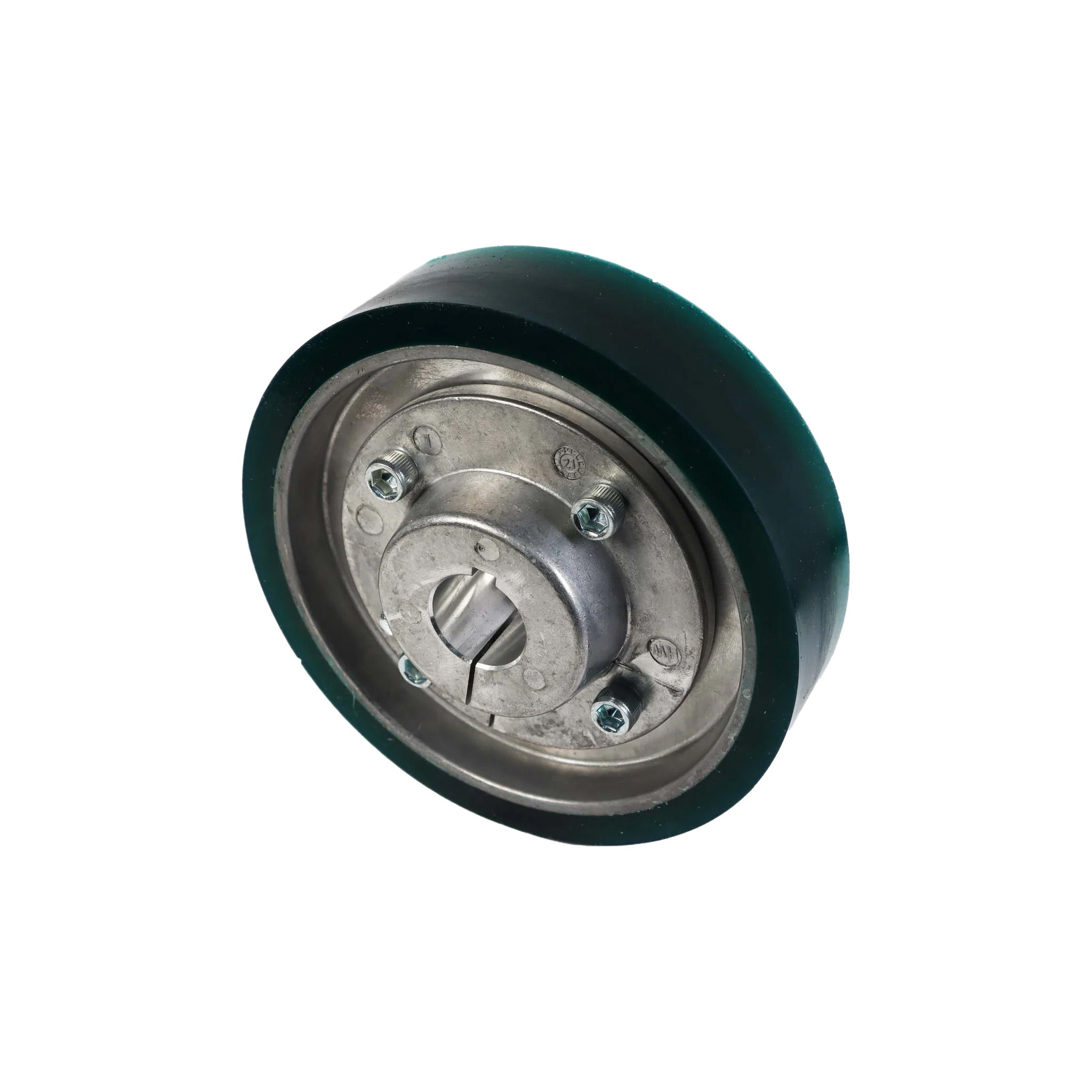
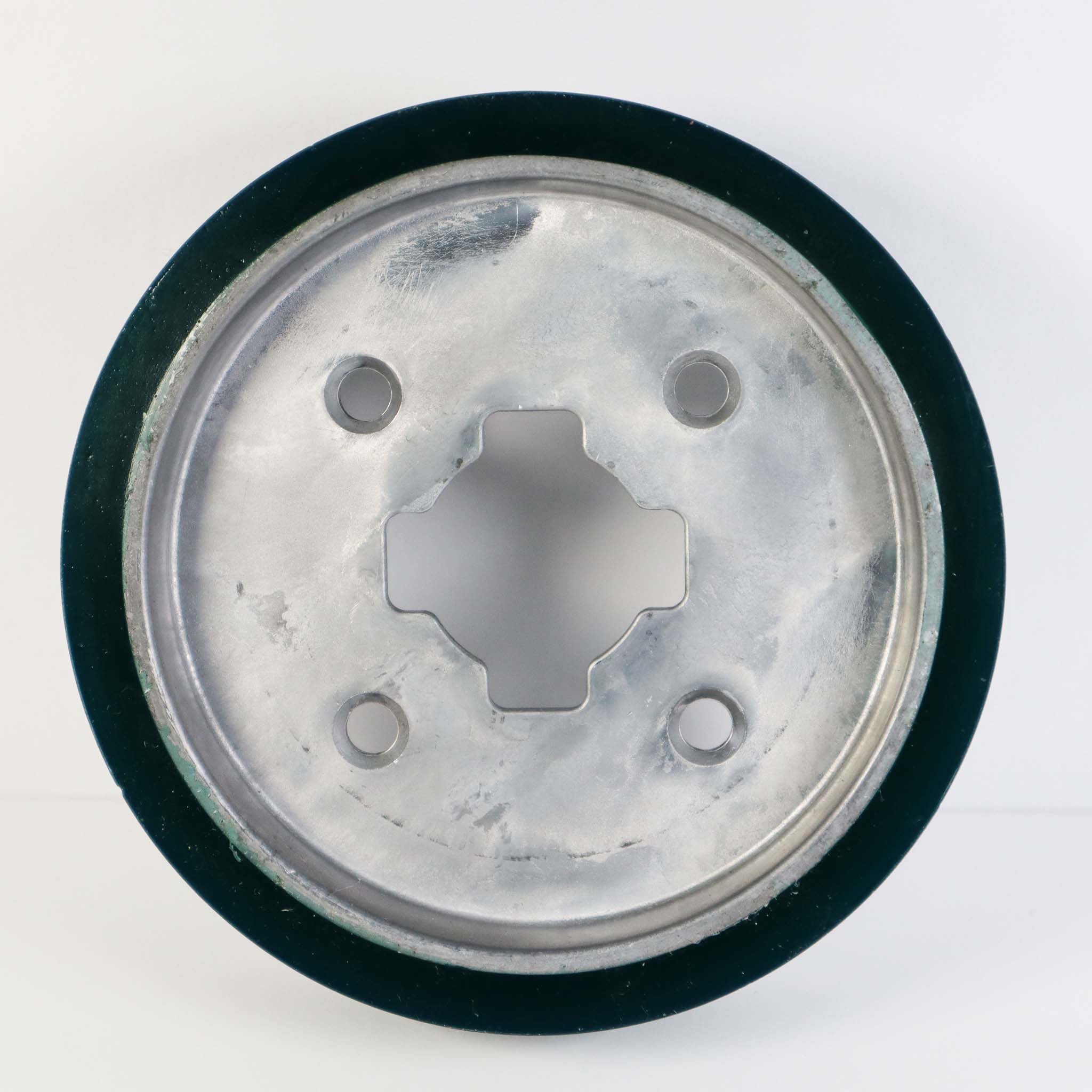
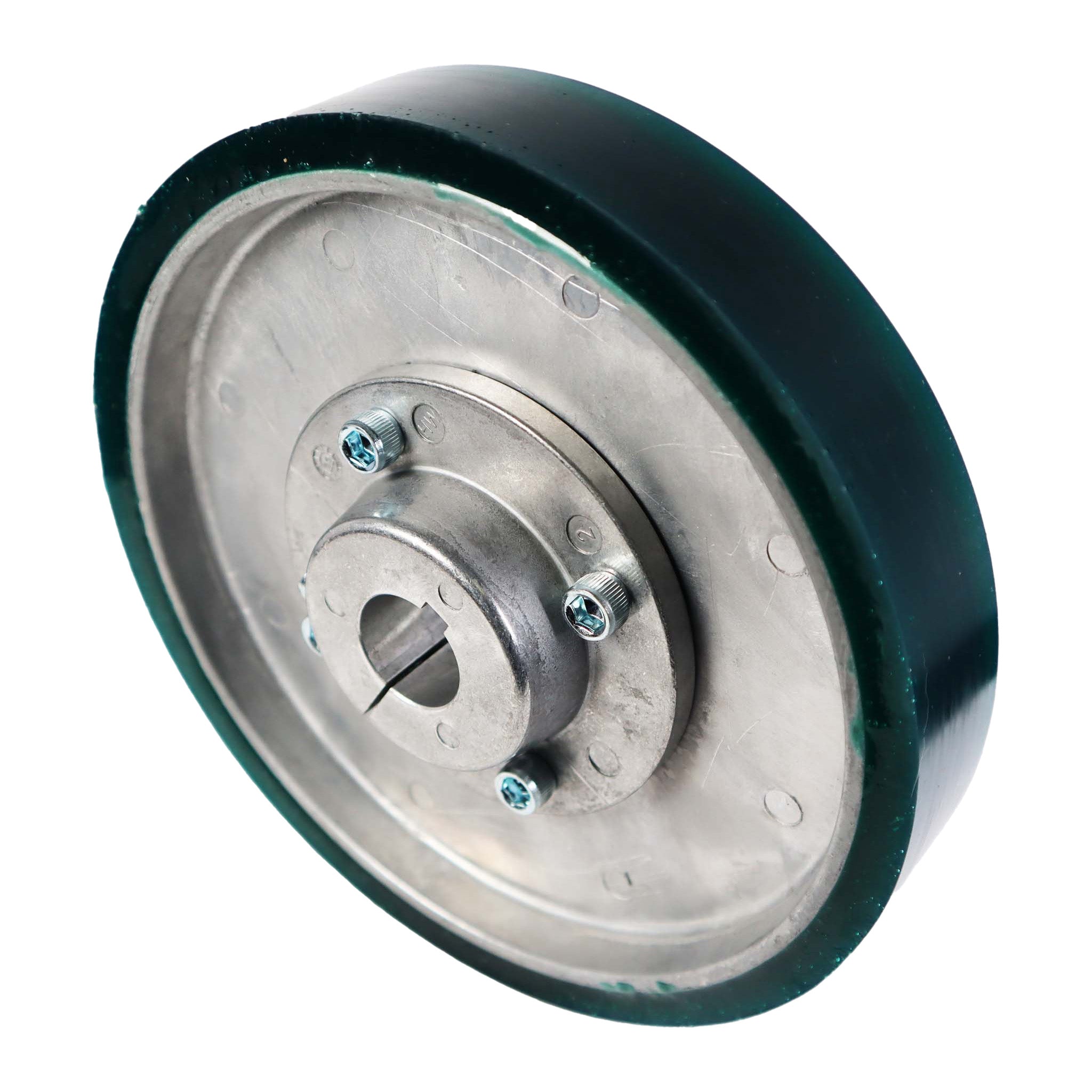
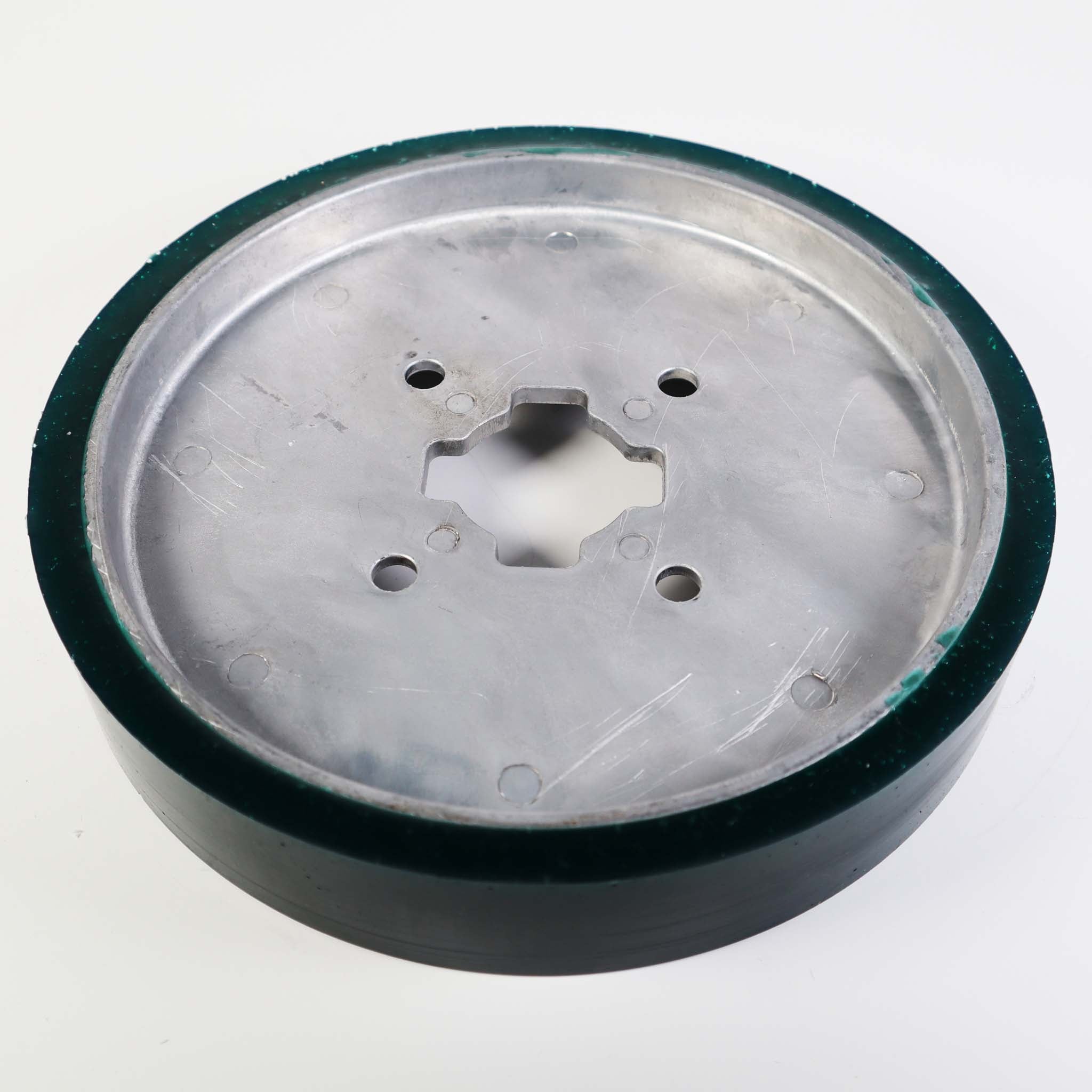
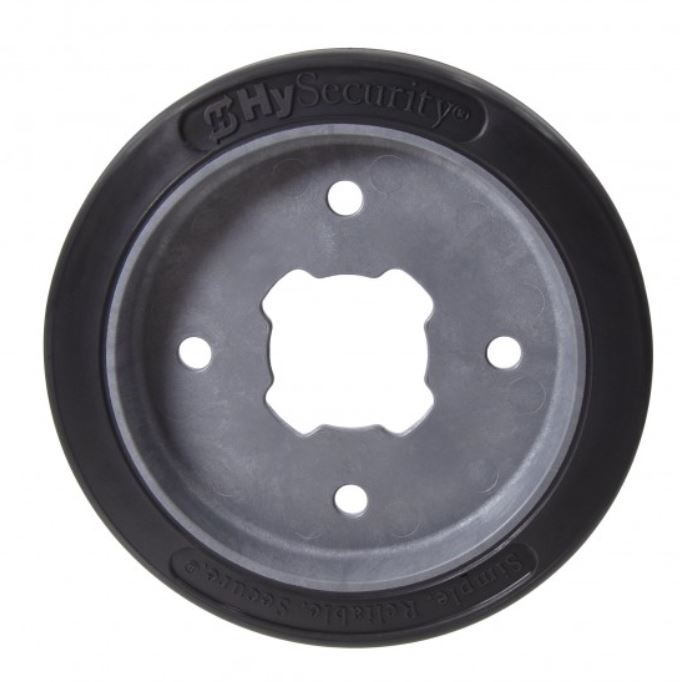
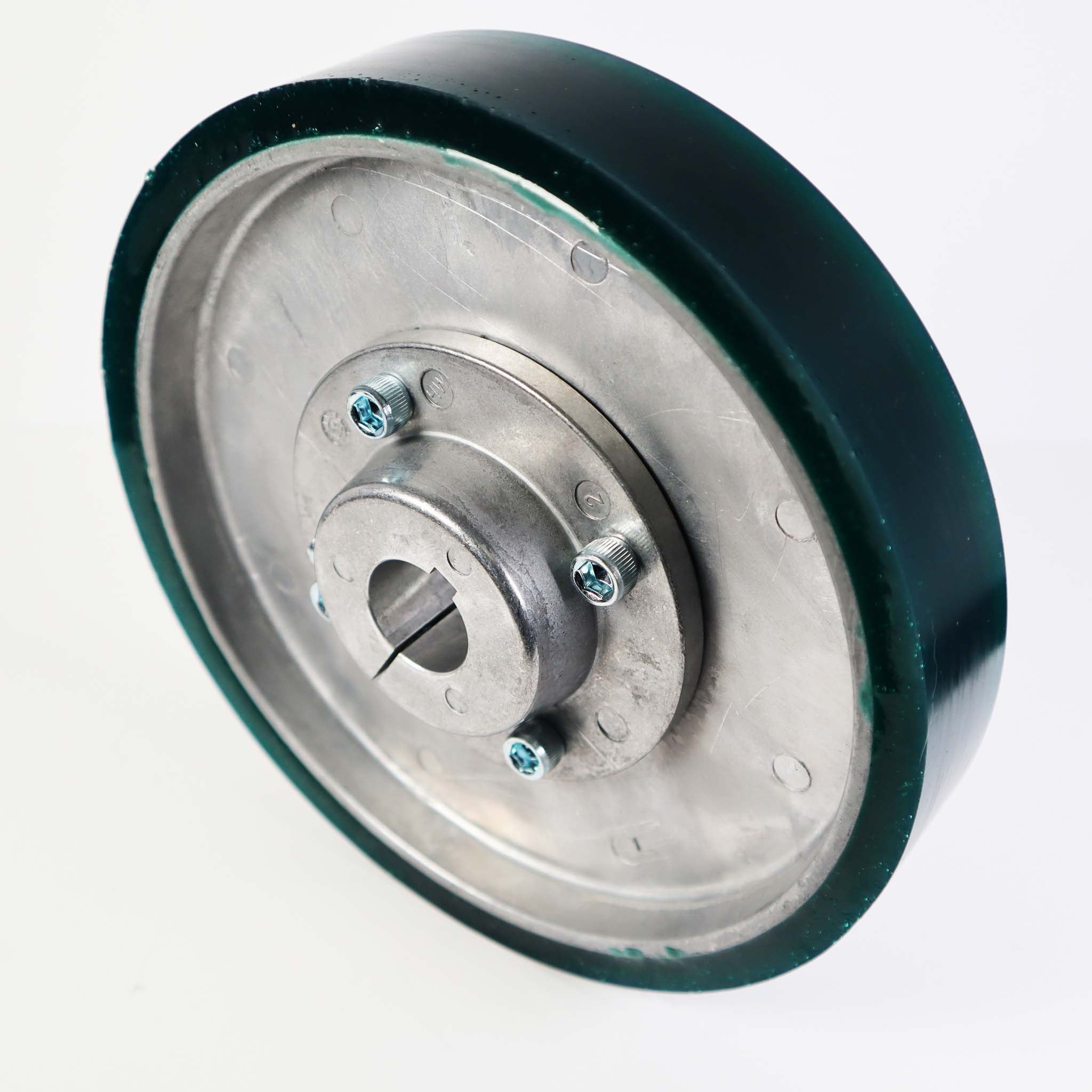
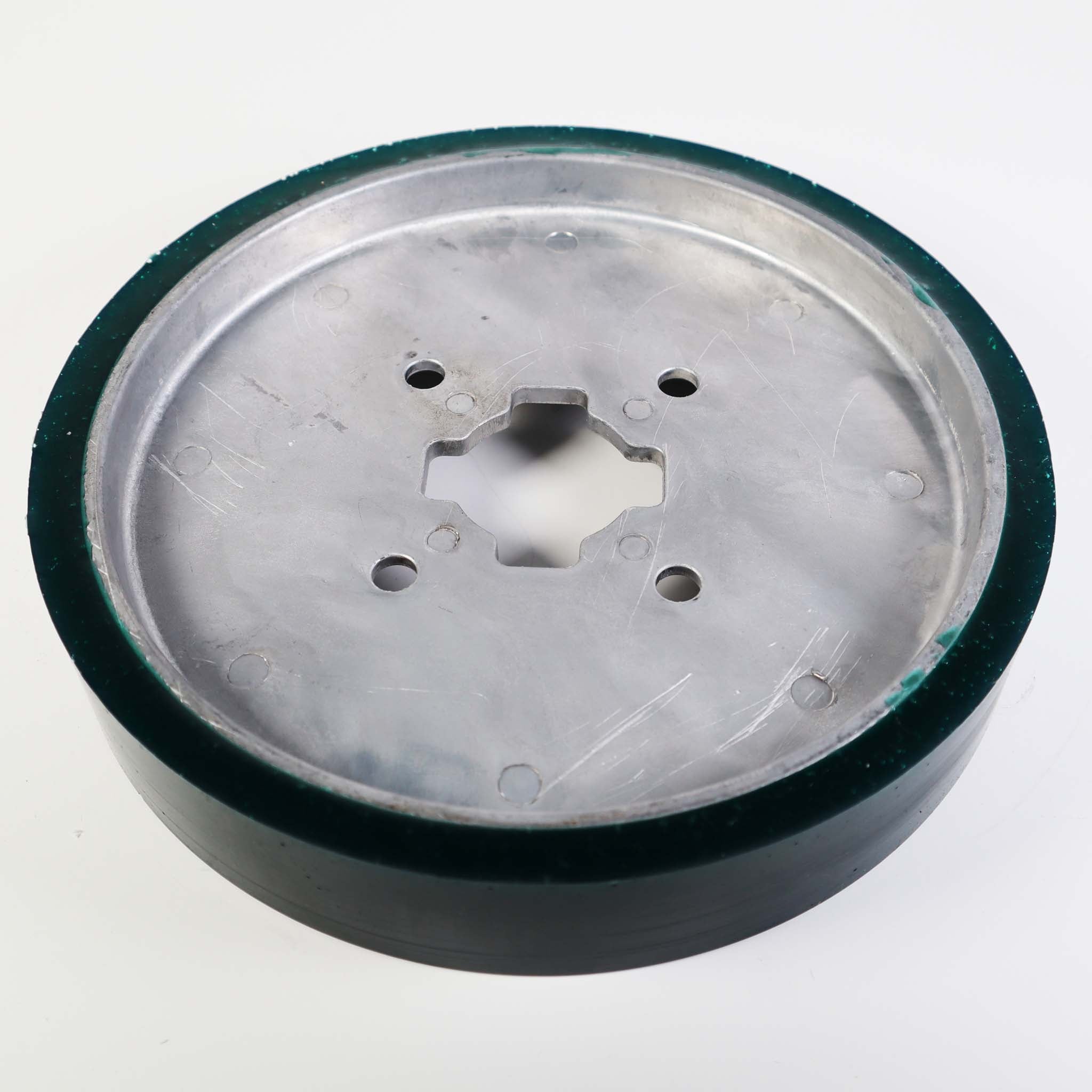
AdvanceDrive Collared Wheel Replacement (MX002707, MX3132)
View PDF: AdvanceDrive Collared Wheel Replacement (MX002707, MX3132) (opens in a new tab) -
AdvanceDrive Wheel Replacement, 6 and 8 inch (MX001827, MX002064)
View PDF: AdvanceDrive Wheel Replacement, 6 and 8 inch (MX001827, MX002064) (opens in a new tab)
Owner's Manual
-
SlideDriver II User Guide
View PDF: SlideDriver II User Guide (opens in a new tab)
Quick Start
-
SlideDriver II Quick Start Guide
View PDF: SlideDriver II Quick Start Guide (opens in a new tab) -
UL 325-2016 Monitored Sensors Quick Start
View PDF: UL 325-2016 Monitored Sensors Quick Start (opens in a new tab)
Parts List
-
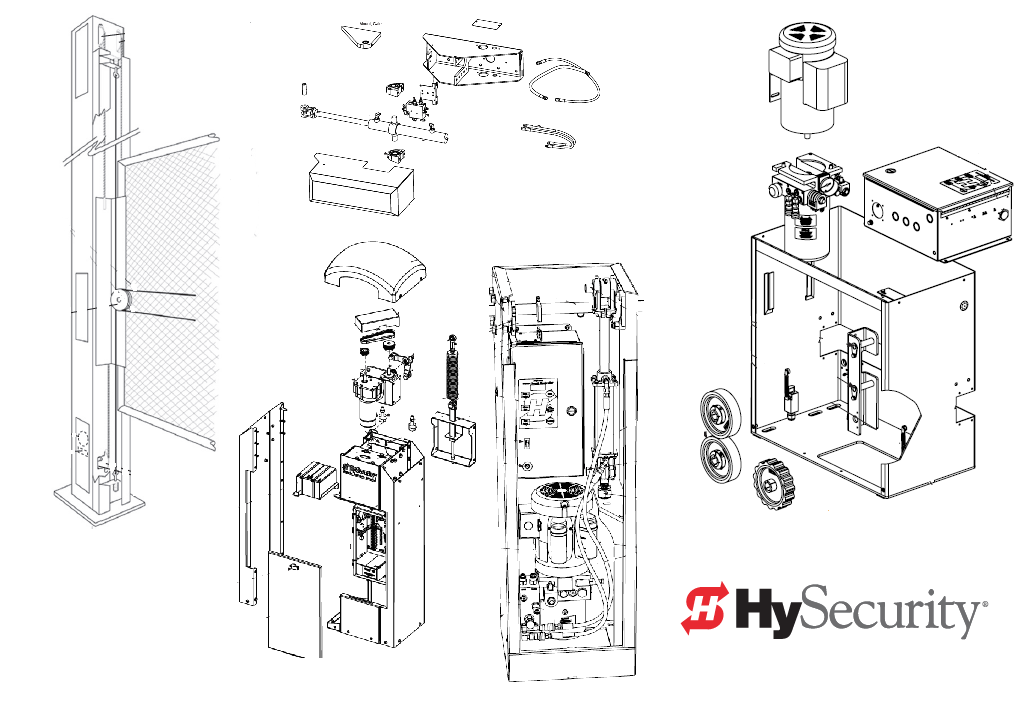
SlideDriver II Part Diagrams
View PDF: SlideDriver II Part Diagrams (opens in a new tab)
Spec Sheet
-
SlideDriver II SD15 Spec Sheet
View PDF: SlideDriver II SD15 Spec Sheet (opens in a new tab) -
SlideDriver II SD40 Spec Sheet
View PDF: SlideDriver II SD40 Spec Sheet (opens in a new tab) -
SlideDriver II SD50F Spec Sheet
View PDF: SlideDriver II SD50F Spec Sheet (opens in a new tab) -
SlideDriver II SD80V Spec Sheet
View PDF: SlideDriver II SD80V Spec Sheet (opens in a new tab) -
SlideDriver II SD200V Spec Sheet
View PDF: SlideDriver II SD200V Spec Sheet (opens in a new tab) -
SmartTouch 720/725 Controller Spec Sheet
View PDF: SmartTouch 720/725 Controller Spec Sheet (opens in a new tab) -
UL 325-2016 Approved Sensors Cut Sheet
View PDF: UL 325-2016 Approved Sensors Cut Sheet (opens in a new tab)
Brochure
-
SlideDriver II Brochure
View PDF: SlideDriver II Brochure (opens in a new tab)
Service Bulletin
-
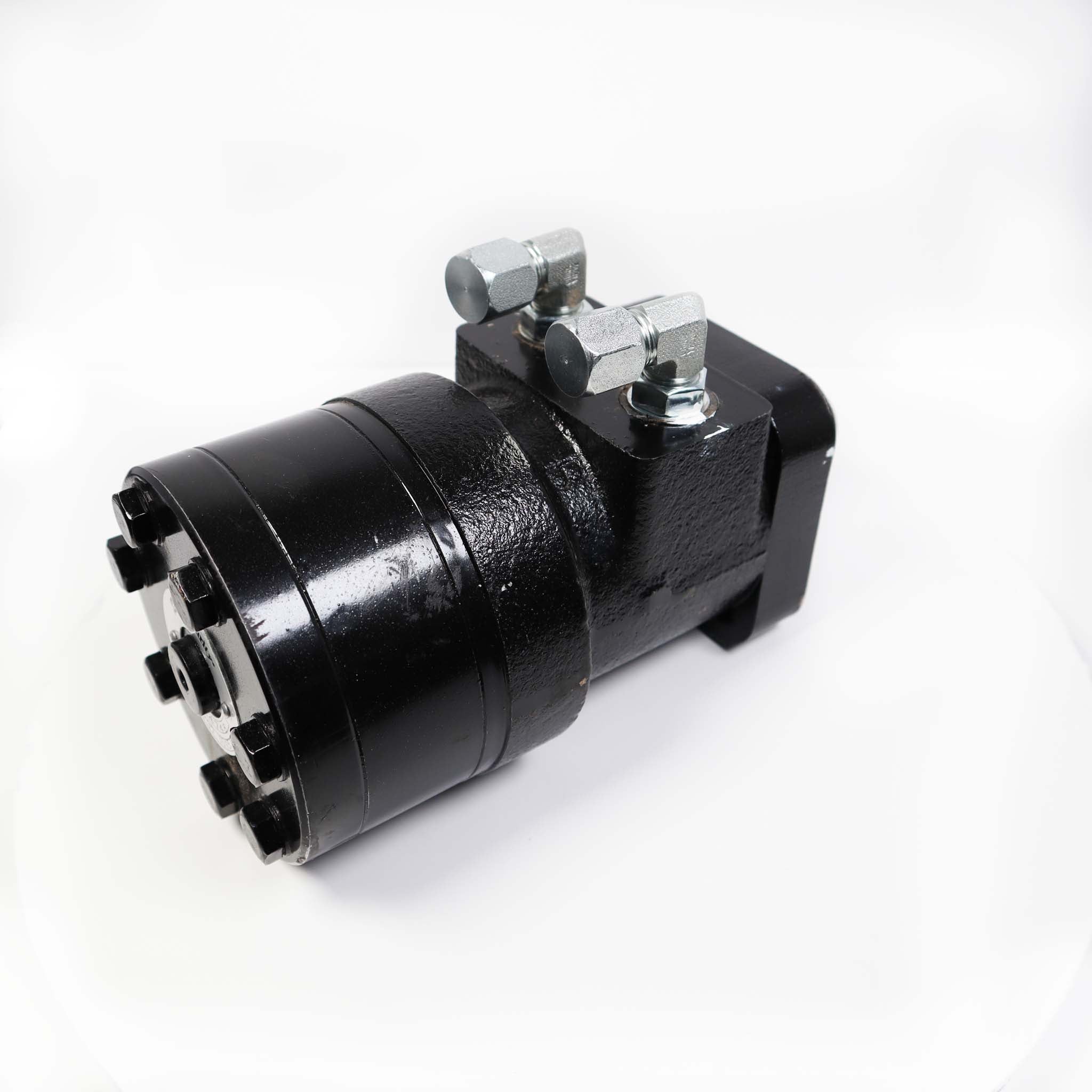
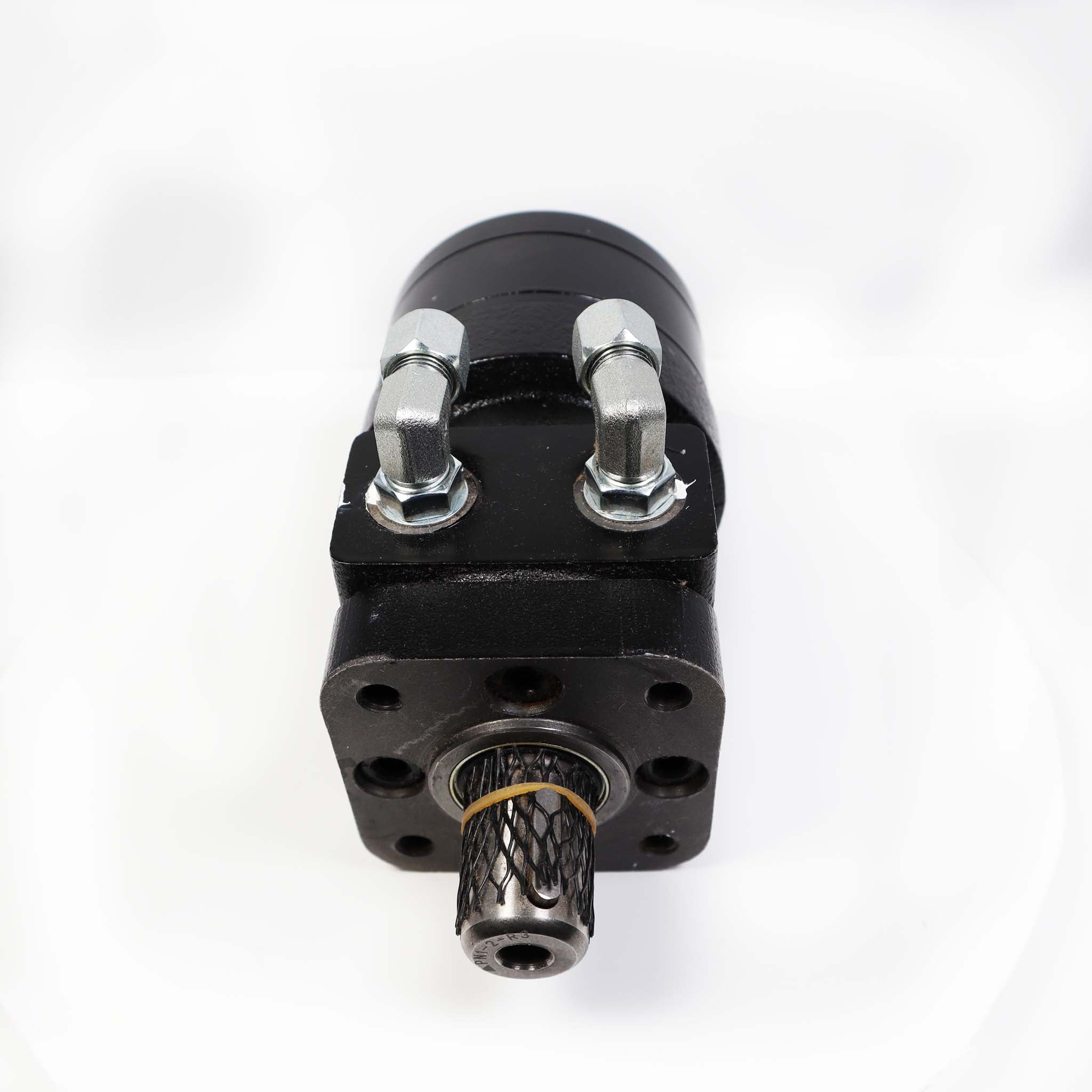
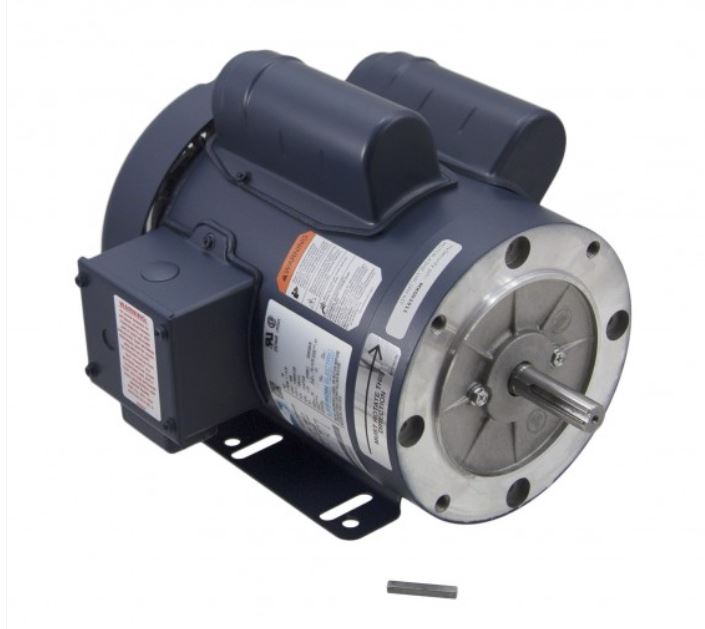
Technical Bulletin: New Hydraulic Motors
View PDF: Technical Bulletin: New Hydraulic Motors (opens in a new tab) -
Technical Bulletin: HySecurity Hydraulic Products
View PDF: Technical Bulletin: HySecurity Hydraulic Products (opens in a new tab)
Other documents
-
Important Safety Instructions
View PDF: Important Safety Instructions (opens in a new tab)
Troubleshooting
Common questions
222 SS ST goes to the SD15, 222 E ST to the SD40, 222 X3 ST to the SD50F, 222 X1 ST to the SD80V, 444 XS ST to the SD200V and 222 CE ST to the SD40 Corrections. For a 222 EX 1.7 ST (30F), the SD50F is the main replacement for fast speed.
Use the OLED display and buttons on the SmartTouch 725, or connect by Bluetooth with the HySecurity Installer App. Corrections models with the SmartTouch 720 have Bluetooth turned off.
Order the 2 hp DC version with the DC Power Supply DCPS-60, or add the 230 VAC AC Power Supply with HyInverter AC. Both are separate items.
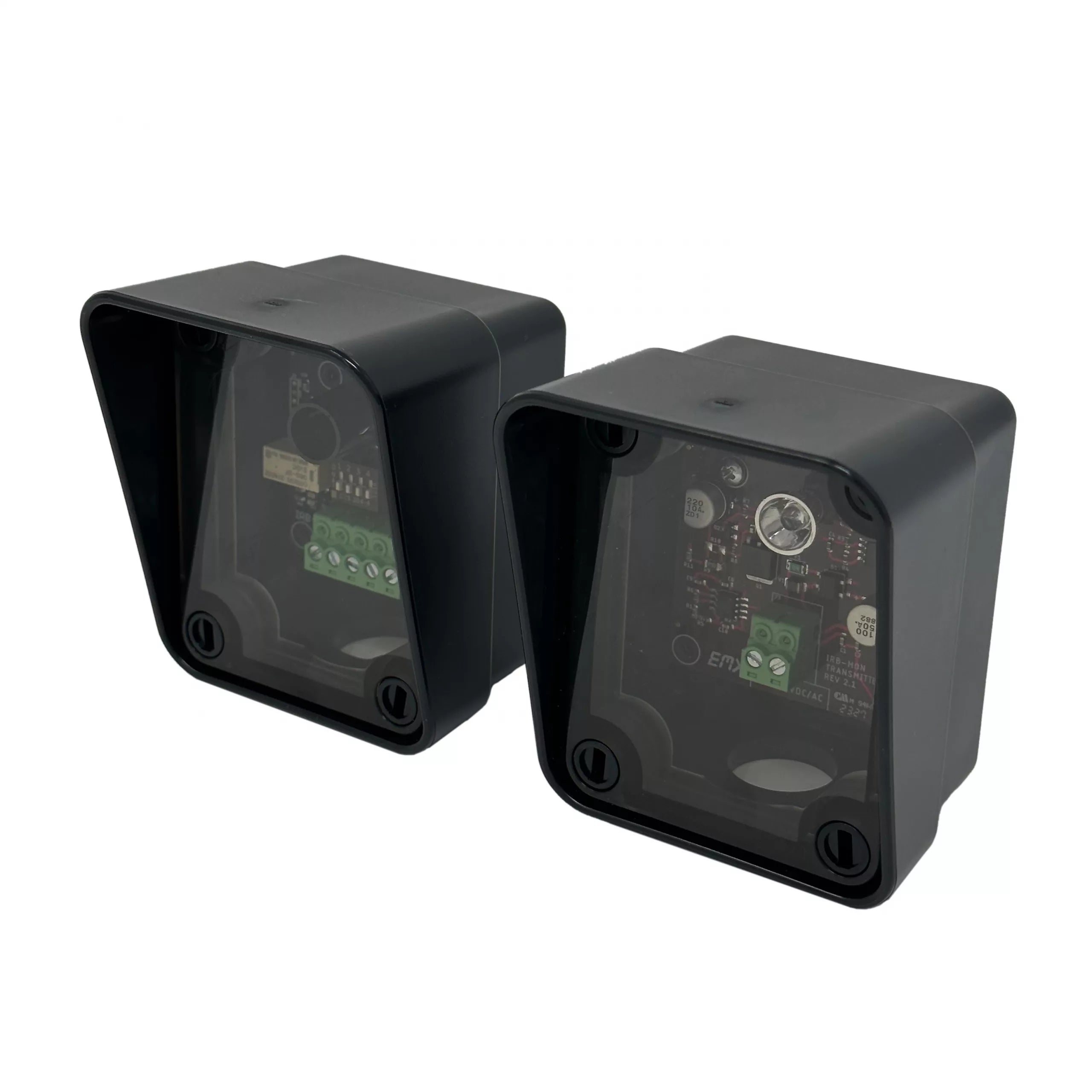
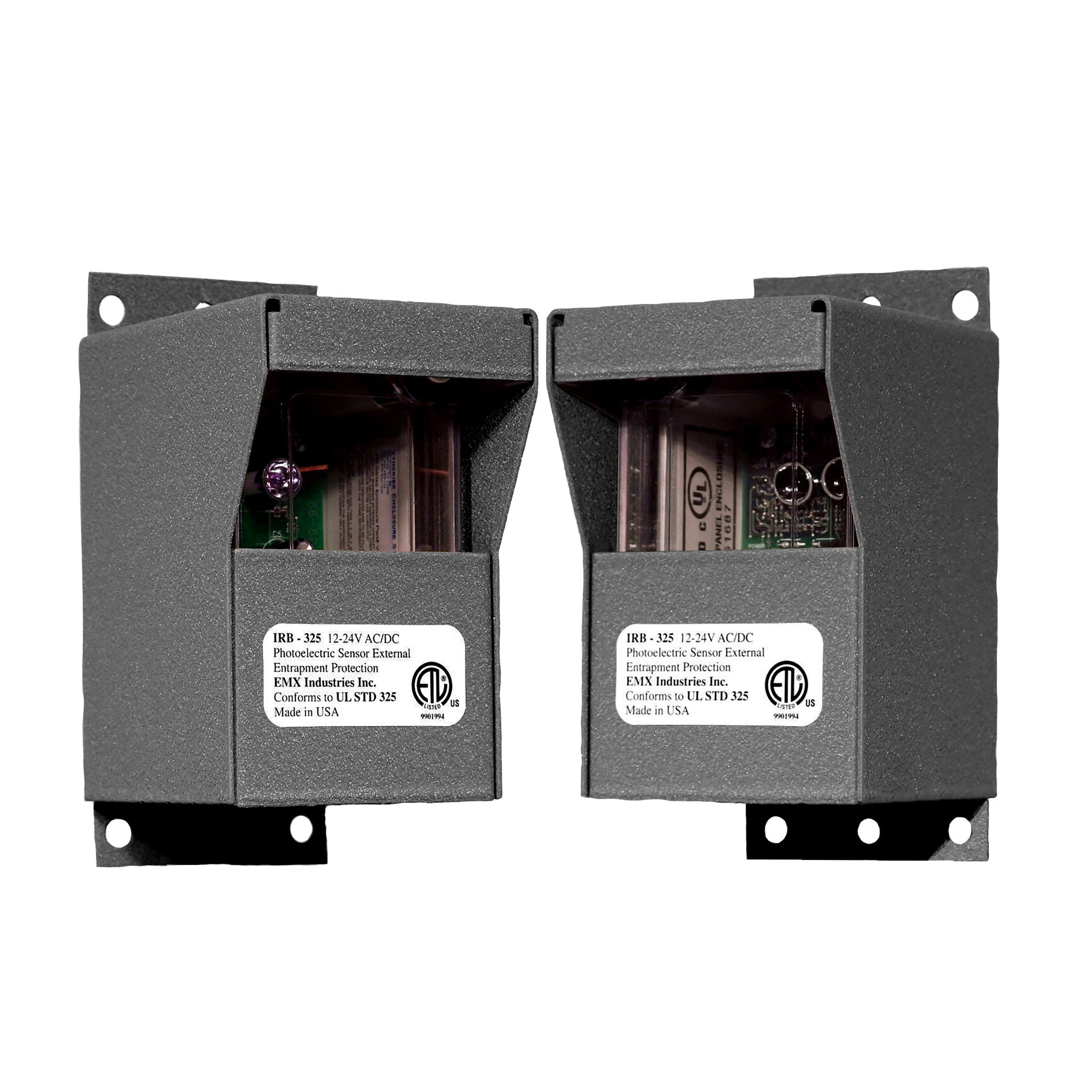
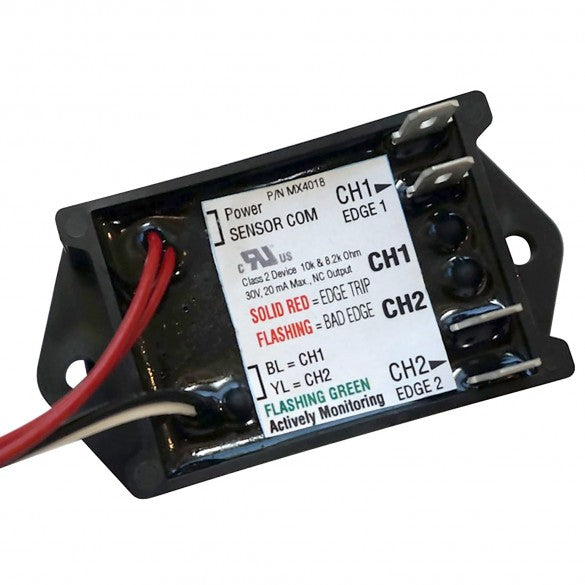
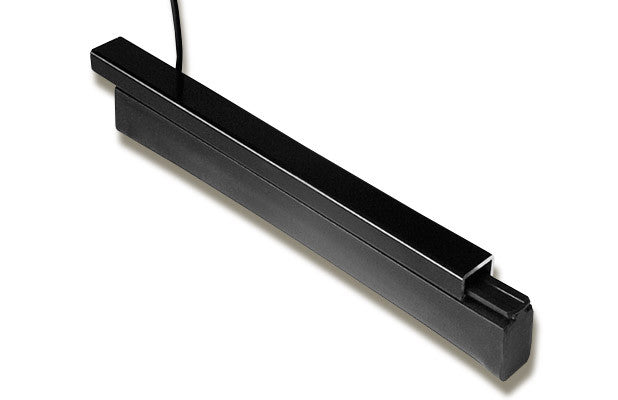
It comes with an EMX IRB-MON monitored photo eye and a 5 ft ASO edge sensor. Add more monitored devices for every entrapment zone at your site.
Remove the obstruction, then press Stop or the Reset button below the display, or give an Open command. If it comes back with no obstruction, check for gate binding or wind load.
Replacement parts
Parts diagram: Buscador de piezas de repuesto para Hysecurity Slidedriver II