Optex OVS-02GT Virtual Loop 2.0 Manuals & Support

Identify your model
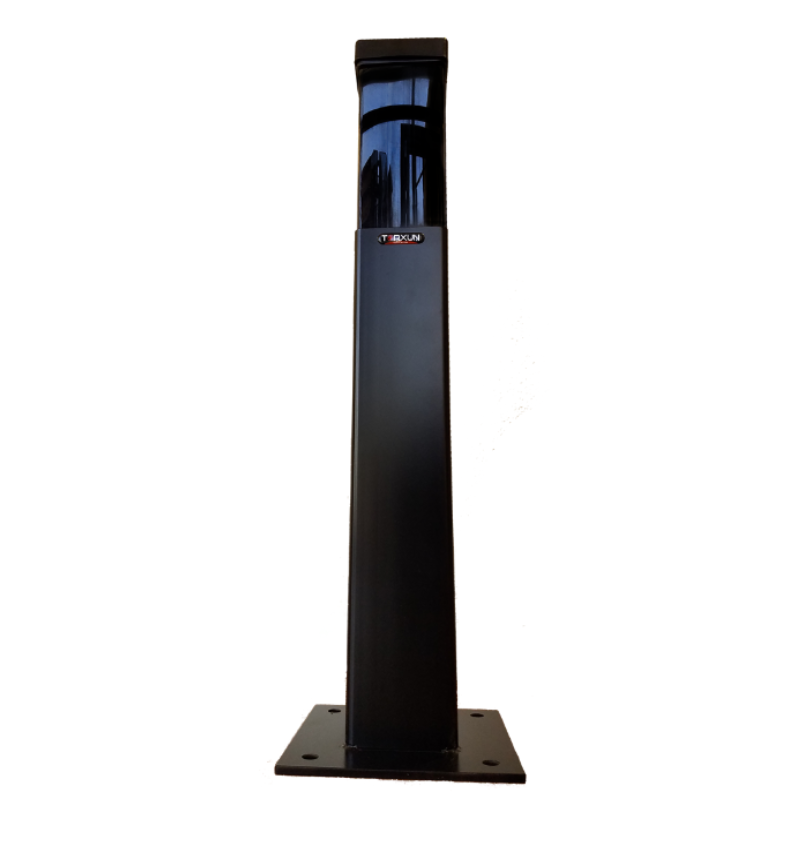
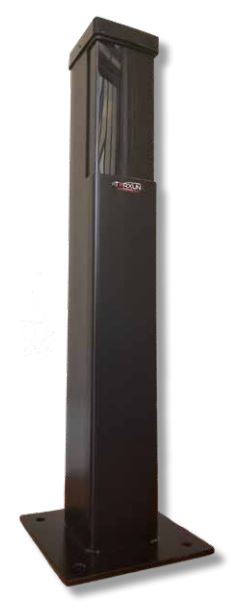
The OVS-02GT is the second version of the Virtual Loop. It is set up only from the OPTEX Virtual Loop app for iOS or Android. The black housing is standard.
Key specs
| Technology | 24 GHz FMCW radar |
|---|---|
| Detection range | 7 to 26 ft, set in 20 in steps |
| Vehicle speed | 1.2 to 22 mph, moving or stopped |
| Mounting height | 20 in from road surface to sensor bottom |
| Power | 12 to 24 VAC/VDC; up to 300 mA at 24 V with heater, 90 mA without |
| Outputs | Solid-state relay (30 VDC, 0.3 A) and mechanical relay (30 VDC, 1 A), N.O./N.C. |
| Input | Dry contact with link, inhibit and wake modes |
| Setup | OPTEX Virtual Loop app over Bluetooth |
| Aim | ±96° left and right in 3° steps |
| Housing | IP66 / NEMA 4 with heater |
| Operating temperature | -22 to 122 °F |
Manuals and documents
Installation Manual
-
OVS-02GT Installation Manual
View PDF: OVS-02GT Installation Manual (opens in a new tab)
Programming Guide
-
OVS-02GT App Quick Start Guide
View PDF: OVS-02GT App Quick Start Guide (opens in a new tab)
Quick Start
-
OVS-02GT Quick Reference Guide
View PDF: OVS-02GT Quick Reference Guide (opens in a new tab)
Spec Sheet
-
OVS-02GT Spec Sheet
View PDF: OVS-02GT Spec Sheet (opens in a new tab)
Troubleshooting
Common questions
Yes. Download the OPTEX Virtual Loop app for iOS or Android. All settings and calibration are done in the app over Bluetooth.
Mount it so the bottom of the sensor is 20 in above the road surface, on a wall, post or barrier housing. It fits a single gang box.
Optex lists it for barrier, slide gate and swing gate activation, protection and swing gate shadow. It detects moving or stopped vehicles from 7 to 26 ft.
It can be set to ignore or detect people in the app.