Viking G-5 Manuals & Support

Identify your model
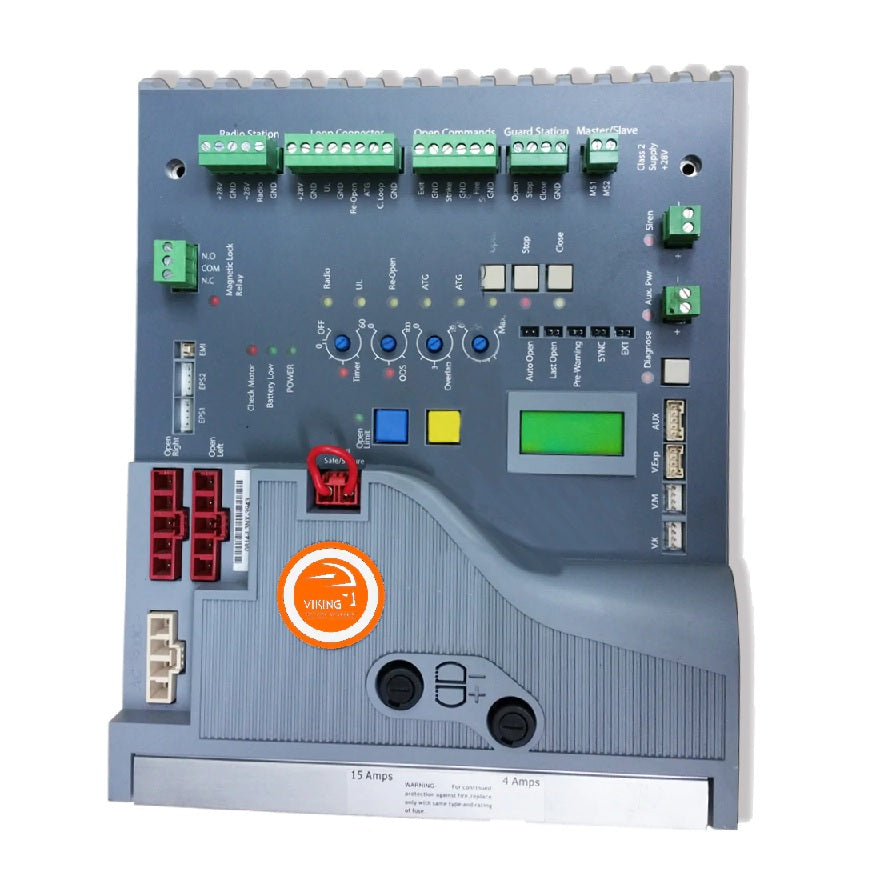
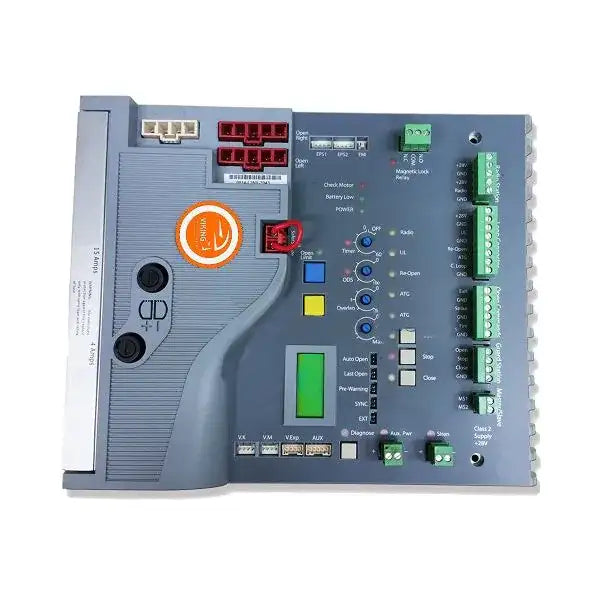
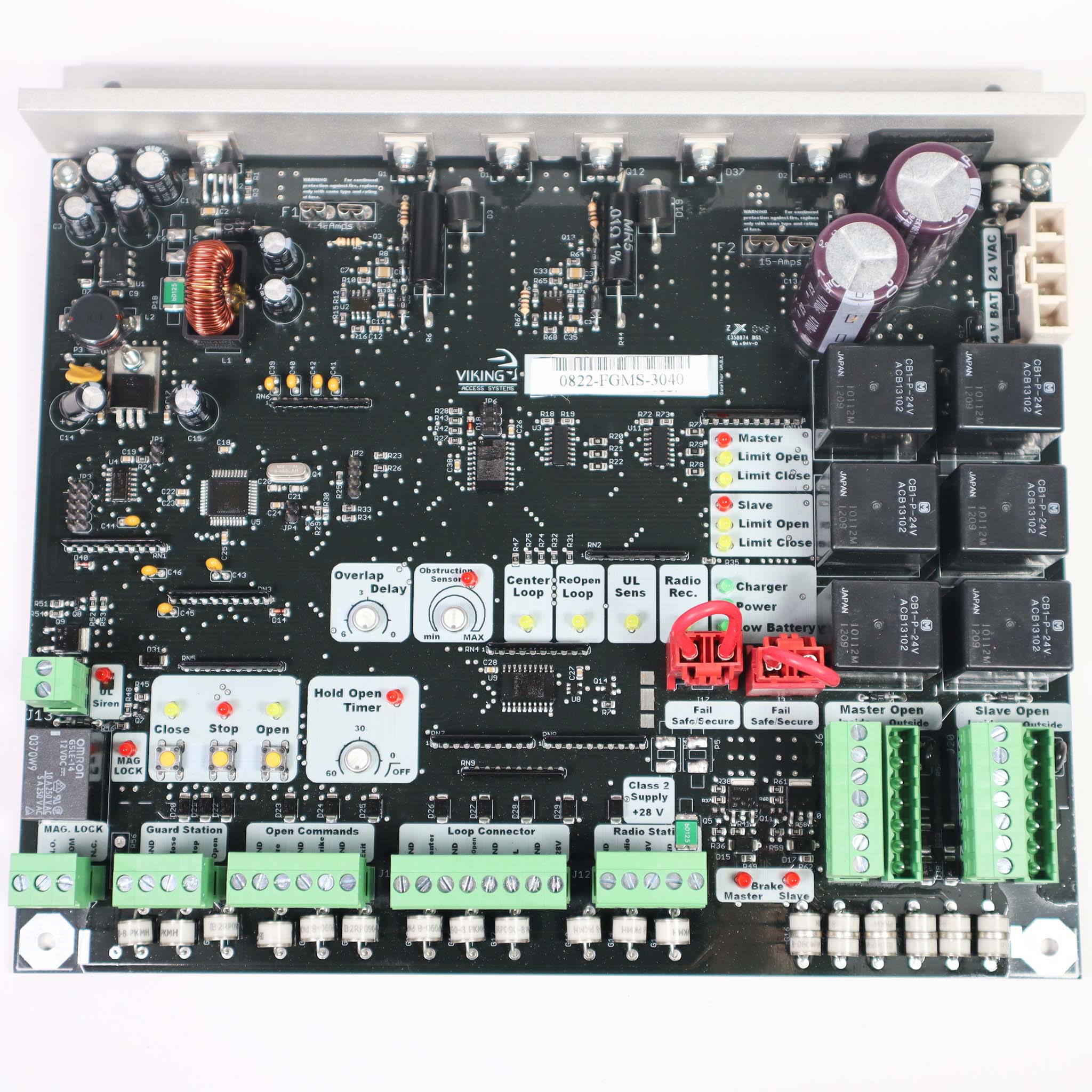
The model is on the label inside the cover. Units built from 2013 on use the VFlex control board with an LCD display. Check the logo color on the board: black logo boards are 2013 to 2016, green logo boards are 2016 to 2018 and orange logo boards are 2018 and later.
First generation units (2009 to 2012) use an older control board and some different parts. Use the first generation manual below for those units.
The G-5 comes as an actuator only (VA-G5NX), a single gate kit (VA-G5SLK) or a dual gate kit (VA-G5DLK). Second generation actuators use the VNXG5 parts.
Key specs
| Max gate | 2,000 lb up to 10 ft; 800 lb up to 18 ft (see chart in manual) |
|---|---|
| UL 325 usage class | Class I, II, III and IV |
| Type | Linear actuator with separate ECU control box |
| Duty cycle | 100% |
| Operating voltage | 24 VDC |
| Main power | 115 VAC or 240 VAC single phase, 1.5 A / 1.0 A per motor |
| Alternative power | 24 VAC/VDC (60 VA) or solar |
| Accessory power | 24 VDC, 750 mA |
| Opening angle | Up to 135° |
| Operating temperature | -20 to 160 °F |
Manuals and documents
Installation Manual
-
G-5 Installation Manual (Single and Dual Gate Systems)
View PDF: G-5 Installation Manual (Single and Dual Gate Systems) (opens in a new tab) -
G-5 Manual, 1st Generation
View PDF: G-5 Manual, 1st Generation (opens in a new tab)
Parts List
-
G-5 Parts Diagram
Download file: G-5 Parts Diagram (opens in a new tab) -
G-5 Parts Diagram, 1st Generation
Download file: G-5 Parts Diagram, 1st Generation (opens in a new tab)
Spec Sheet
-
G-5 Spec Sheet
View PDF: G-5 Spec Sheet (opens in a new tab)
Troubleshooting
Common questions
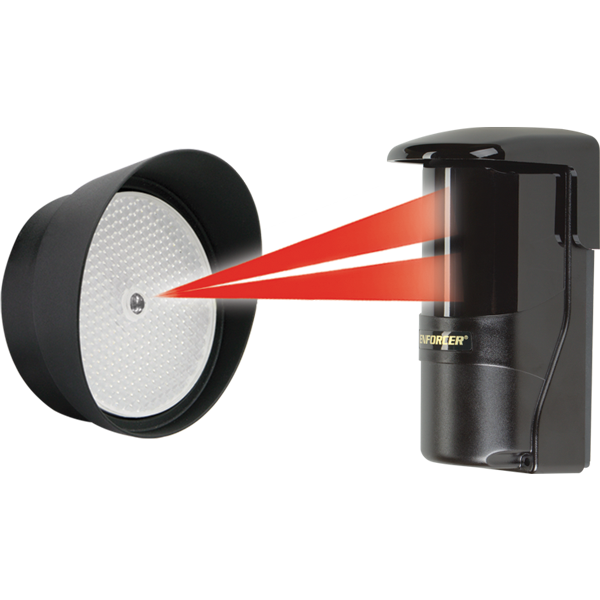
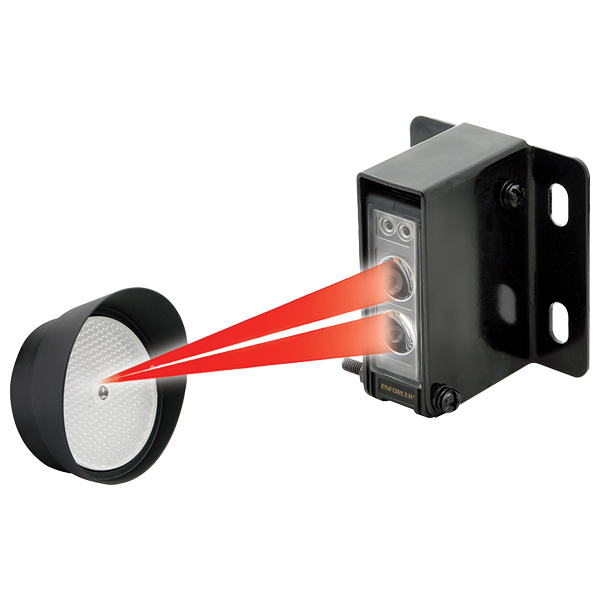
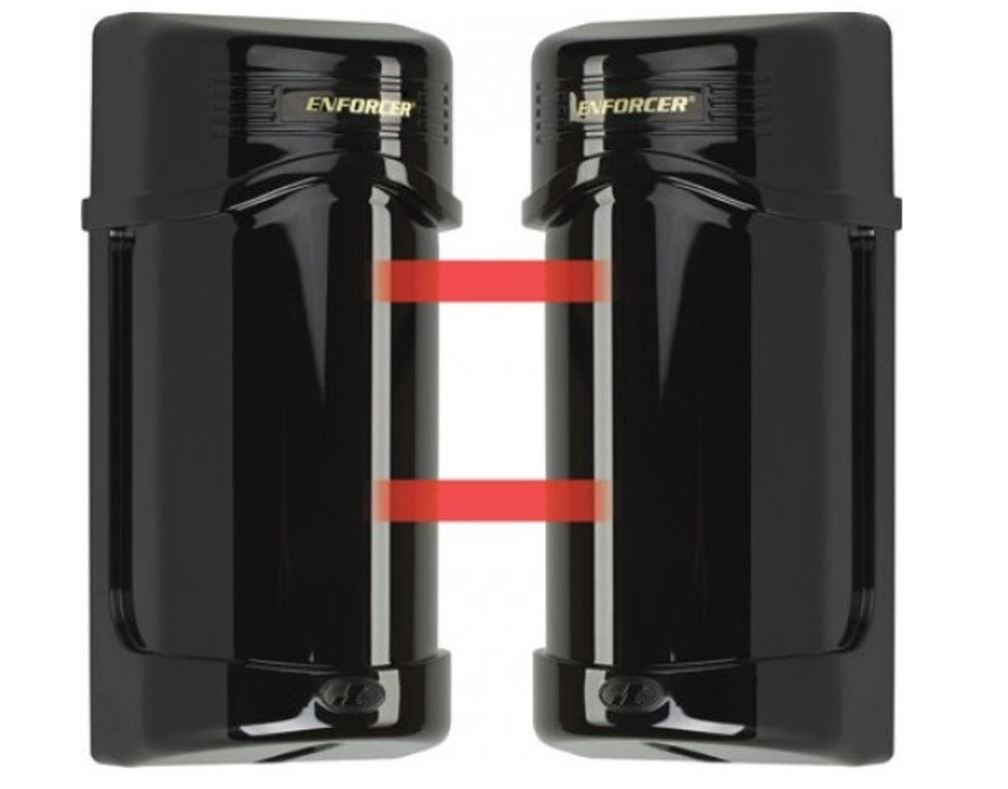
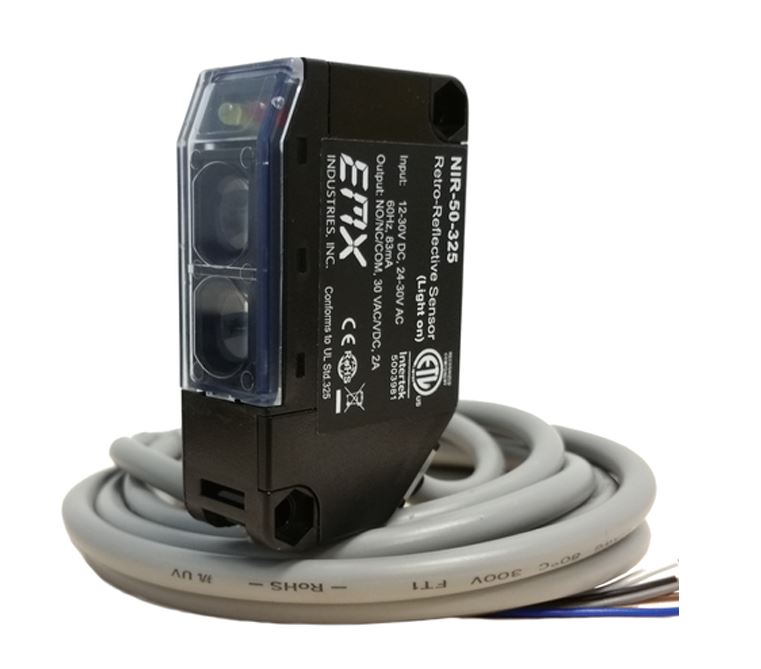
A swing gate needs at least one monitored 10K sensor on the UL or Re-Open input. If there is an entrapment zone in the open direction, a sensor must be on UL. Wire them, then run the UL LEARN process from the Diagnose button.
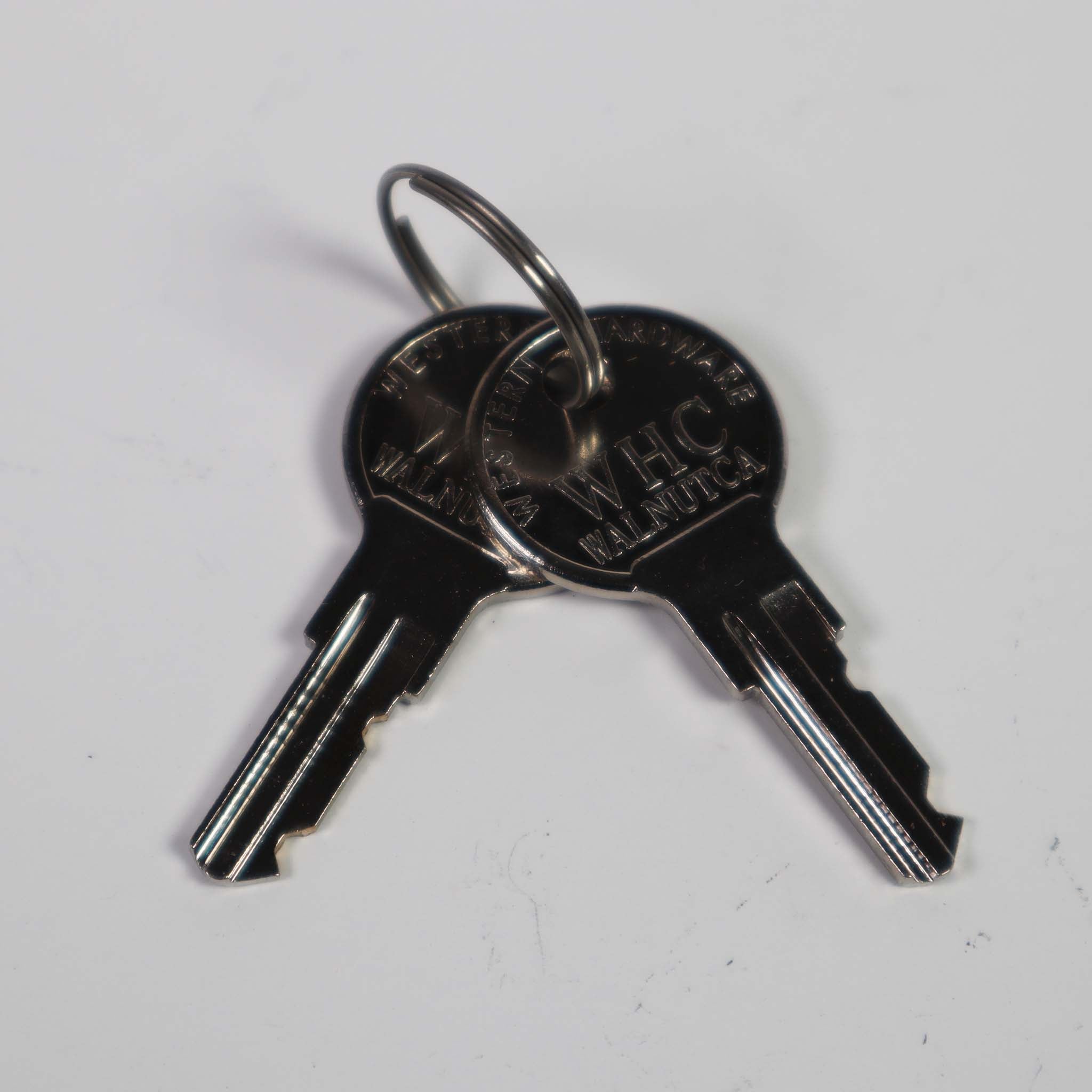
Use the release key on the actuator to free the arm. Turn the key back to lock the actuator before you run the gate.
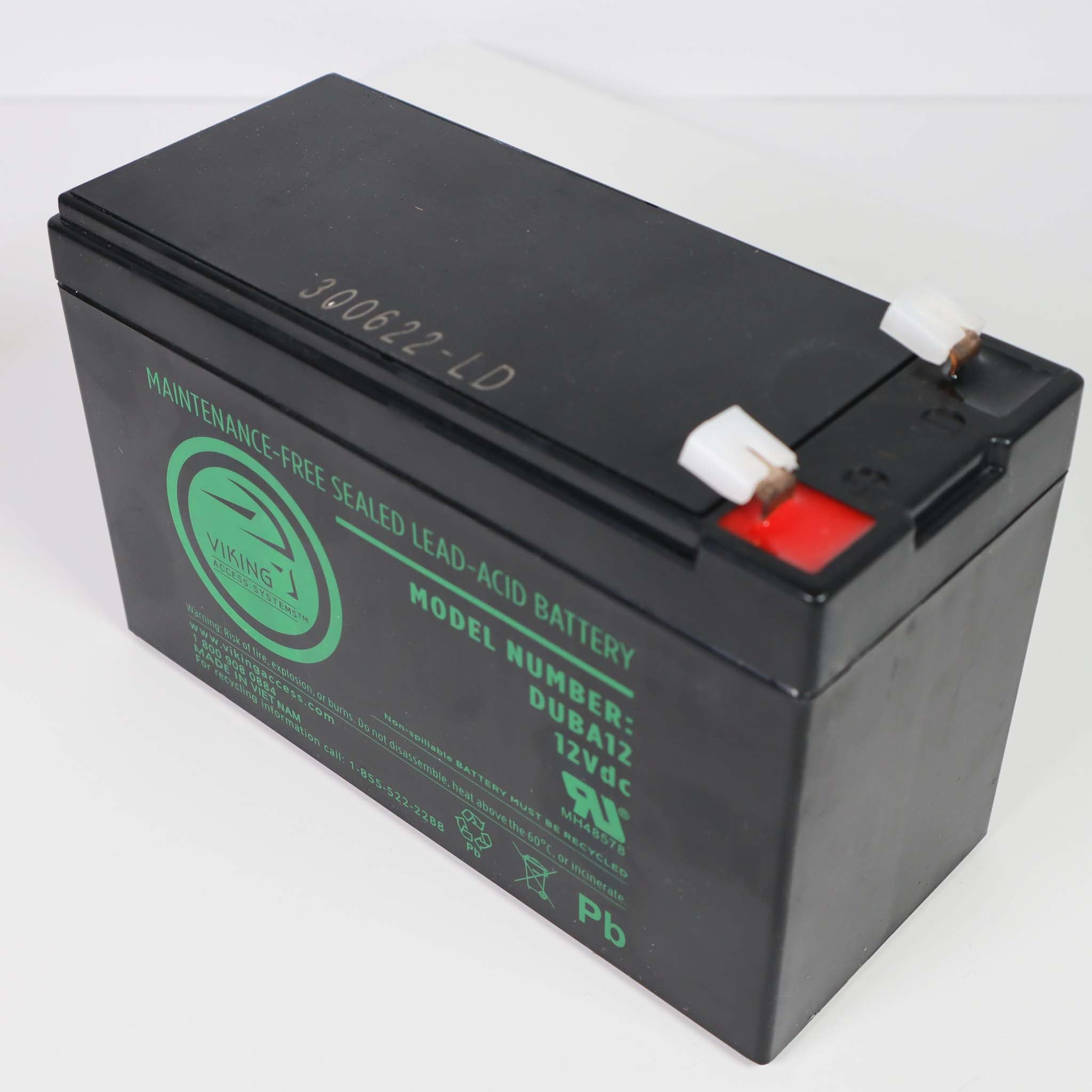
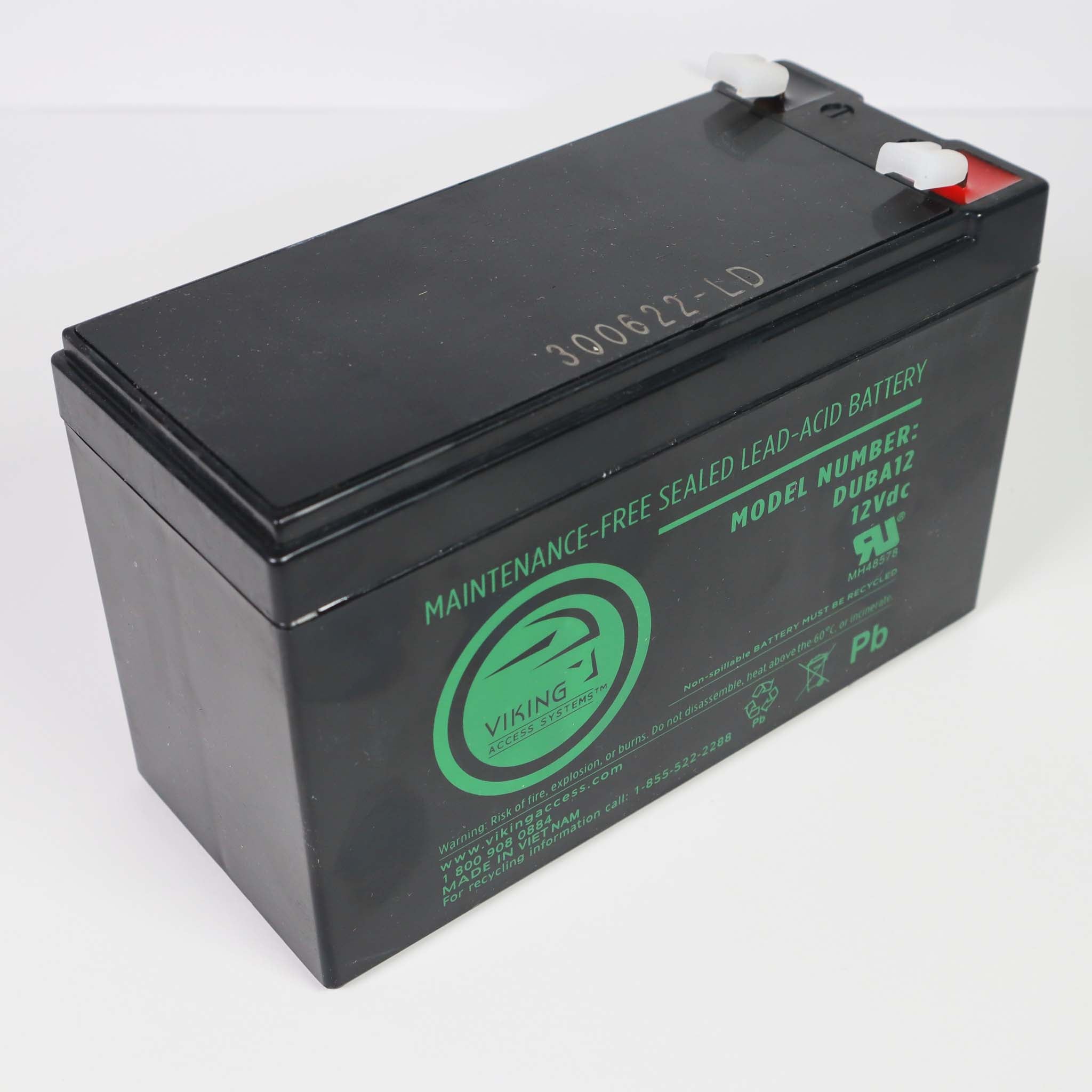
It uses two 12 V, 7 Ah batteries (Viking DUBA12 or Yuasa NP7-12). A full charge reads about 26 VDC across both batteries. Check terminals for corrosion when you service the operator.
The alarm sounds after a second obstruction in a row. Remove the obstruction and press the Alarm Reset button on the operator.
Check the logo color on the VFlex board. Black logo boards are 2013 to 2016, green logo boards are 2016 to 2018 and orange logo boards are 2018 and later. Order the board that matches your logo color or the current orange logo board.