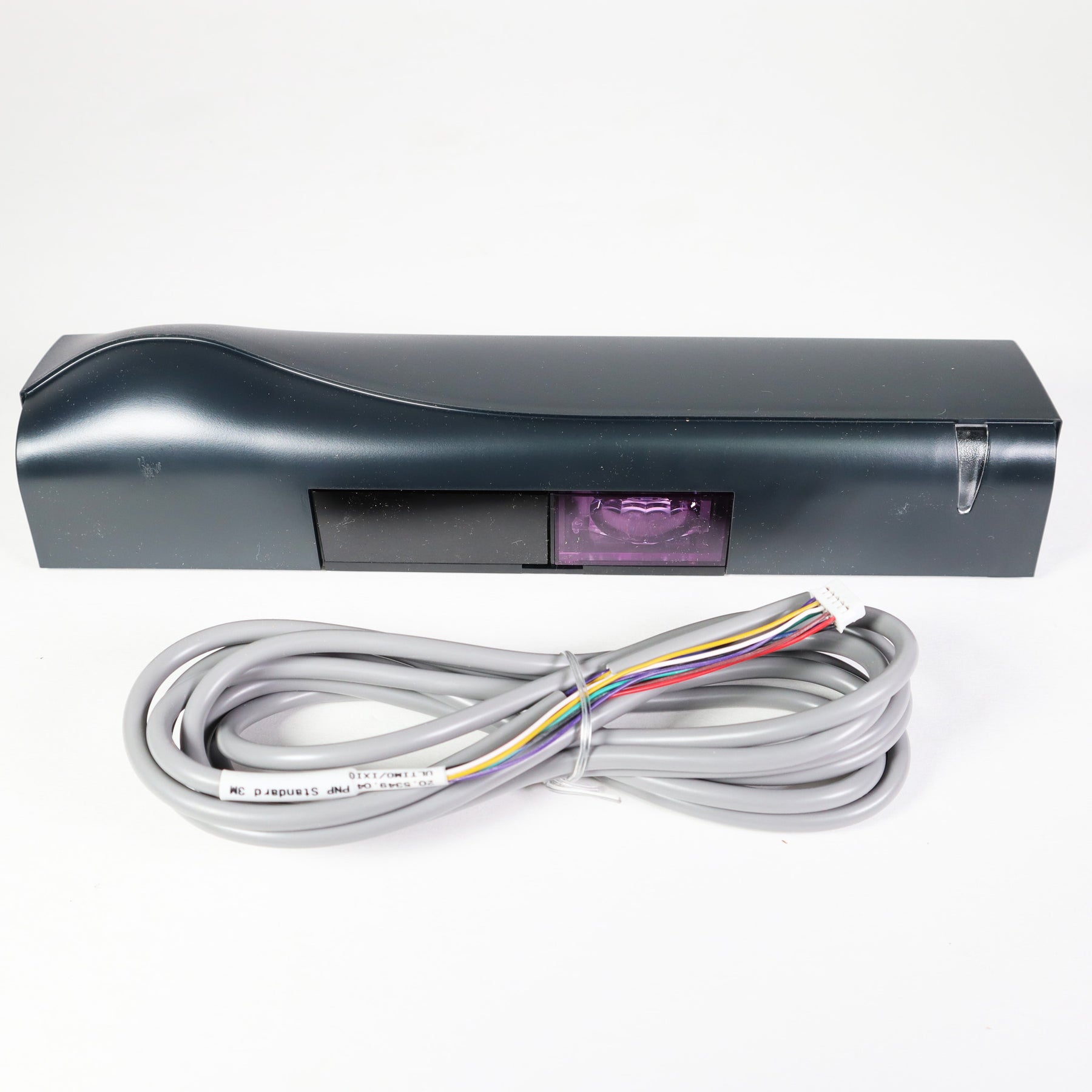
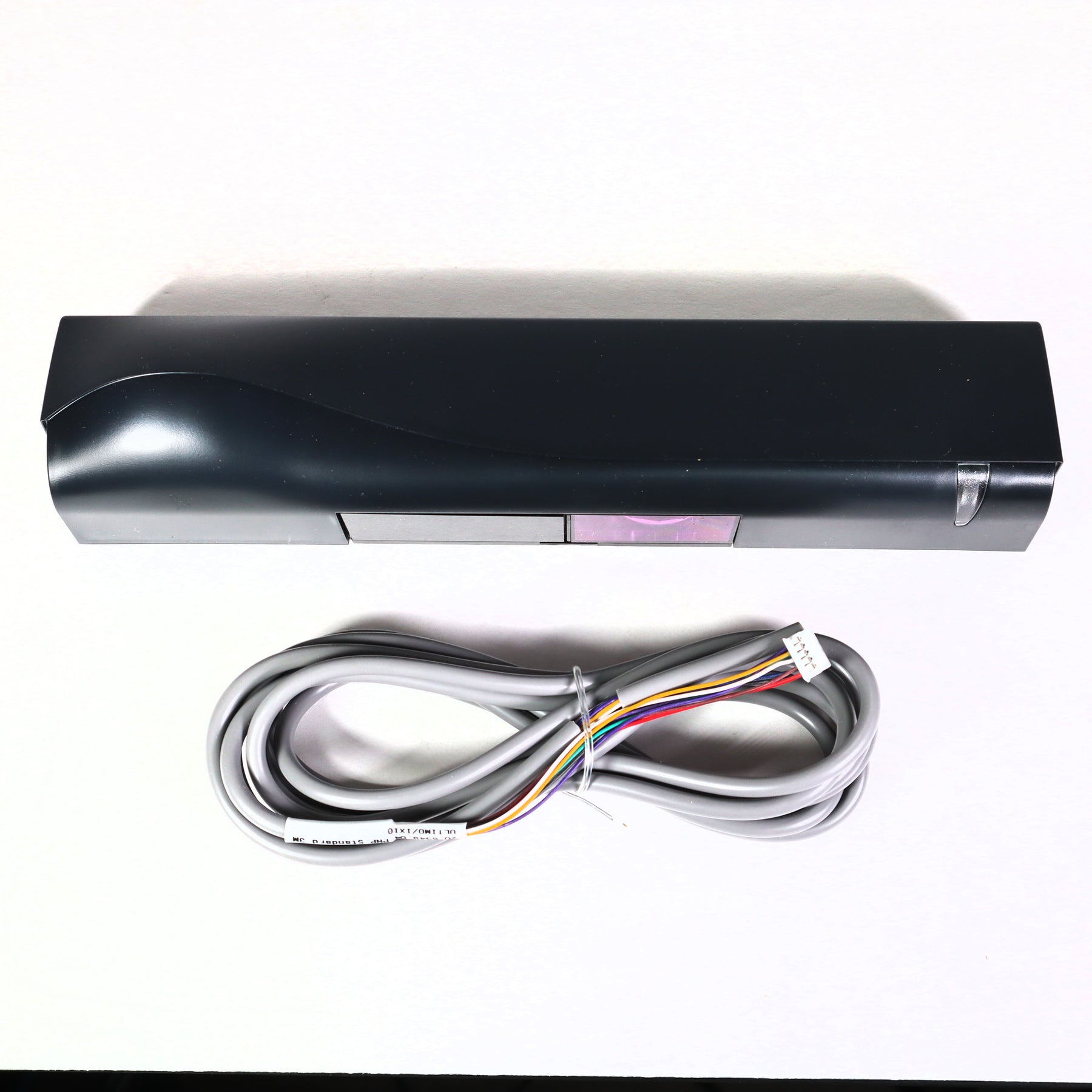
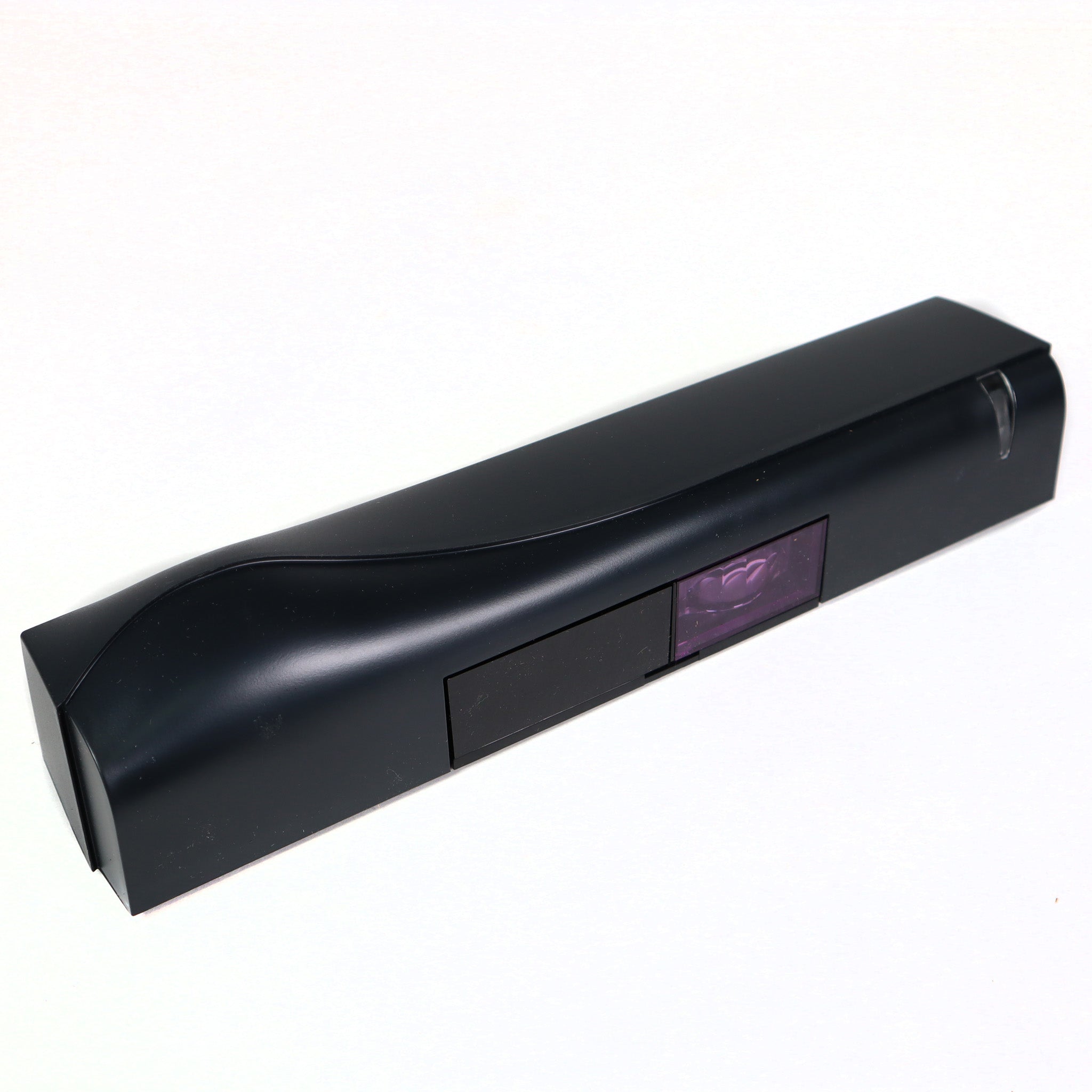
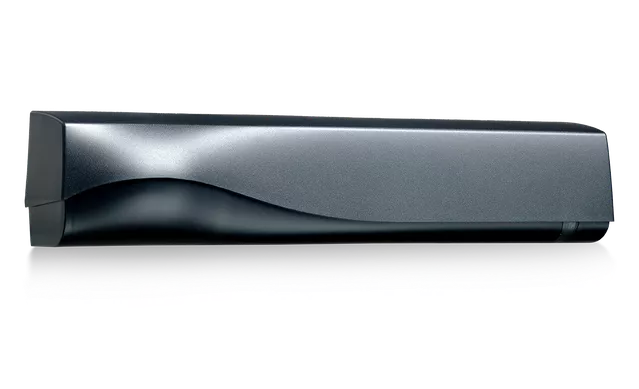
BEA IXIO-ST Sensor - Presence Only
- Current Trade Policy Costs Included In Price
- In Cart Discounts Offered on Many Products
- GSA, Net 30 and purchase orders available
- 5 In-Stock & ready to ship
Description
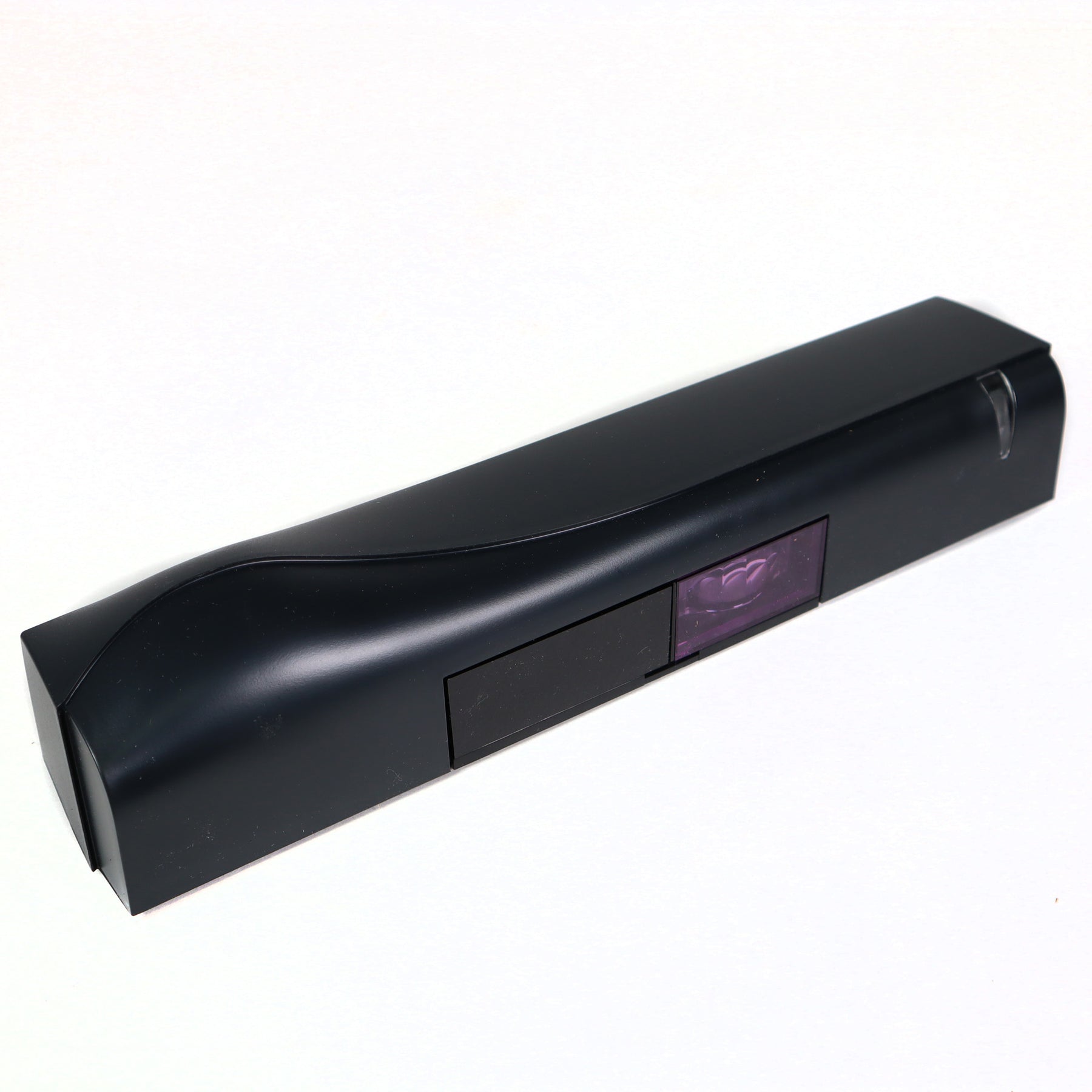
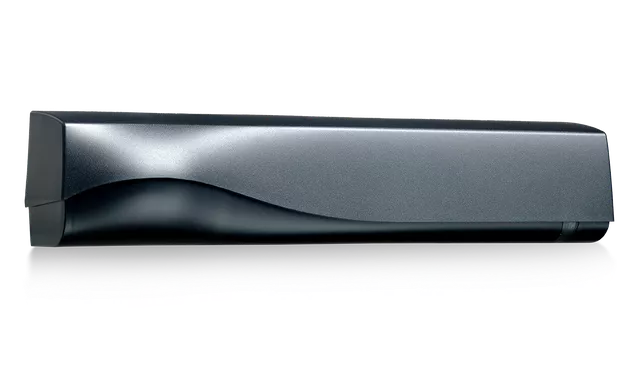
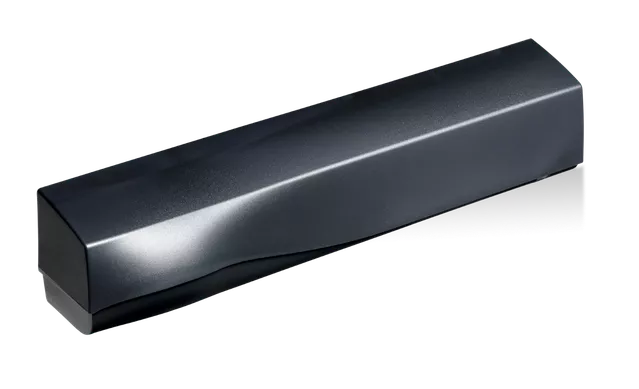
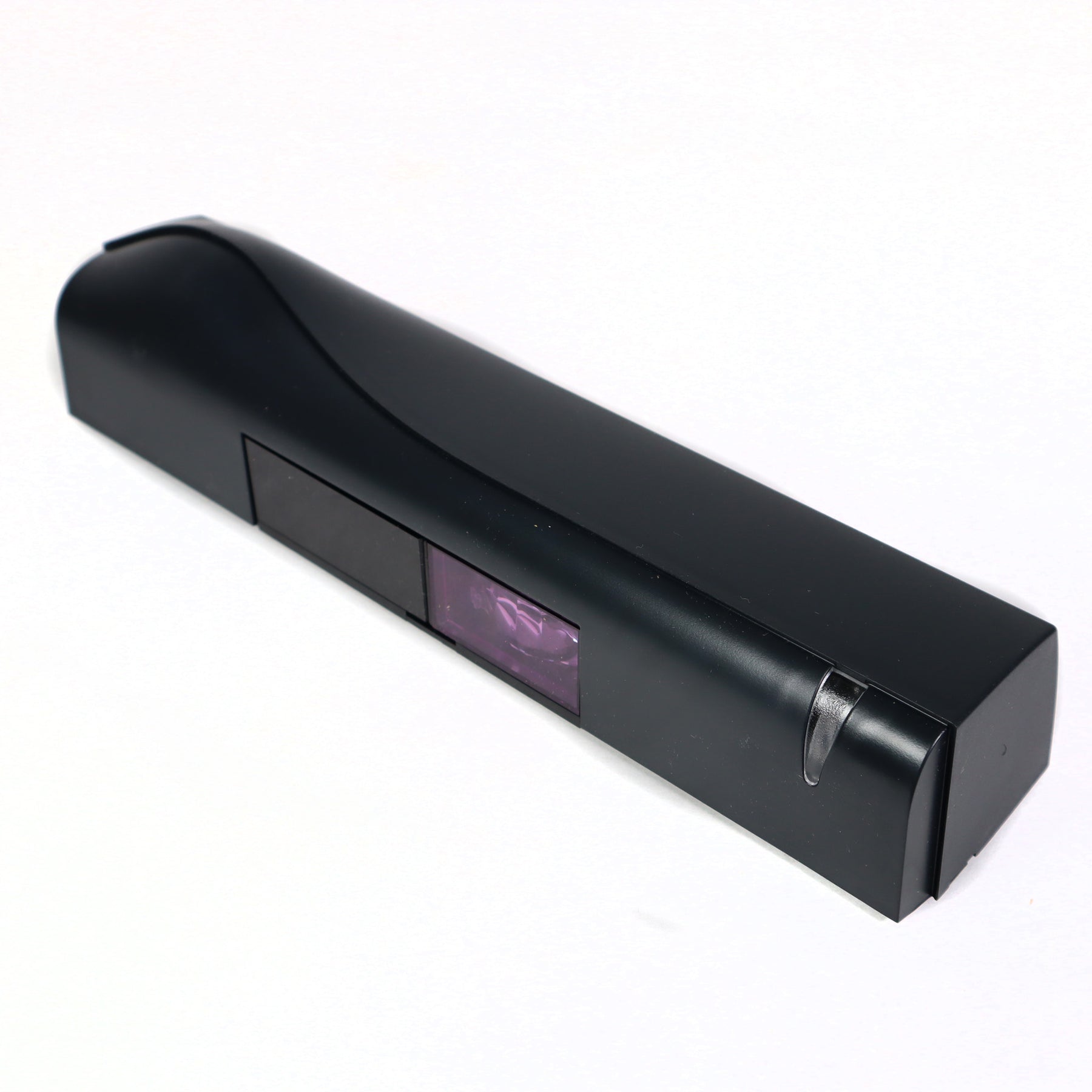
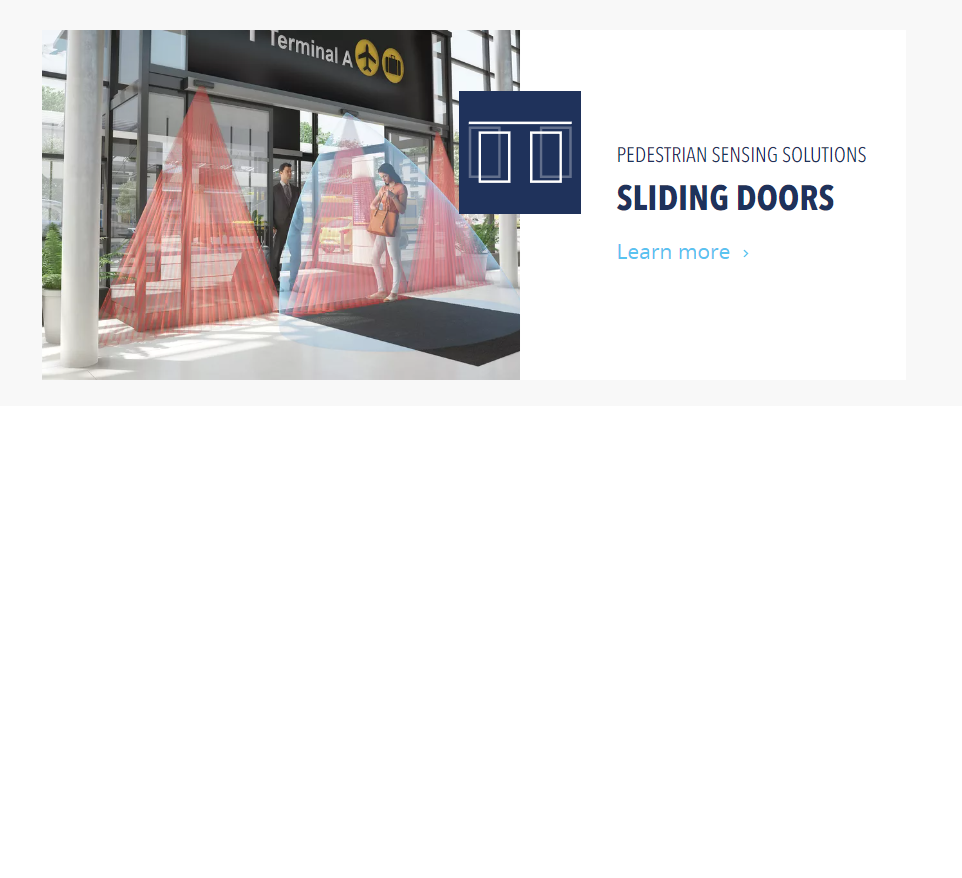
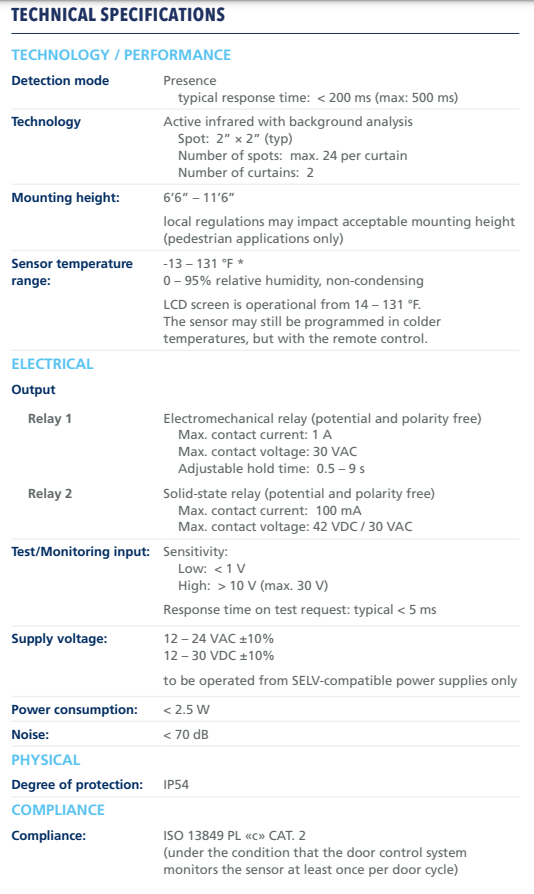
The BEA IXIO-ST (10IXIOST) is an active infrared presence and safety sensor for automatic sliding doors. It covers the clear door opening and side-lites with two curtains of up to 24 spots each. It mounts 6 ft 6 in to 11 ft 6 in high and runs on 12 to 24 VAC or 12 to 30 VDC.
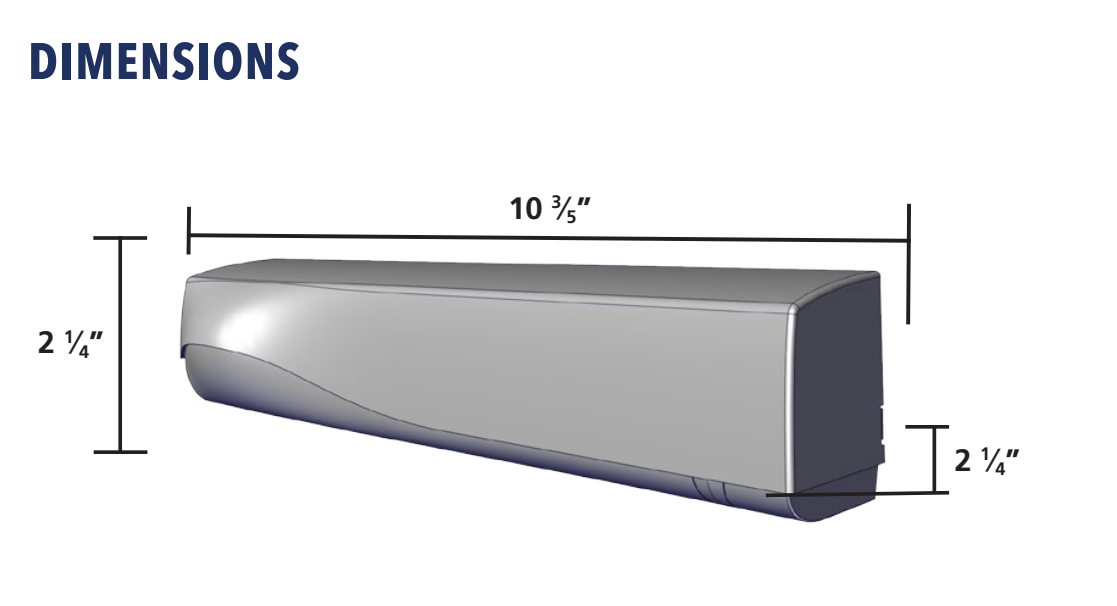
Setup and troubleshooting run through a menu-driven LCD, and visible alignment spots show where the curtains land. It is fully monitored internally, can be externally monitored, and has an LED that shows the connection between sensor and door control. It can be adjusted into ANSI compliance. IP54 rated, -13 to 131 °F. Size is about 10.6 x 2.25 x 2.25 in with a 10 ft cable.
Before You Order
- Power: 12 to 24 VAC (±10%) or 12 to 30 VDC (±10%) from a SELV source. Draws under 1.5 W.
- Outputs: electromechanical relay (1 A, 30 VAC max) and solid-state relay (100 mA, 42 VDC / 30 VAC max).
- Presence only. It does not open the door on approach. Use a separate activation sensor, or the IXIO-DT1 for motion and presence in one unit.
- External monitoring needs a door control that tests the sensor through its test input.
- Replacement covers are available from BEA in black, white, and silver.
- Replaces the discontinued BEA IRIS and IRIS-I.
Standards compliant - Fully monitored internally, capable of
external monitoring
Precise presence detection - Two 24-spot, high-density,
infrared safety curtains providing precise presence detection
Ease of setup - Intelligent programming and troubleshooting
via a menu-driven LCD
Intelligent solution - On board microprocessor optimizes
data analysis, monitors sensor performance and enables system integration
Why will the IXIO’s active infrared safety pattern not hold the door open?
The brown and blue wires must be connected, or F1 must be set to “1” using the remote control.
Why is the PNP harness not working on a BESAM control?
The harness is reversed; the short harness plugs into the IXIO.
Why is the RECORD sliding door holding open?
The RECORD control uses a normally closed safety circuit; set the safety output to N.C.
Why is the IXIO bliking red on a DORMA door?
The IXIO is defaulted to monitoring ON; connect the two (2) purple monitoring wires to the control.
How do I eliminate four (4) orange LED flashes or “low AIR”?
Verify the pattern width shutters are not closed (the software should still be set to wide).Verify the active infrared safety pattern is not tilted out too far away from the door.
Turn off the 2nd active infrared safety pattern row.
Why does the door recycle open?
If the red LED illuminates, the active infrared safety curtain needs adjusted.
If the green LED illuminates, the microwave activation angle/sensitivity/immunity needs adjusted.
What are the extra wires not connected to the door control?
The two (2) purple wires are for monitoring and the yellow wire is for N.C. activation relay.
How do I locate the IXIO’s active infrared safety pattern relative to the door face?
Double-click the gray knob to turn on the visible red aligment spots or press UNLOCK > MAGIC WAND > + on the remote control, and then use the red knob to adjust active infrared saftey pattern to within 3” of the face of the sliding door panel. After adjustment, relaunch a setup.
How do I use an IXIO for 1-way traffic reactivation?
If the door is equipped with a two-way traffic option, connect the white and green wires to the activation circuit.
If the door is NOT equipped with a two-way traffic option, DO NOT connect the white and green wires to the activation circuit; instead, connect the brown and blue wires to the safety circuit.
Using the LCD, set RAD: REENTRY to value “”3″” or “”4″”. Walk-test to ensure there is a minimum of a 24” reactivation zone.
Why does the IXIO LED blink fast red when I try to unlock it with the remote control?
A lock code has been entered. To remove it, power cycle the IXIO and then press UNLOCK > LOCK > 0000.
All in stock orders typically ship the same business days or within 1-2 business days. Cut off for same day shipping is 2:30PM Central Time.
LEADTIME
Items with lead times typically ship in 4-7 business days.
FREE SHIPPING POLICY
Orders with free shipping may have longer lead times due to those items being shipped the most economical way. Free shipping on most orders over $195.00 does not include gate operators, loop sealant, and any extreme length or weight items
Our return policy lasts for only 30 days. If 30 days have gone by since your purchase, unfortunately we can’t offer you a refund. Some items such as Gate Operators or custom parts may not be returnable or carry a restocking fee if returned.
Protec Controls accepts purchase orders please contact us.
NET 30
We also support Net 30 terms on our website for easy ordering. Please fill out the form to the right with your company information and we will get your account setup to place Net 30 orders.
GOVERNMENT & GSA
Protec Controls accepts GSA SmartPay cards along with all major credit cards. For government quotes and purchase orders please email govsales@proteccontrols.com