DoorKing 6300 Manuals & Support

Identify your model
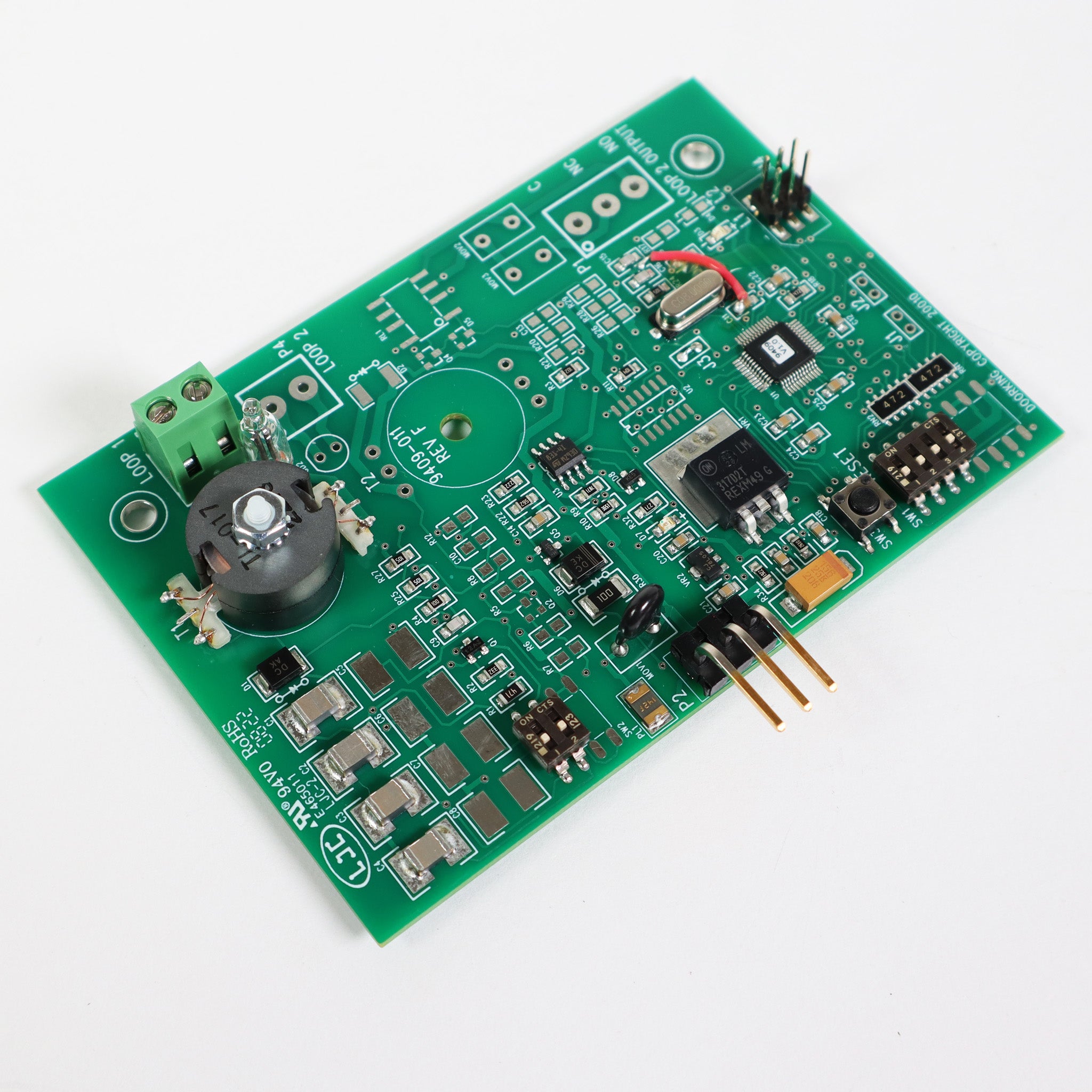
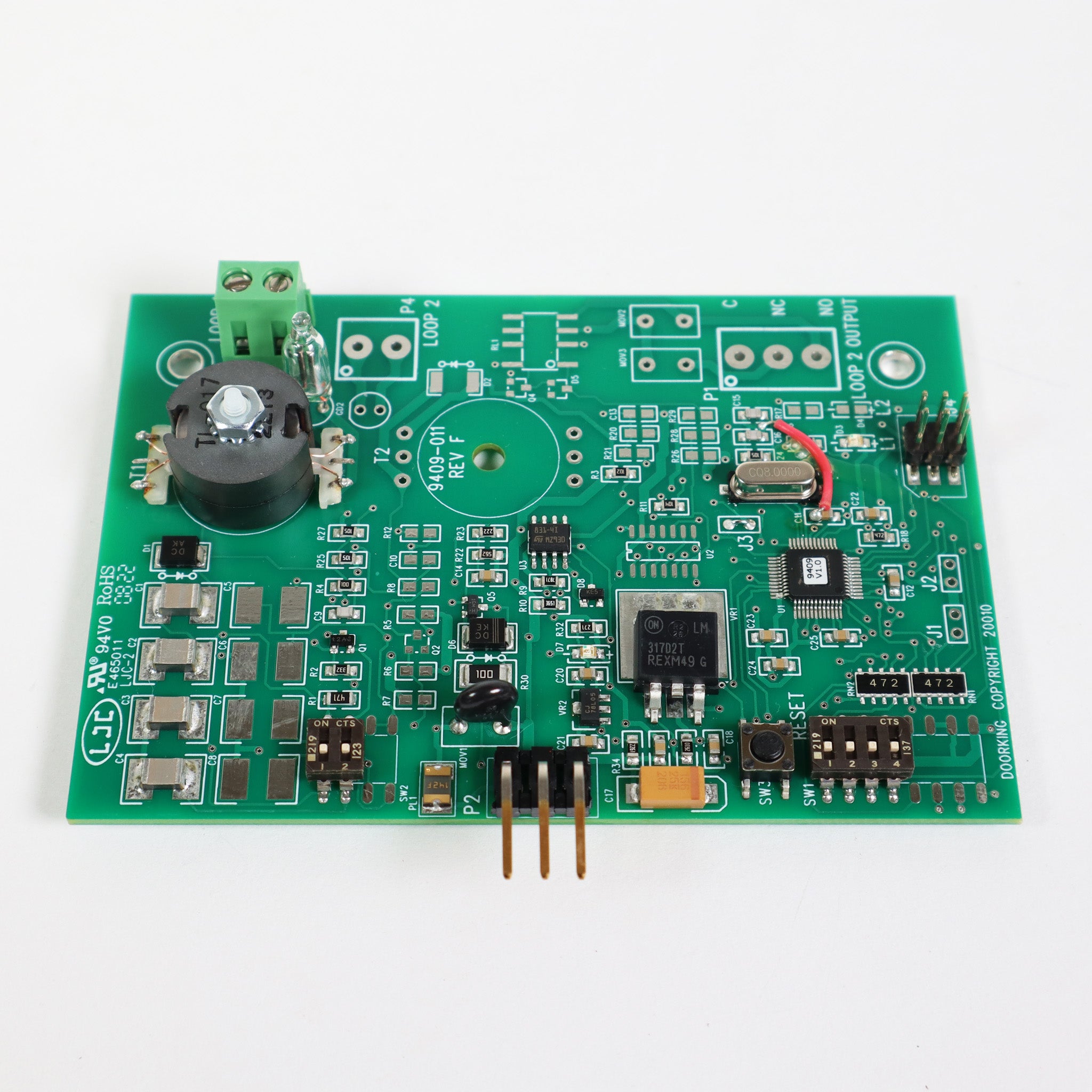
Model numbers 6300-080 to 6300-083 are 1/2 HP and 6300-084 to 6300-087 are 1 HP. Odd numbers are secondary units. Use the current manual for circuit board 4502-010 Rev AA or higher.
The 6100 is the lighter version, and the 6500 is the heavy-duty pad mount operator.
Key specs
| Class | UL 325 Class I, II, III and IV |
|---|---|
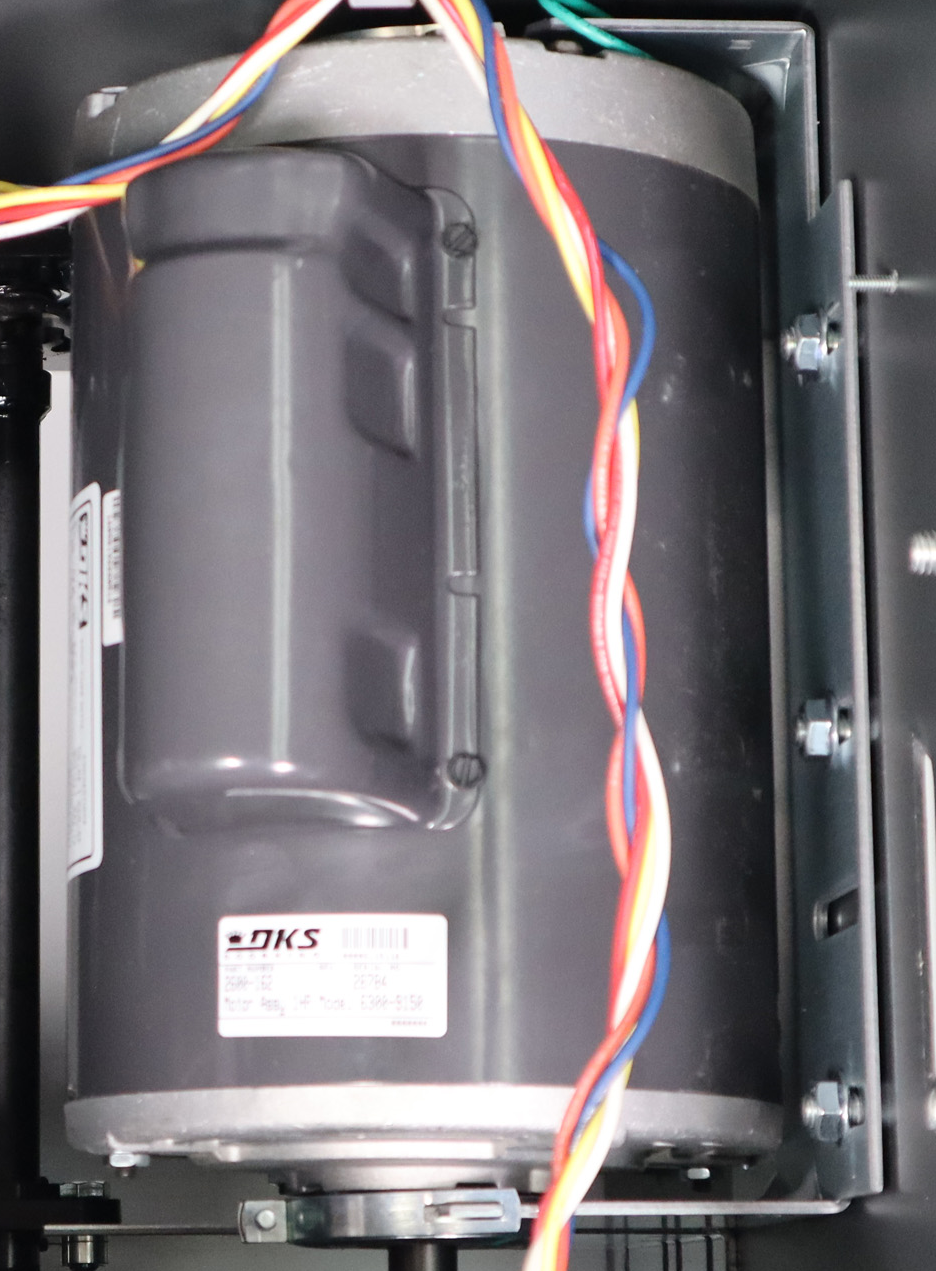
| Motor | 1/2 HP (5.4 A) or 1 HP (9.7 A), 115 VAC |
| Gate, 1/2 HP | Up to 18 ft and 600 lb |
| Gate, 1 HP | Up to 22 ft and 800 lb |
| Cycles | 60 per hour, continuous duty motor |
| Speed | 90 degrees in 15 to 18 seconds |
| Board | 4502-010 Rev AA or higher |
Manuals and documents
Installation Manual
-
6300 Swing Gate Operator Installation and Owner's Manual
View PDF: 6300 Swing Gate Operator Installation and Owner's Manual (opens in a new tab) - 6300 Post Mount Base Kit Instructions (2600-263) View PDF: 6300 Post Mount Base Kit Instructions (2600-263) (opens in a new tab)
-
6300 Pad Mount Kit Instructions
View PDF: 6300 Pad Mount Kit Instructions (opens in a new tab) -
Supplemental Owner's Instructions for 1600, 6000 and 9000 Series Operators
View PDF: Supplemental Owner's Instructions for 1600, 6000 and 9000 Series Operators (opens in a new tab) -
1473-010 Circuit Board Manual (UL 325)
View PDF: 1473-010 Circuit Board Manual (UL 325) (opens in a new tab) -
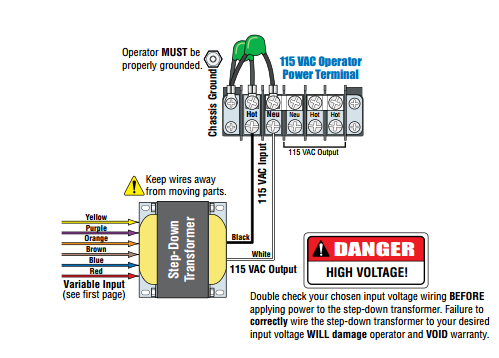
2600-266 High Voltage Kit Instructions
View PDF: 2600-266 High Voltage Kit Instructions (opens in a new tab)
Quick Start
-
6300 Quick Start Guide
View PDF: 6300 Quick Start Guide (opens in a new tab)
Parts List
-
6300-081 Parts Breakdown (1/2 HP, Secondary)
View PDF: 6300-081 Parts Breakdown (1/2 HP, Secondary) (opens in a new tab) -
6300-092 Parts Breakdown (1/2 HP, 460 VAC, Primary)
View PDF: 6300-092 Parts Breakdown (1/2 HP, 460 VAC, Primary) (opens in a new tab) -
2600-263 Post Mount Parts Breakdown
View PDF: 2600-263 Post Mount Parts Breakdown (opens in a new tab) -
2600-264 Pad Mount Parts Breakdown
View PDF: 2600-264 Pad Mount Parts Breakdown (opens in a new tab)
Spec Sheet
-
6300 Spec Sheet
View PDF: 6300 Spec Sheet (opens in a new tab)
Troubleshooting
Common questions
The 1/2 HP handles gates up to 18 ft and 600 lb. The 1 HP handles gates up to 22 ft and 800 lb.
The secondary has no control board and runs from the primary. Protec lists a 50 ft interconnect cable with the secondary.
Yes, with the optional DoorKing 2600-266 high voltage kit. It steps the incoming voltage down to the 115 VAC the operator uses.
Yes. The operator will not run until at least one monitored photo eye or edge is connected in each entrapment area. They are not included.