DoorKing 6524 Manuals & Support

The DoorKing 6524 is a 24 VDC swing gate operator for gates up to 18 ft and 600 lb, with 12 to 14 second travel. It is UL 325 Class I to IV.

The 6524-380 runs on 115 or 230 VAC with battery backup. The 6524-381 is the solar version, powered by DoorKing's solar kit with two 18 Ah batteries and a 24 V panel.

Identify your model

Both versions use circuit board 4100-018 Rev A or higher. Use the 6524-065 manual for the AC model 6524-380 and the 6524-066 manual for the solar model 6524-381.

On a solar unit, several board switches must stay OFF. The solar manual lists them.

Key specs

Class UL 325 Class I, II, III and IV
Gate Up to 18 ft and 600 lb
Speed 12 to 14 seconds
6524-380 power 115 VAC at 1.8 A or 230 VAC at 0.9 A
6524-380 backup 40 cycles on the standard 7.2 Ah battery, 150 on optional 18 Ah batteries
6524-381 power 24 VDC at 8 A from the DKS solar kit
Board 4100-018

Manuals and documents

Installation Manual

Troubleshooting

Find which part has the problem first: the operator, the loop system or the keying devices. The input LEDs on the control board show which inputs are active.

Operator will not run, power LED off

  • Check that the AC power switch is on and that power reaches the input terminals.
  • On the AC model, check for 24 VDC at P2 terminals 1 and 2. No voltage points to the bridge rectifier or transformer.

Operator will not run, power LED on

  • At least one monitored photo eye or edge must be connected in each entrapment area, with its UL 325 input switched on.
  • Press the Push to Operate button or jumper terminals 1 and 2 (or 1 and 6) for a moment. If the input LED does not light, check the terminal strip or replace the board.
  • Test the motor directly as the manual shows. If it runs in one direction only, check the motor and its wiring.

Entrapment input LED on or blinking

  • LED on: the photo eye or edge has a fault or its wiring is shorted.
  • LED blinking: the device is not connected or its wiring is open.

Gate opens but will not close

  • Any input LED that stays on holds the gate open. Disconnect keying devices one at a time until it goes off.
  • An active photo eye, edge or loop detector also holds the gate open.
  • For automatic close, check that SW 1, switch 2 is ON.

Alarm sounding or chirping

  • This is a hard shutdown. The alarm sounds for 5 minutes, then chirps every 5 seconds until the operator is reset.
  • Check the gate area for an obstruction or damage first, then press the reset button or turn power off and back on.

Short run time on solar

  • Check that the panel faces the sun with no shade during the day.
  • Battery-only cycles vary with the batteries. DoorKing lists 150 or more on its solar kit.

Common questions

The 6524-065 manual for the AC model 6524-380 and the 6524-066 manual for the solar model 6524-381.

The AC model lists 40 cycles on the standard 7.2 Ah battery and 150 on the optional 18 Ah batteries.

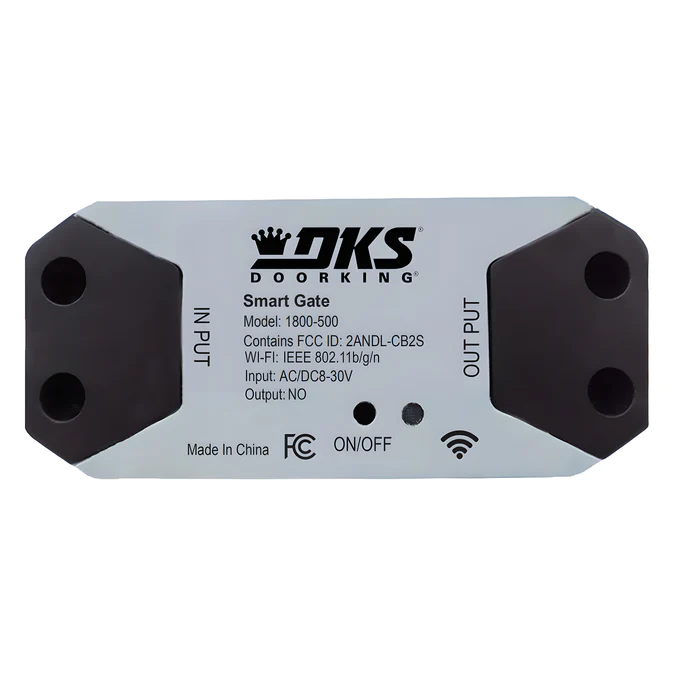
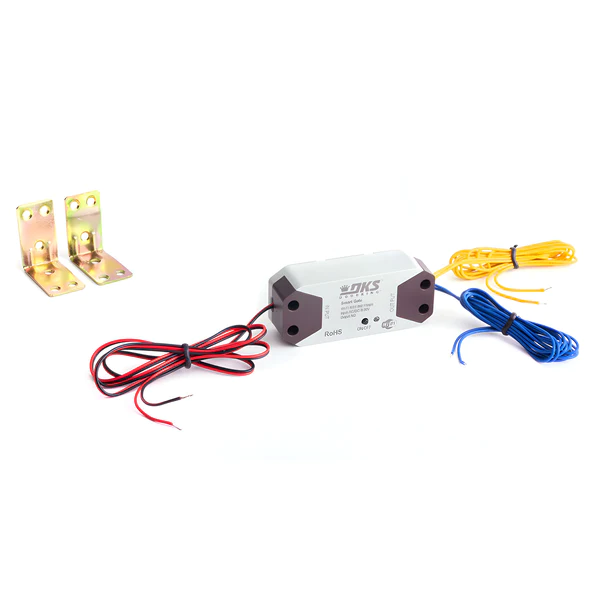
DoorKing lists the 6524 on AC power only for the 1800-500 Smart Gate Controller.

Yes. The operator will not run until at least one monitored photo eye or edge is connected in each entrapment area. They are not included.