DoorKing 6550 Manuals & Support

The DoorKing 6550 is a heavy-duty swing gate operator for gates up to 25 ft and 2,000 lb. It has a 1 HP, 115 VAC motor and opens 90 degrees in 12 to 14 seconds.

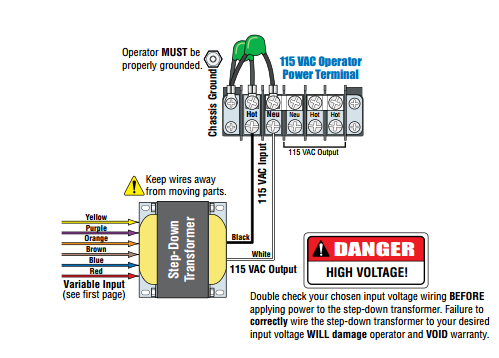
It is UL 325 Class I to IV. Primary (6550-380) and secondary (6550-384) units are available, and the high voltage kit adds 208, 230, 460 and 575 VAC.

Identify your model

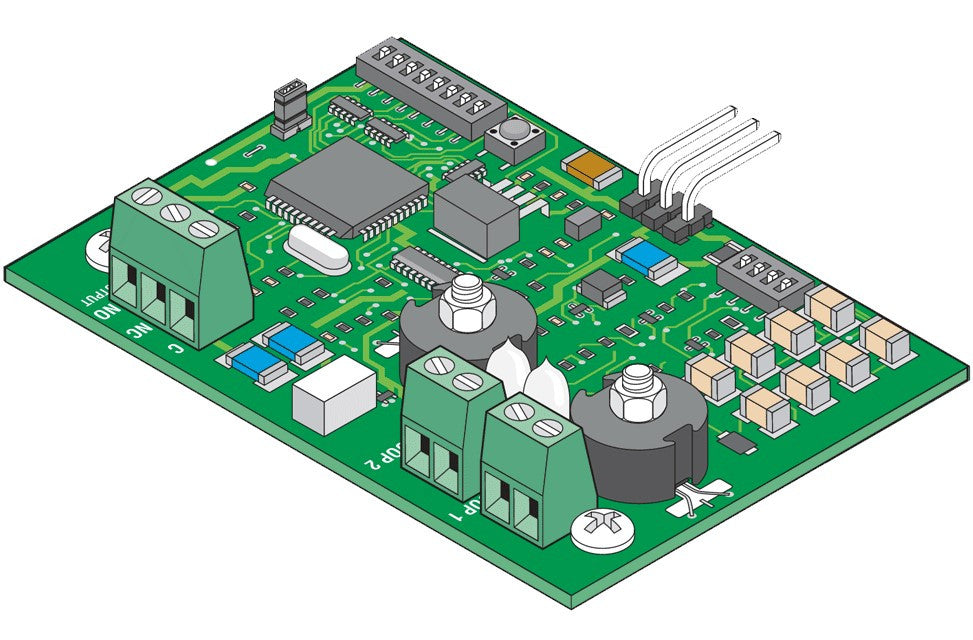
Use the 6550 manual for circuit board 4405-018 Rev A or higher.

For gates up to 800 lb see the 6500. For Class III and IV sites only, the 6555 is the 2 HP version.

Key specs

Class UL 325 Class I, II, III and IV
Motor 1 HP, 115 VAC, 9.7 A
Gate Up to 25 ft and 2,000 lb
Cycles 60 per hour
Speed 90 degrees in 12 to 14 seconds
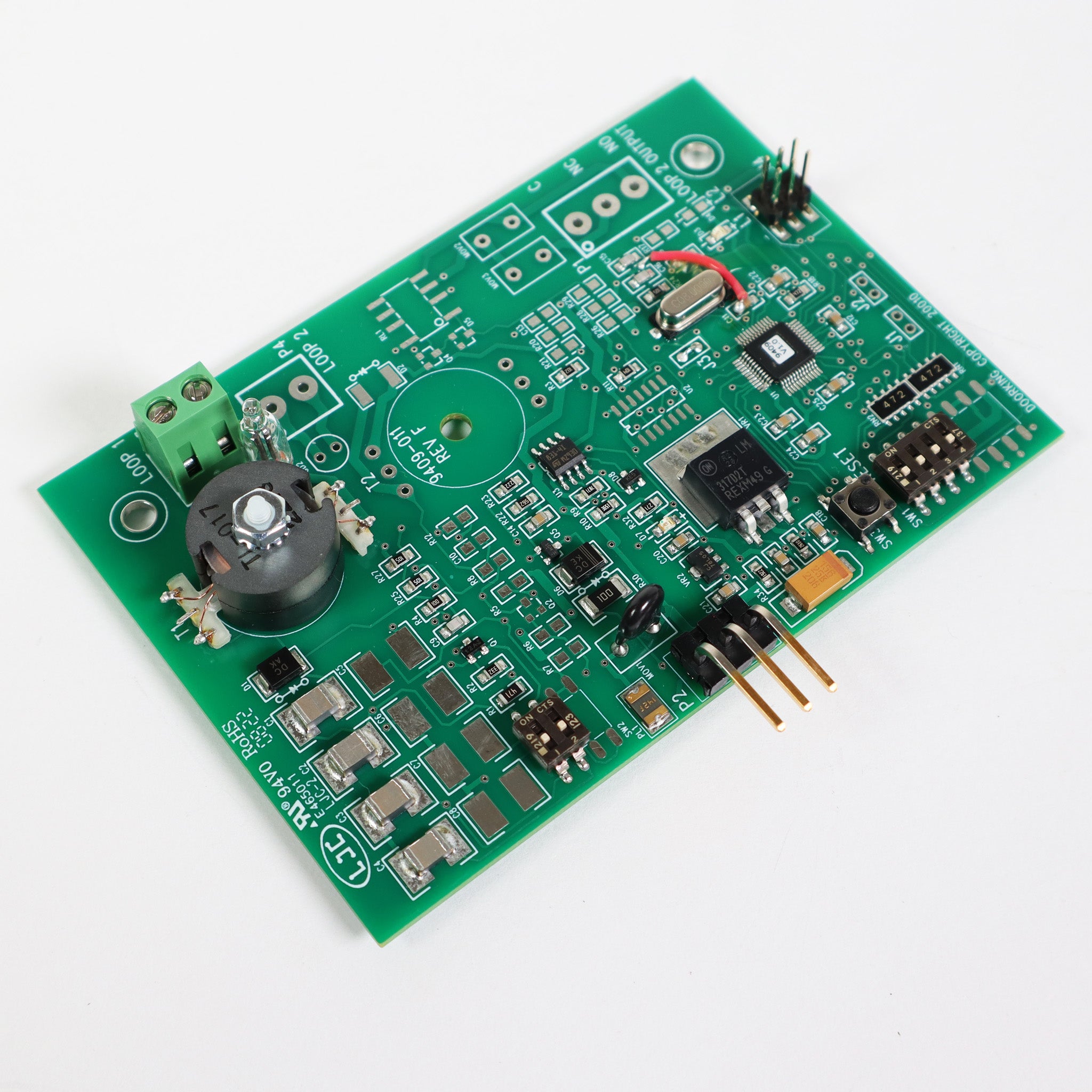
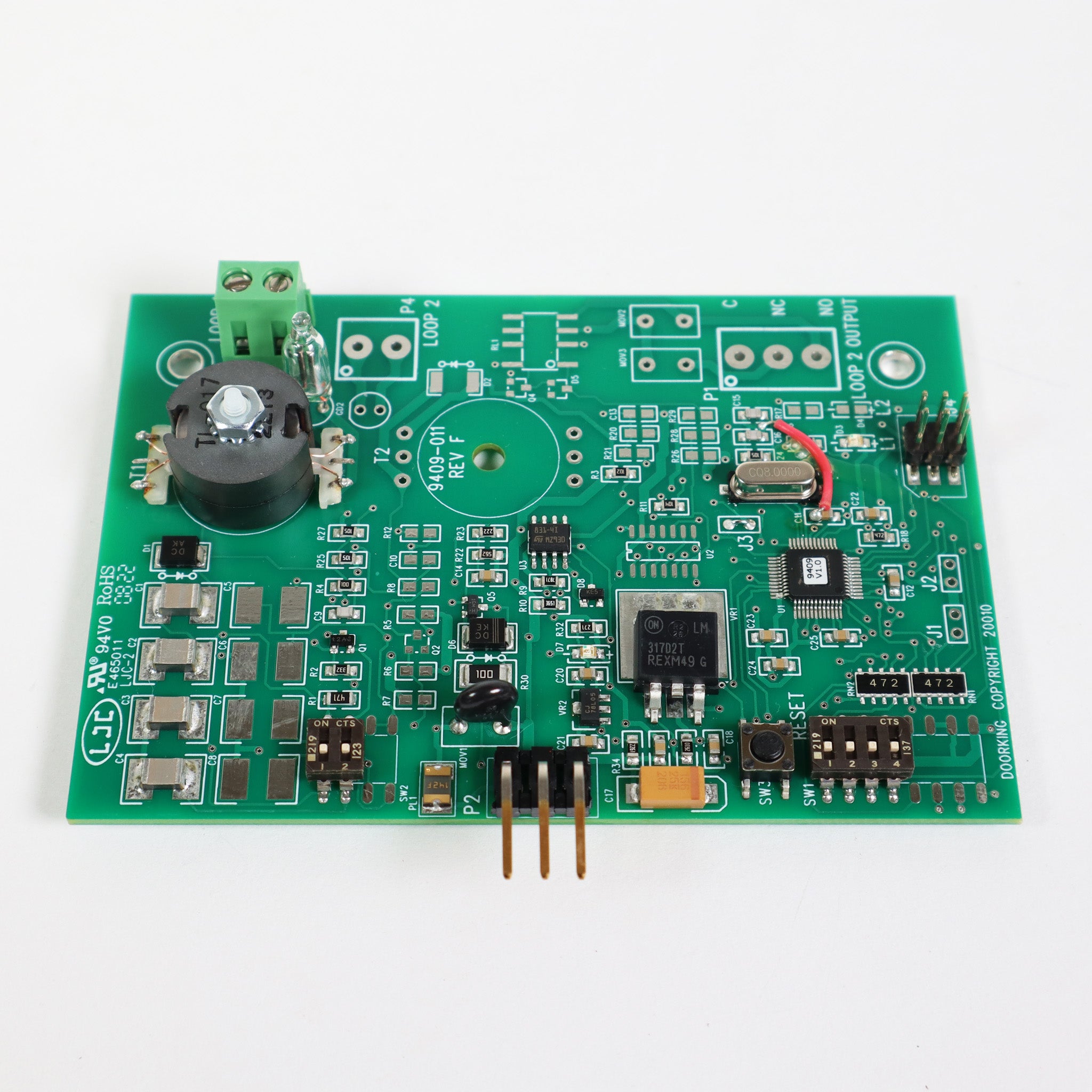
Board 4405-018

Manuals and documents

Installation Manual

Troubleshooting

Find which part has the problem first: the operator, the loop system or the keying devices. The input LEDs on the control board show which inputs are active.

Operator will not run, power LED off

  • Check that power to the operator is on.
  • Check for 115 VAC at terminals 19 and 20. If the voltage is good, check the terminal strip or replace the circuit board.
  • An overheated board transformer shuts the board down. Turn power off, let it cool for several minutes and test again.

Operator will not run, power LED on

  • At least one monitored photo eye or edge must be connected in each entrapment area, with its UL 325 input switched on.
  • Press the motor reset button firmly.
  • Jumper terminals 1 and 2 (or 1 and 5) for a moment. If the input LED does not light, check the terminal strip or replace the board.
  • Test the motor directly as the manual shows. If it runs in one direction only, check the motor, motor capacitor and wiring.

Entrapment input LED on or blinking

  • LED on: the photo eye or edge has a fault or its wiring is shorted.
  • LED blinking: the device is not connected or its wiring is open.

Gate opens but will not close

  • Any input LED that stays on holds the gate open. Disconnect keying devices one at a time until it goes off.
  • An active photo eye, edge or loop detector also holds the gate open.
  • The operator may be in a soft shutdown. Activate any keying device to clear it.
  • For automatic close, check that SW 1, switch 4 is ON.

Alarm sounding or chirping

  • This is a hard shutdown. The alarm sounds for 5 minutes, then chirps every 5 seconds until the operator is reset.
  • Check the whole gate area for an obstruction or damage first, then press the reset button or turn power off and back on.
  • If the cause cannot be found and fixed, leave the operator off until a technician checks it.

Common questions

DoorKing rates it for gates up to 25 ft and 2,000 lb.

Yes, with the optional DoorKing 2600-266 high voltage kit. It steps the incoming voltage down to the 115 VAC the operator uses.

Yes. The operator will not run until at least one monitored photo eye or edge is connected in each entrapment area. They are not included.