
Security Brands Ascent M3 and M8 Cellular Multi-Tenant Entry Manuals & Support

Identify your model
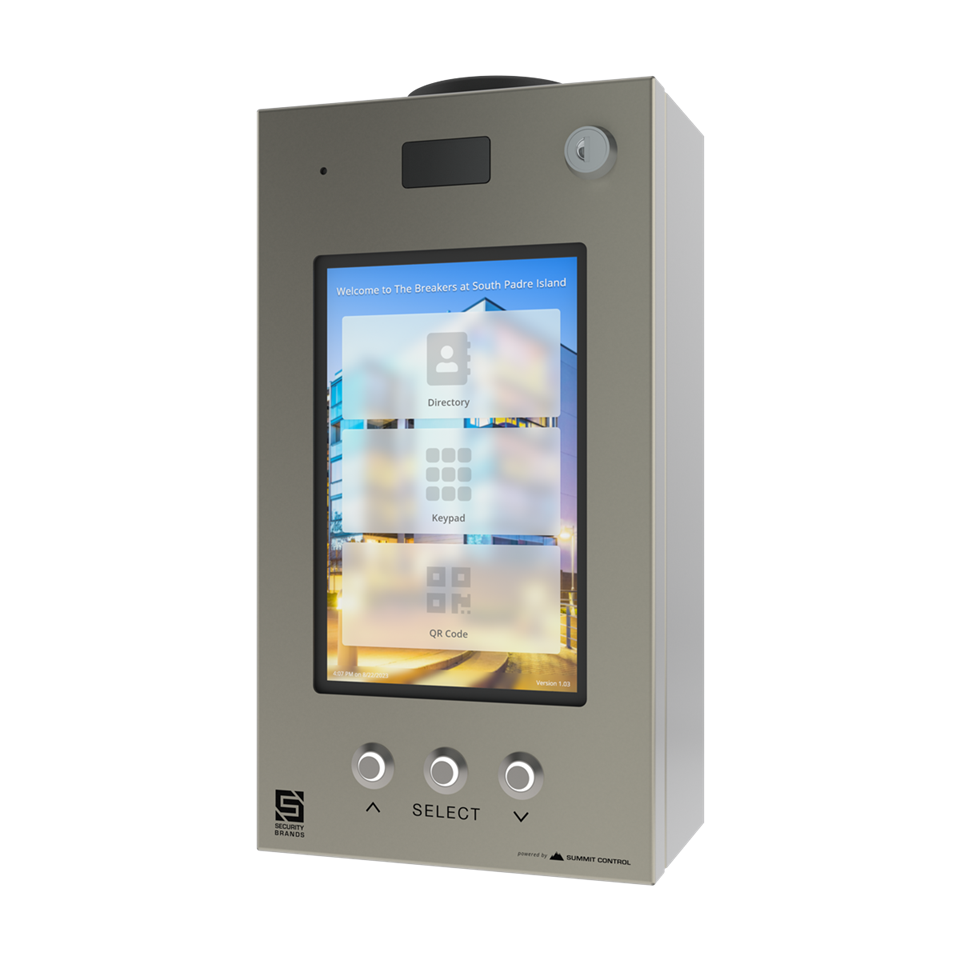
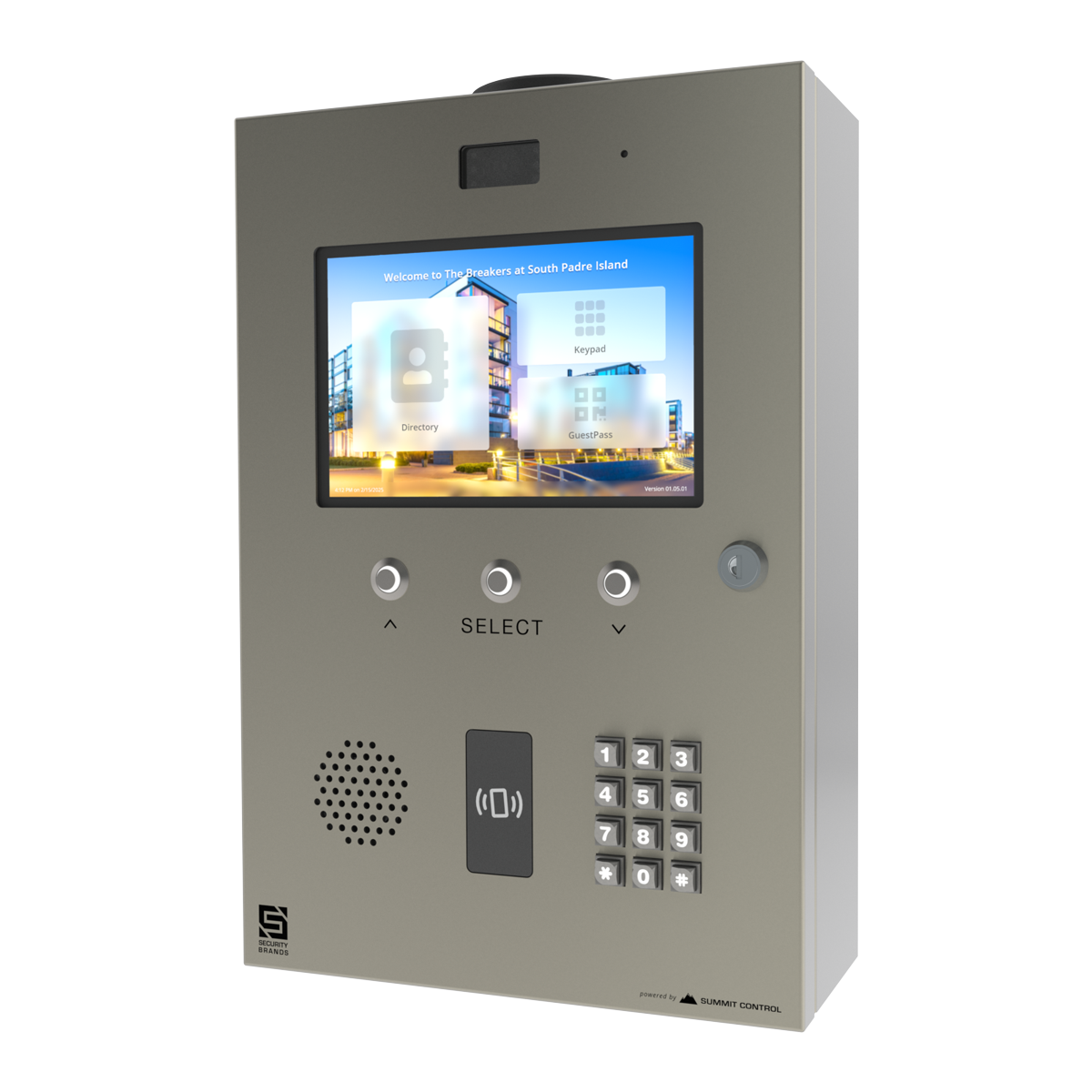
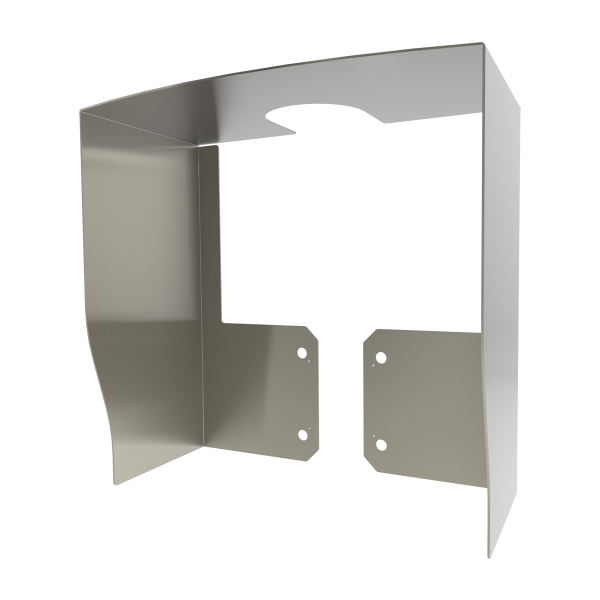
16-M3: compact surface mount. 16-M3REC: M3 recess mount. 16-M8: full size surface mount. 16-M8REC: M8 recess mount. 3-952: hood for the M8.
Key specs
| Network | 4G LTE, automatic network selection |
|---|---|
| Screen | 8 in color touchscreen |
| Doors | Up to 2 |
| Power | 24 VDC, supply included |
| Calling | Rollover to up to 3 numbers |
| M3 size | 12.93 x 6.75 x 4.36 in |
Manuals and documents
Installation Manual
-
Ascent M3 Install Guide
View PDF: Ascent M3 Install Guide (opens in a new tab) -
Ascent M3 Recess Mount Install Guide
View PDF: Ascent M3 Recess Mount Install Guide (opens in a new tab) -
Ascent M8 Install Guide
View PDF: Ascent M8 Install Guide (opens in a new tab) -
Ascent M8 Recess Mount Install Guide
View PDF: Ascent M8 Recess Mount Install Guide (opens in a new tab)
Quick Start
-
Ascent Multi-Tenant Activation Guide
View PDF: Ascent Multi-Tenant Activation Guide (opens in a new tab)
Spec Sheet
-
Ascent M3 Spec Sheet
View PDF: Ascent M3 Spec Sheet (opens in a new tab) -
Ascent M8 Spec Sheet
View PDF: Ascent M8 Spec Sheet (opens in a new tab)
Troubleshooting
Common questions
Follow the multi-tenant activation guide and leave it with the system owner.
The 16-M3REC or 16-M8REC.
Yes. Codes are stored on the unit.