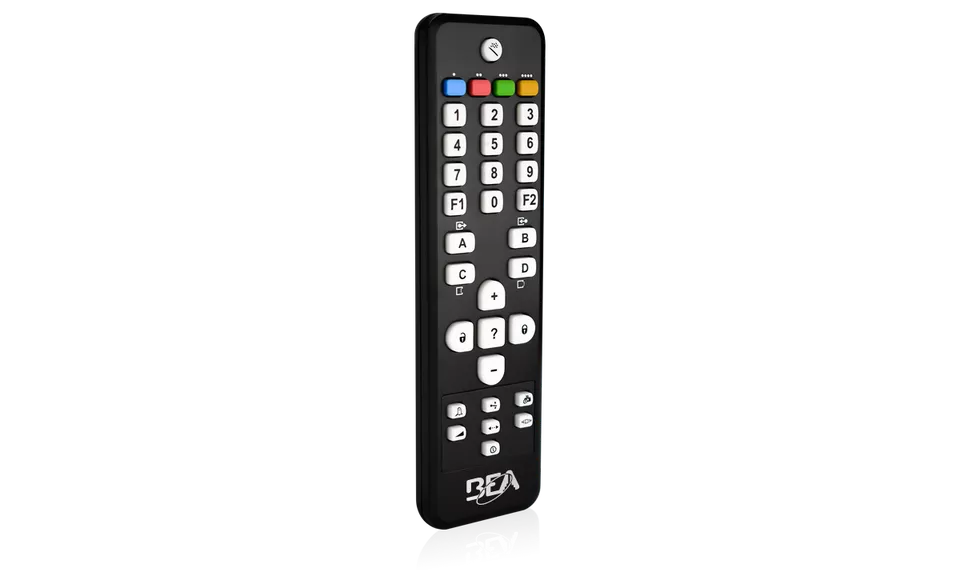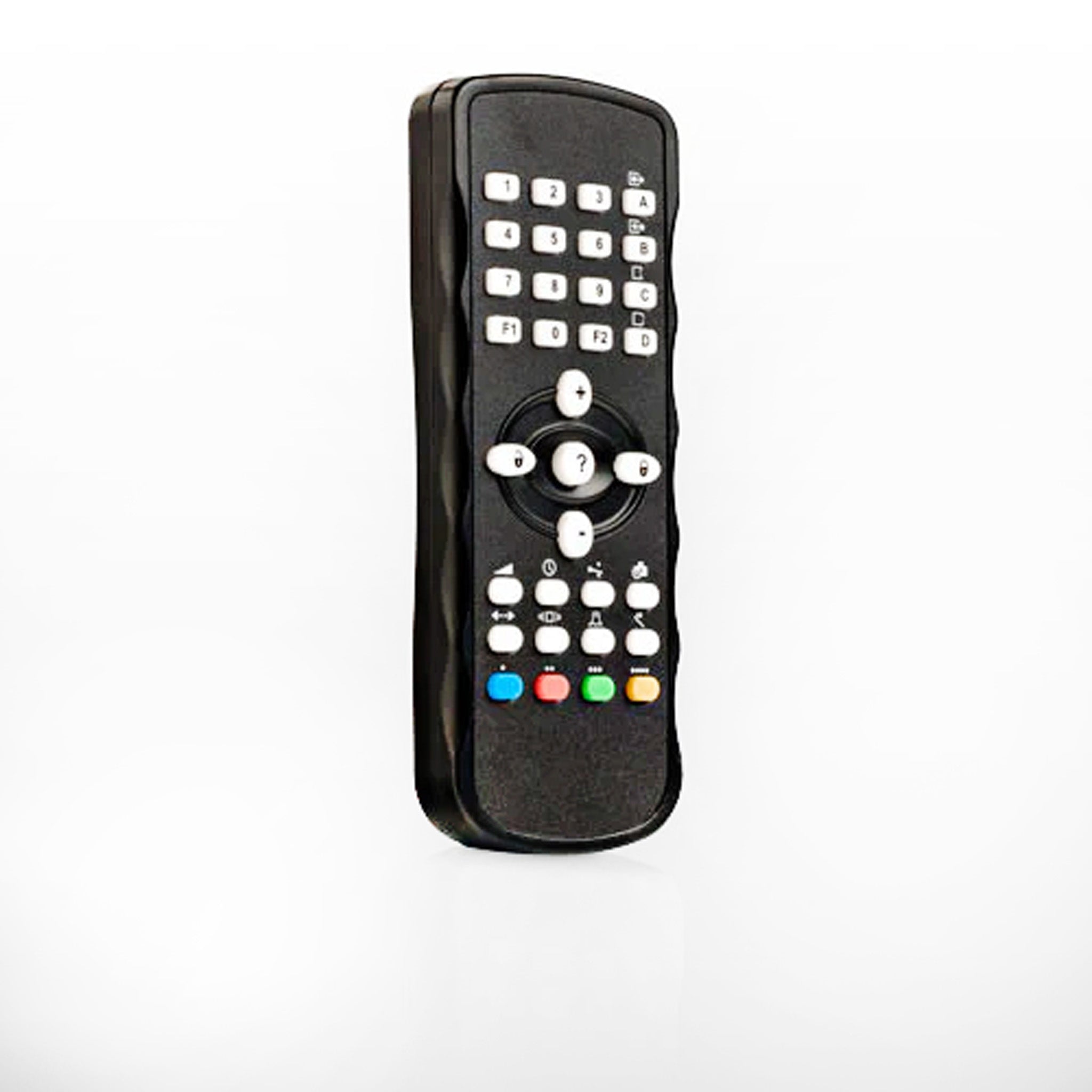


Identify your model
The LZR-S600 is the large-field LZR scanner. See the comparison chart below for the LZR-H100, LZR-I30 and LZR-WIDESCAN.
Key specs
| Technology | Laser scanner, time of flight, 4 curtains |
|---|---|
| Power | 10 to 35 VDC, under 5 W |
| Outputs | 2 electronic relays, 35 VDC / 24 VAC, 80 mA |
| Inputs | 2 optocouplers |
| Response time | Typical 20 ms |
| Cable | 33 ft |
| Enclosure | IP65 |
Manuals and documents
Installation Manual
-
LZR-S600 User Guide
View PDF: LZR-S600 User Guide (opens in a new tab)
Programming Guide
-
BEA Universal Remote Control Guide
View PDF: BEA Universal Remote Control Guide (opens in a new tab)
Spec Sheet
-
LZR-S600 Product Sheet
View PDF: LZR-S600 Product Sheet (opens in a new tab) -
LZR-S600 Architectural Specification
View PDF: LZR-S600 Architectural Specification (opens in a new tab)
Other documents
-
NEMA 4 Laser Scanner Comparison
View PDF: NEMA 4 Laser Scanner Comparison (opens in a new tab)
Troubleshooting
Common questions
10 to 35 VDC measured at the sensor, under 5 W.
Turn on the three red laser spots with the remote and adjust the tilt with the hex screws, then run a Learn.
The field may touch the floor, a wall or the door, or something is in the field. Re-aim it and run a Learn.