DoorKing 9310 Manuals & Support
This model is discontinued. Manuals and replacement parts for existing units are listed below.
Identify your model
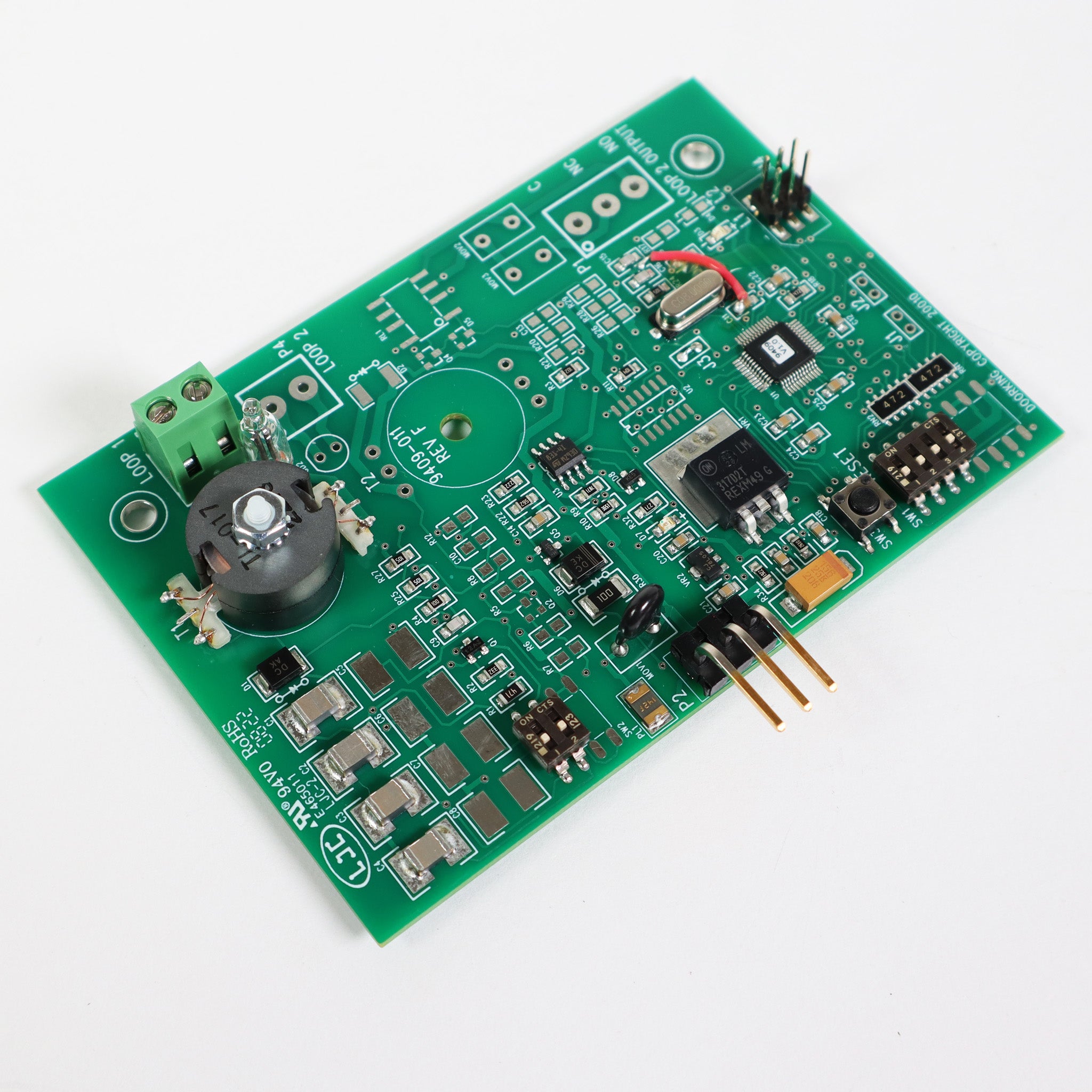
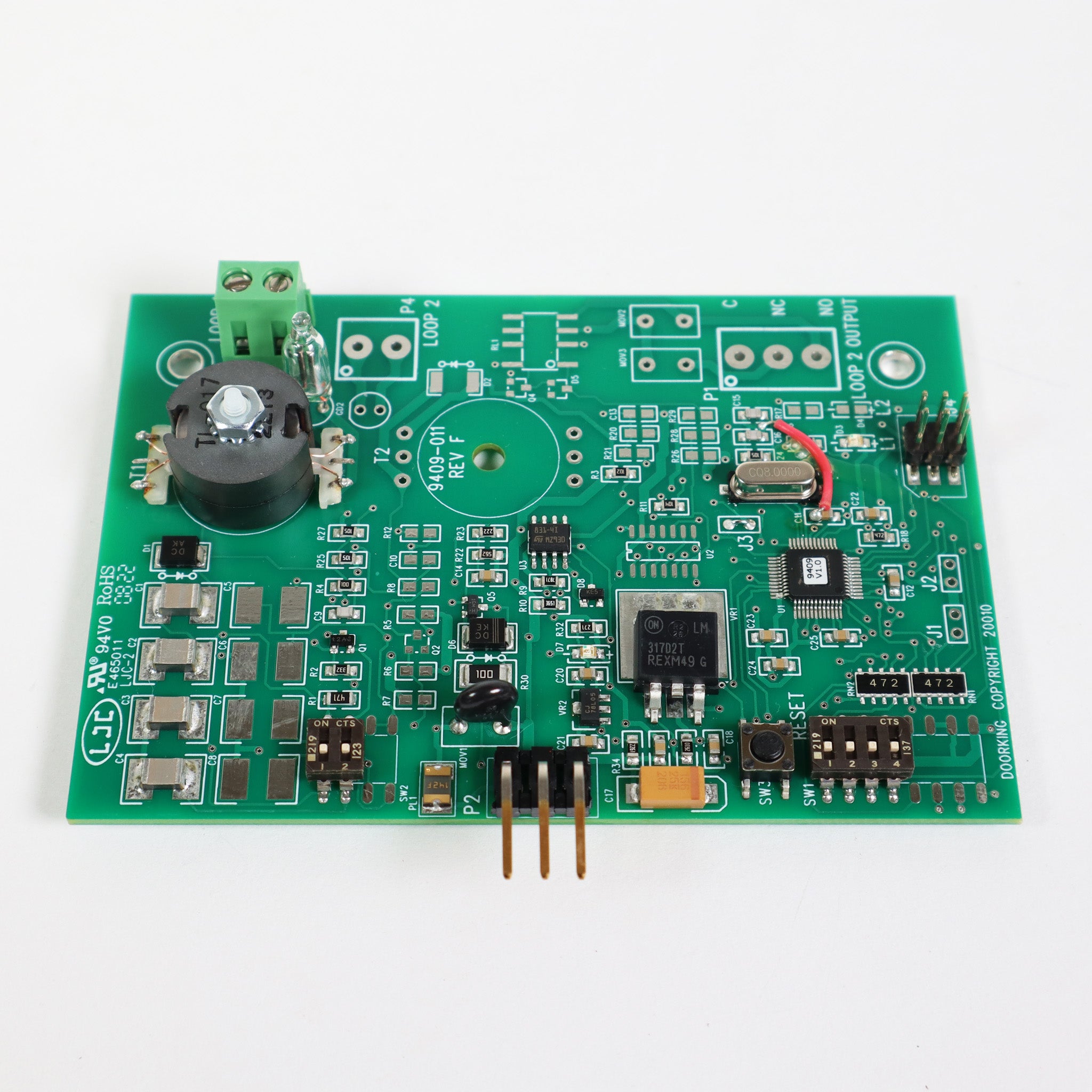
The 9310 uses the 4403-010 board, now shipped as 4403-012. Units with the Convenience Open option have lower weight limits: 800 lb (1/2 HP) and 1,300 lb (1 HP).
For a new installation see the 9000.
Key specs
| Class | UL 325 Class I, II, III and IV |
|---|---|
| 1/2 HP | 115, 208, 230 or 460 VAC, gates up to 1,000 lb and 30 ft |
| 1 HP | 115 to 230 VAC single phase or 208/230 three phase, up to 1,500 lb and 45 ft |
| Cycles | 60 per hour |
| Speed | About 1 ft per second |
| Board | 4403-010 (now 4403-012) |
Manuals and documents
Installation Manual
-
9310 Slide Gate Operator Owner's Manual
View PDF: 9310 Slide Gate Operator Owner's Manual (opens in a new tab) -
Supplemental Owner's Instructions for 1600, 6000 and 9000 Series Operators
View PDF: Supplemental Owner's Instructions for 1600, 6000 and 9000 Series Operators (opens in a new tab) -
1473-010 Circuit Board Manual (UL 325)
View PDF: 1473-010 Circuit Board Manual (UL 325) (opens in a new tab)
Parts List
-
9310-095 Parts Breakdown
View PDF: 9310-095 Parts Breakdown (opens in a new tab)
Troubleshooting
Common questions
The 4403-010. DoorKing now supplies the 4403-012 in its place.
Units with the Convenience Open option are rated 800 lb (1/2 HP) and 1,300 lb (1 HP).
Yes. The operator will not run until at least one monitored photo eye or edge is connected in each entrapment area. They are not included.