HySecurity SlideDriver 222 Manuals & Support

This model is discontinued. The current replacement is the HySecurity SlideDriver II SD40 (reemplaza 222 E ST) **Ya disponible**. Manuals and replacement parts for existing units are listed below.
Identify your model
Read the part number on the operator label. It starts with 222 and ends with ST, for example 222 E ST. The letters in the middle give the model. A C means a Corrections model (222 CE ST, 222 CX 1.7 ST). A D means a UPS model with DC battery backup (222 DS ST, 222 DE ST).
| Part number | Model | Max gate | Speed | SlideDriver II replacement |
|---|---|---|---|---|
| 222 SS ST | SlideDriver 15 | 1,500 lb | 1 ft/s | SD15 |
| 222 EX 1.7 ST | SlideDriver 30F | 3,000 lb | 1.7 ft/s | SD50F for fast speed. SD40 if you only need the gate weight rating. |
| 222 E ST | SlideDriver 40 | 4,000 lb | 1 ft/s | SD40 |
| 222 X3 ST | SlideDriver 50VF2/3 | 5,000 lb | 2.2 or 3 ft/s | SD50F |
| 222 X1 ST | SlideDriver 80 | 8,000 lb | 1 ft/s | SD80V |
| 222 CE ST | SlideDriver 40 Corrections | 4,000 lb | 1 ft/s | SD40 Corrections |
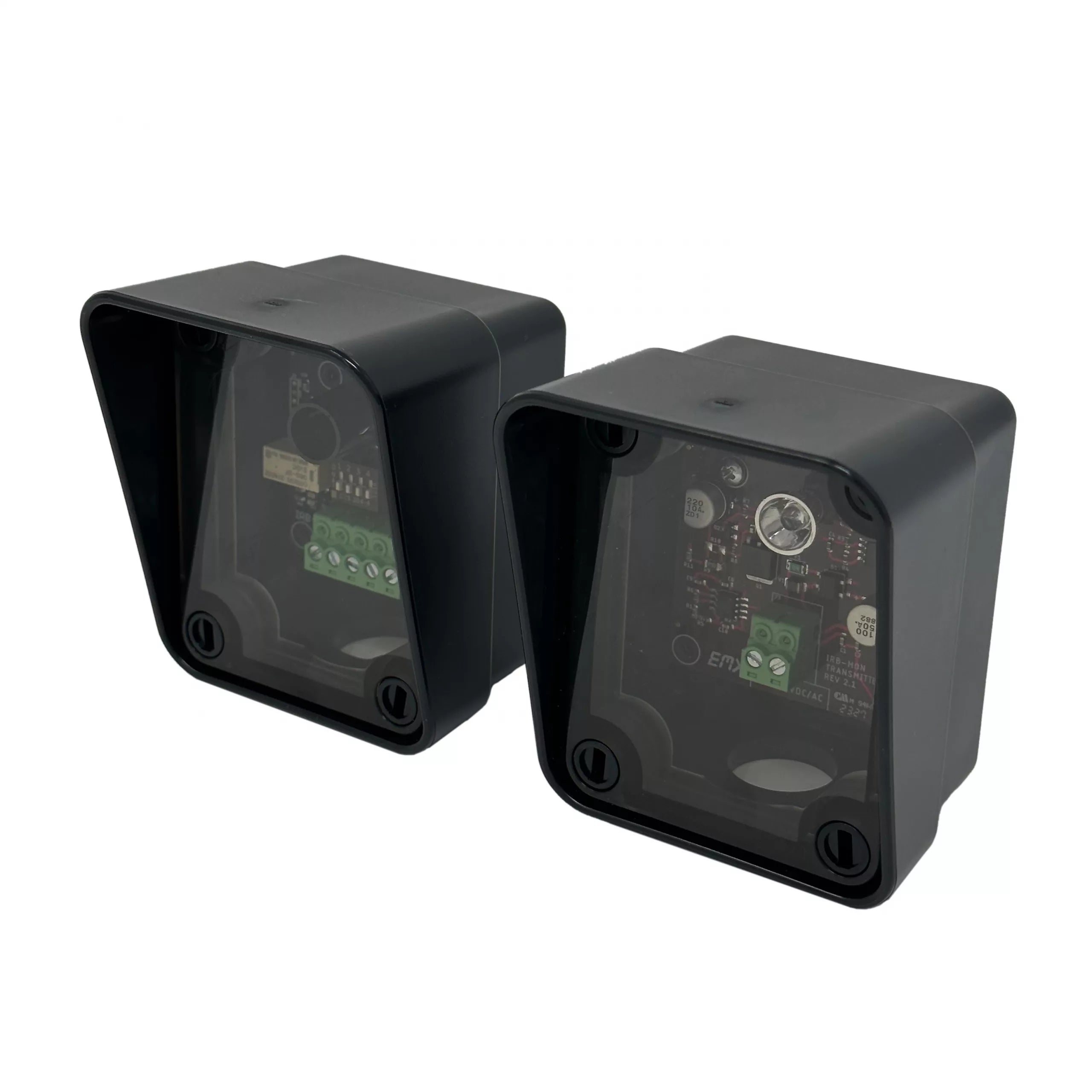
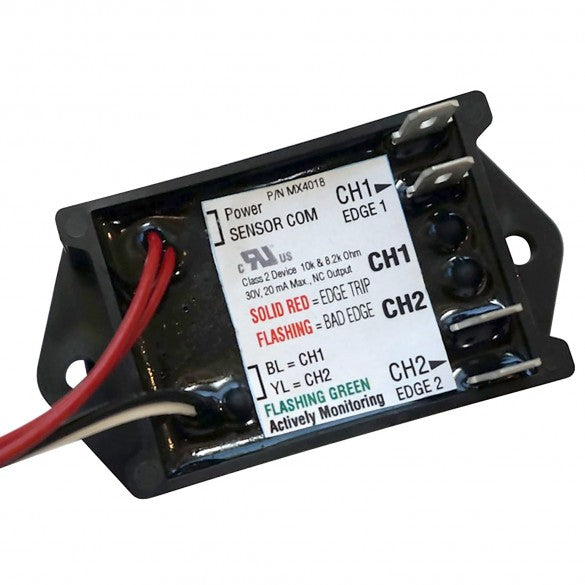
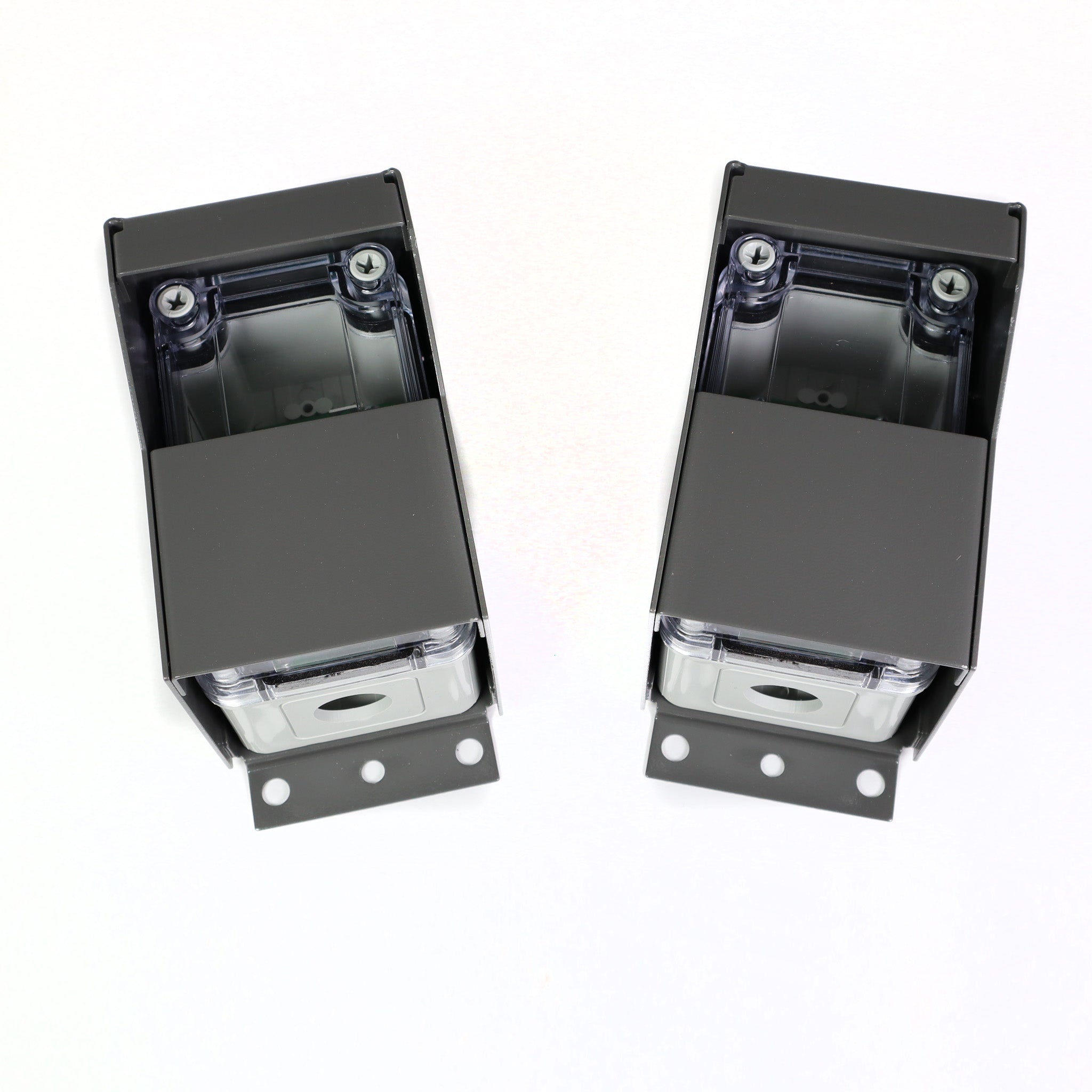
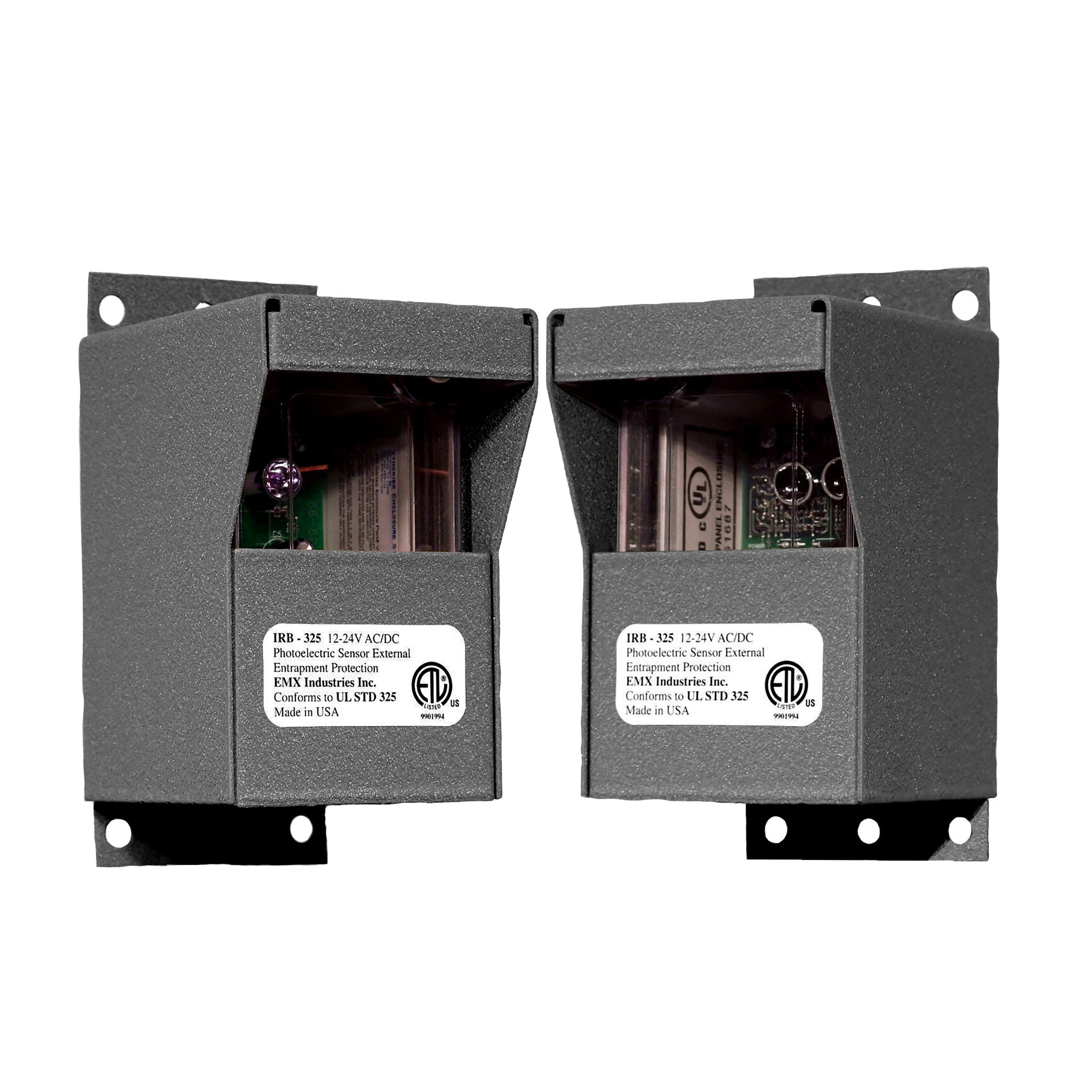
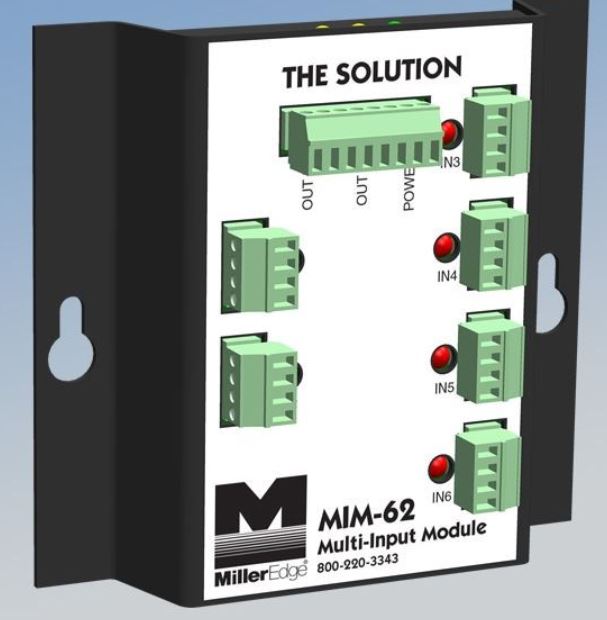
Units built in 2016 or later show a Build Year (BY 2 or BY 3) in the display scroll. These units need monitored entrapment sensors on the SENSOR inputs before the gate will close by itself.
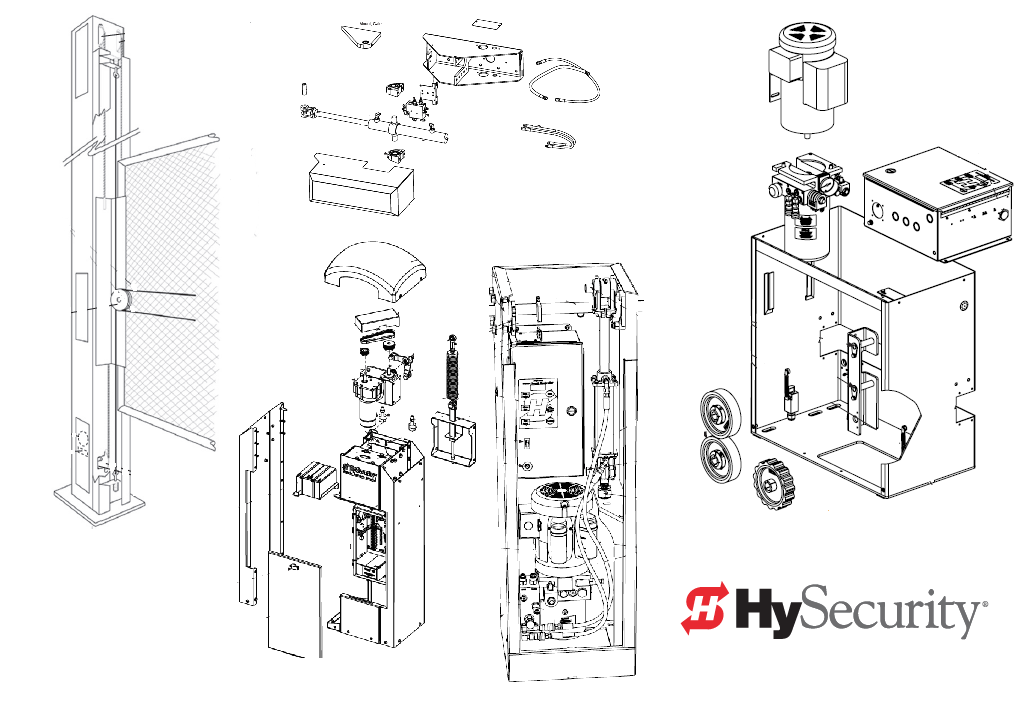
Parts diagrams by model: SlideDriver 15, SlideDriver 30F, SlideDriver 40, SlideDriver 50VF2/3.
The SlideDriver 200 (444 XS ST) is a separate model and is not covered on this page.
Key specs
| Models | SlideDriver 15, 30F, 40, 50VF2/3 and 80 |
|---|---|
| Part numbers | 222 SS ST, 222 EX 1.7 ST, 222 E ST, 222 X3 ST, 222 X1 ST |
| Drive | Hydraulic, AdvanceDrive wheels on a drive rail |
| Max gate weight | 1,500 lb to 8,000 lb by model |
| Gate speed | 1 ft/s; 1.7 ft/s on the 30F; 2.2 or 3 ft/s on the 50VF2/3 |
| Drawbar pull | 300 lb; 600 lb on the SlideDriver 80 |
| Motor | 1 hp on the 15 and 40; 2 hp on the 30F, 50VF2/3 and 80 |
| Power | 115/208/230 VAC 1-phase or 208/230/460 VAC 3-phase, by model |
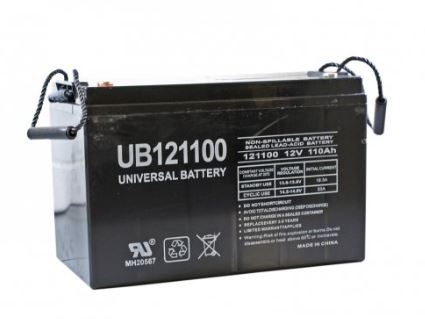
| UPS models | Two 12 V, 110 Ah AGM batteries with HyCharger DC |
| Duty cycle | Continuous |
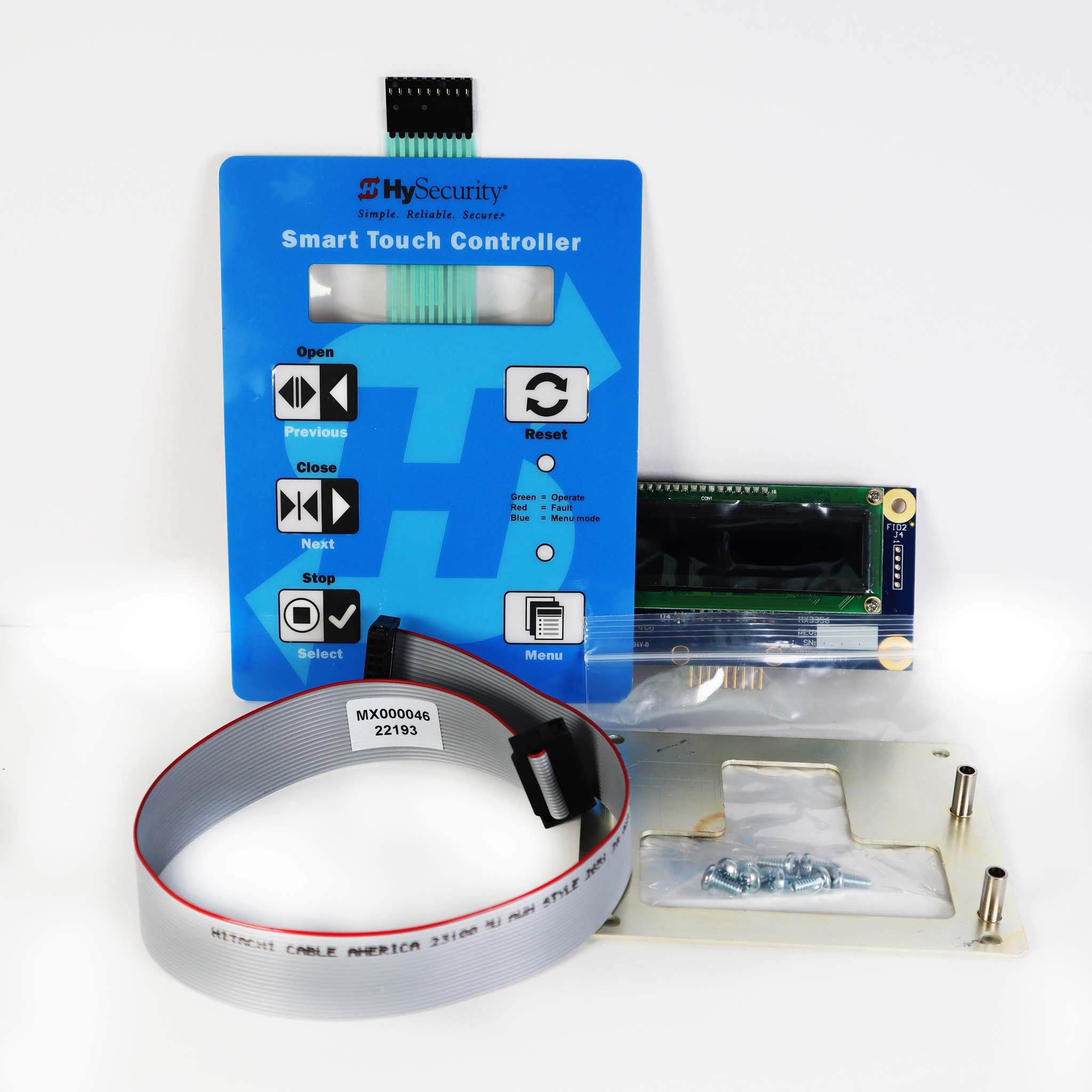
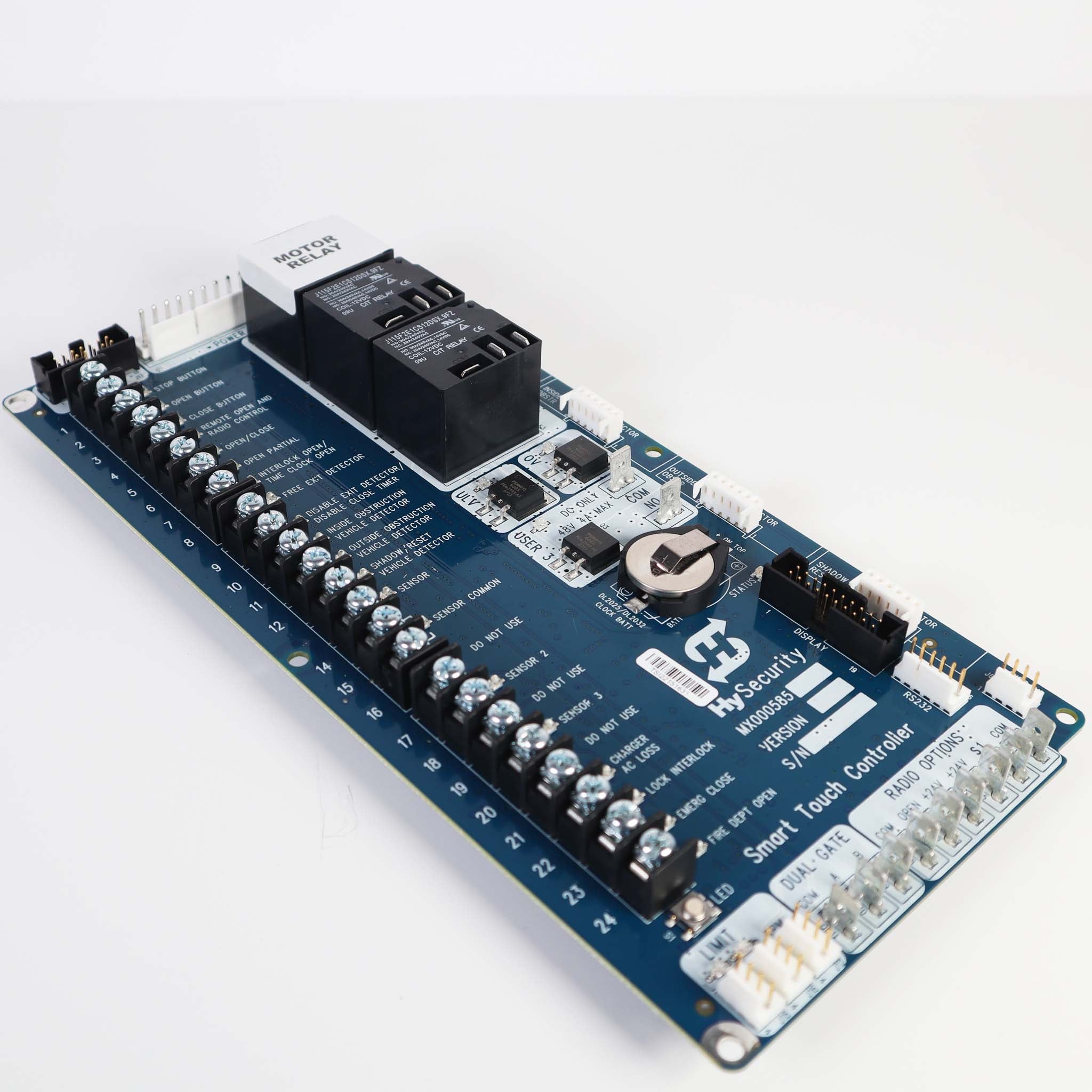
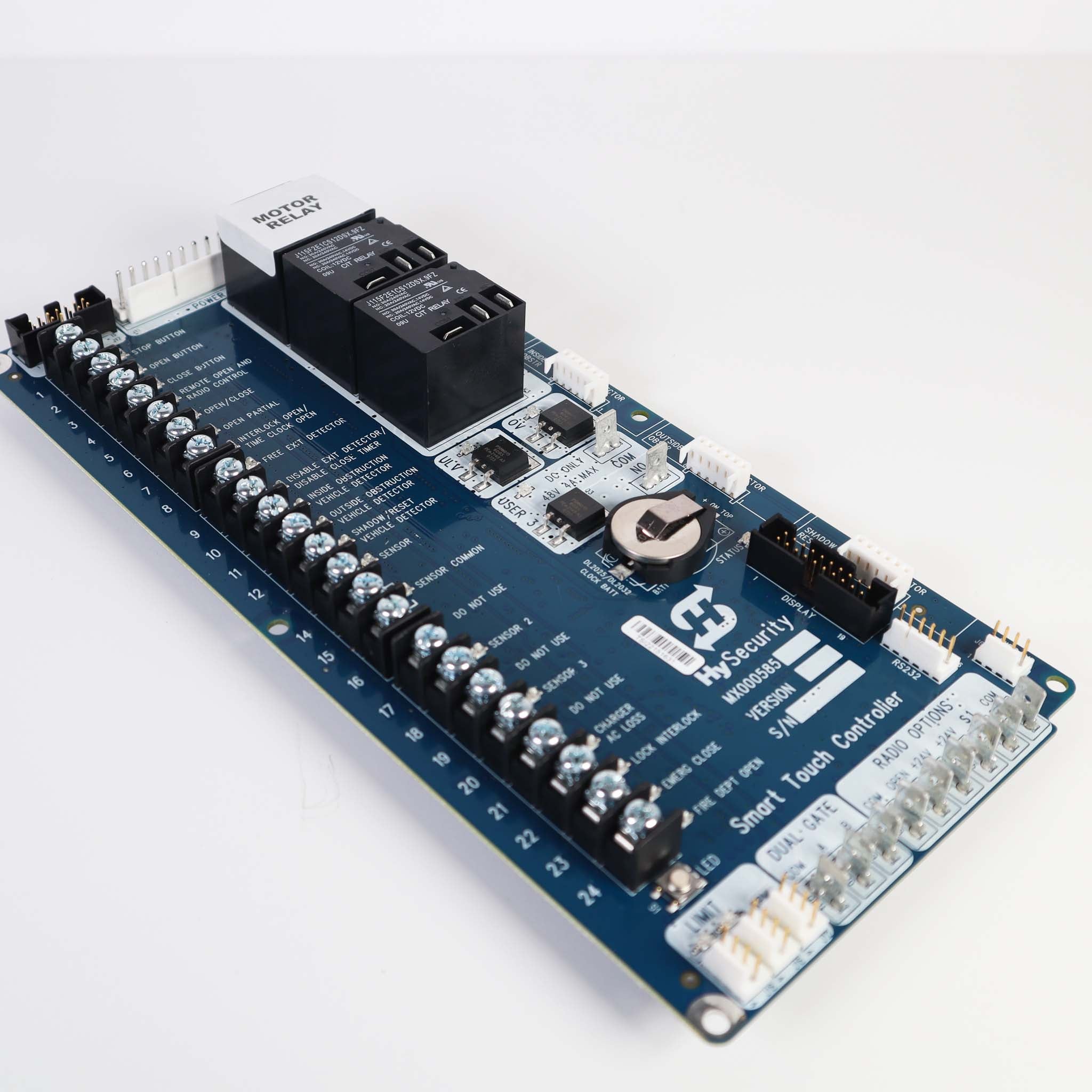
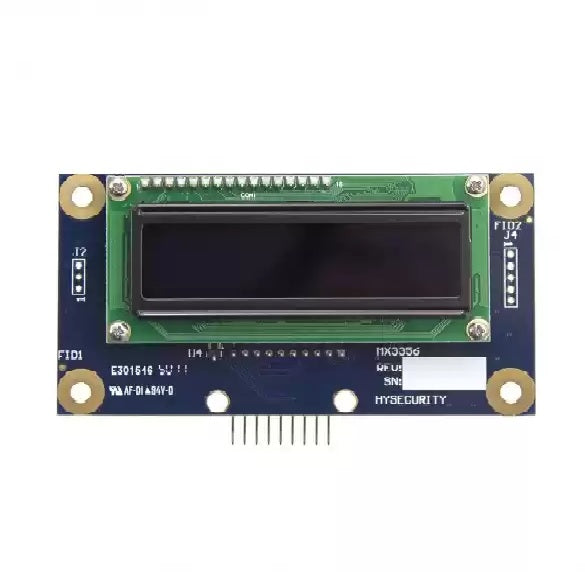
| Controller | Smart Touch Controller (MX000585); pre-2001 units are relay controlled |
| Operating temperature | -40 to 158 °F |
| Status | Discontinued; replaced by SlideDriver II |
Manuals and documents
Installation Manual
-
SlideDriver Installation Instructions (15, 30F, 40, 50VF, 80, 200)
View PDF: SlideDriver Installation Instructions (15, 30F, 40, 50VF, 80, 200) (opens in a new tab) -
DC Power Supply with HyCharger DC Supplement (UPS models)
View PDF: DC Power Supply with HyCharger DC Supplement (UPS models) (opens in a new tab) -
Smart Touch Controller MX000585 Installation Instructions
View PDF: Smart Touch Controller MX000585 Installation Instructions (opens in a new tab) -
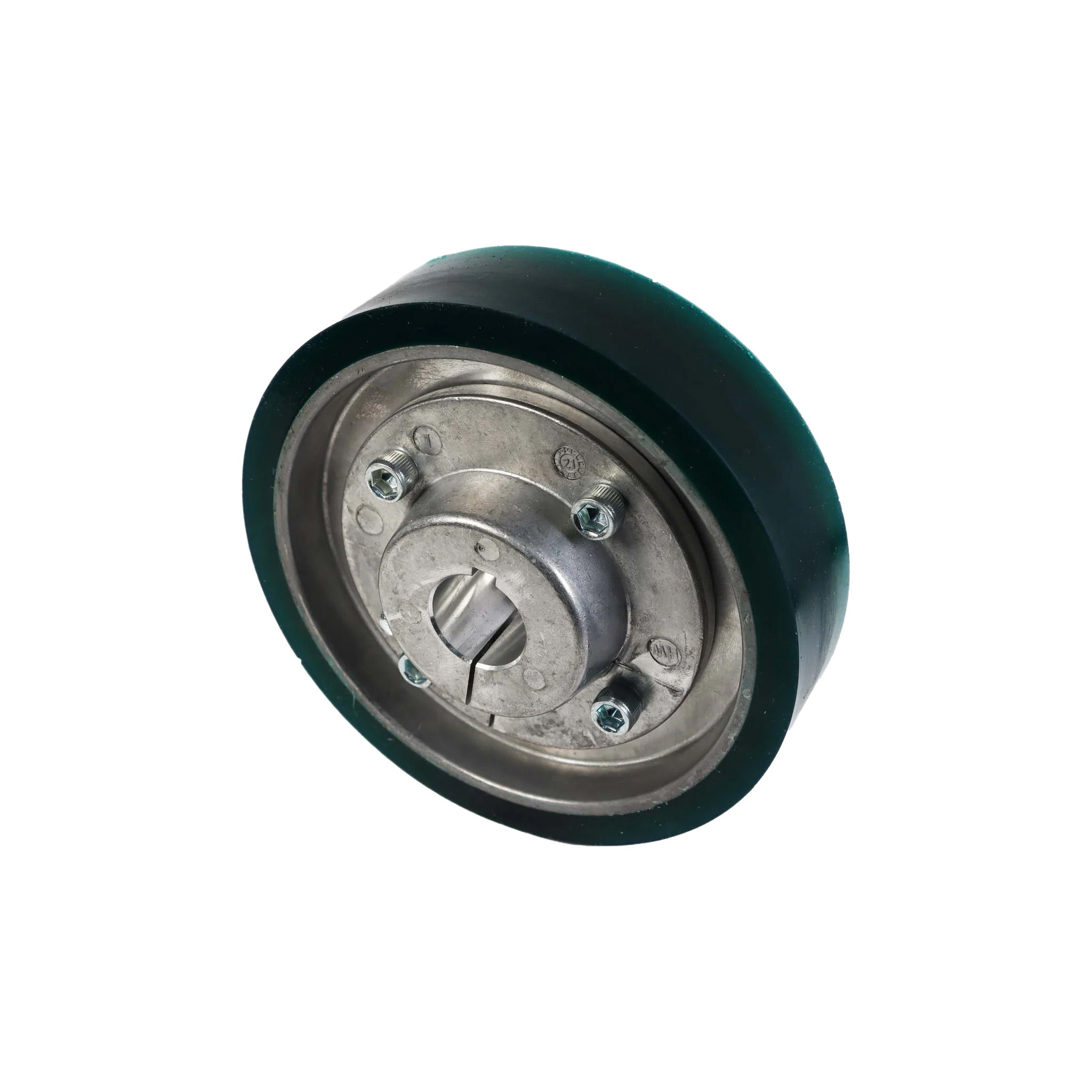
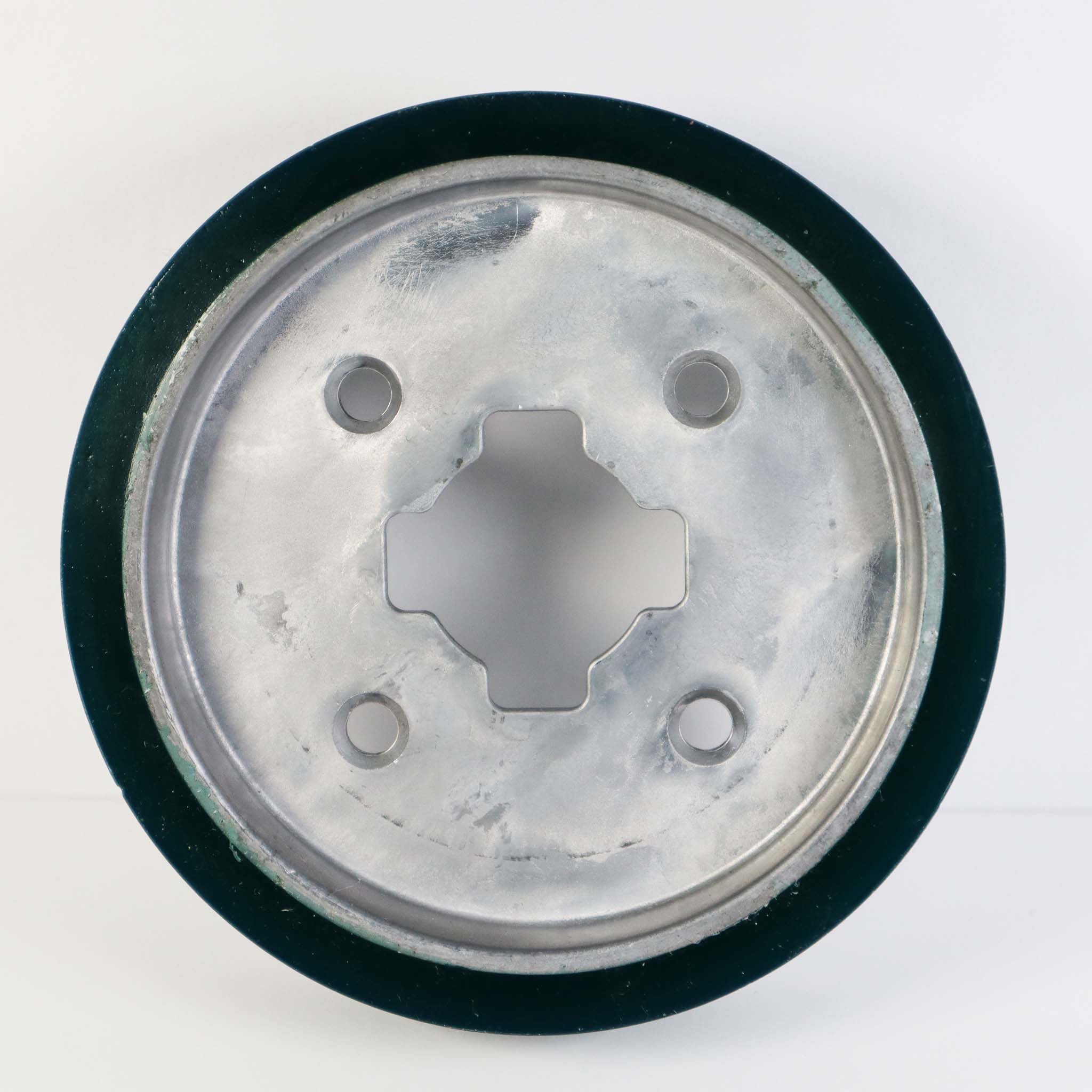
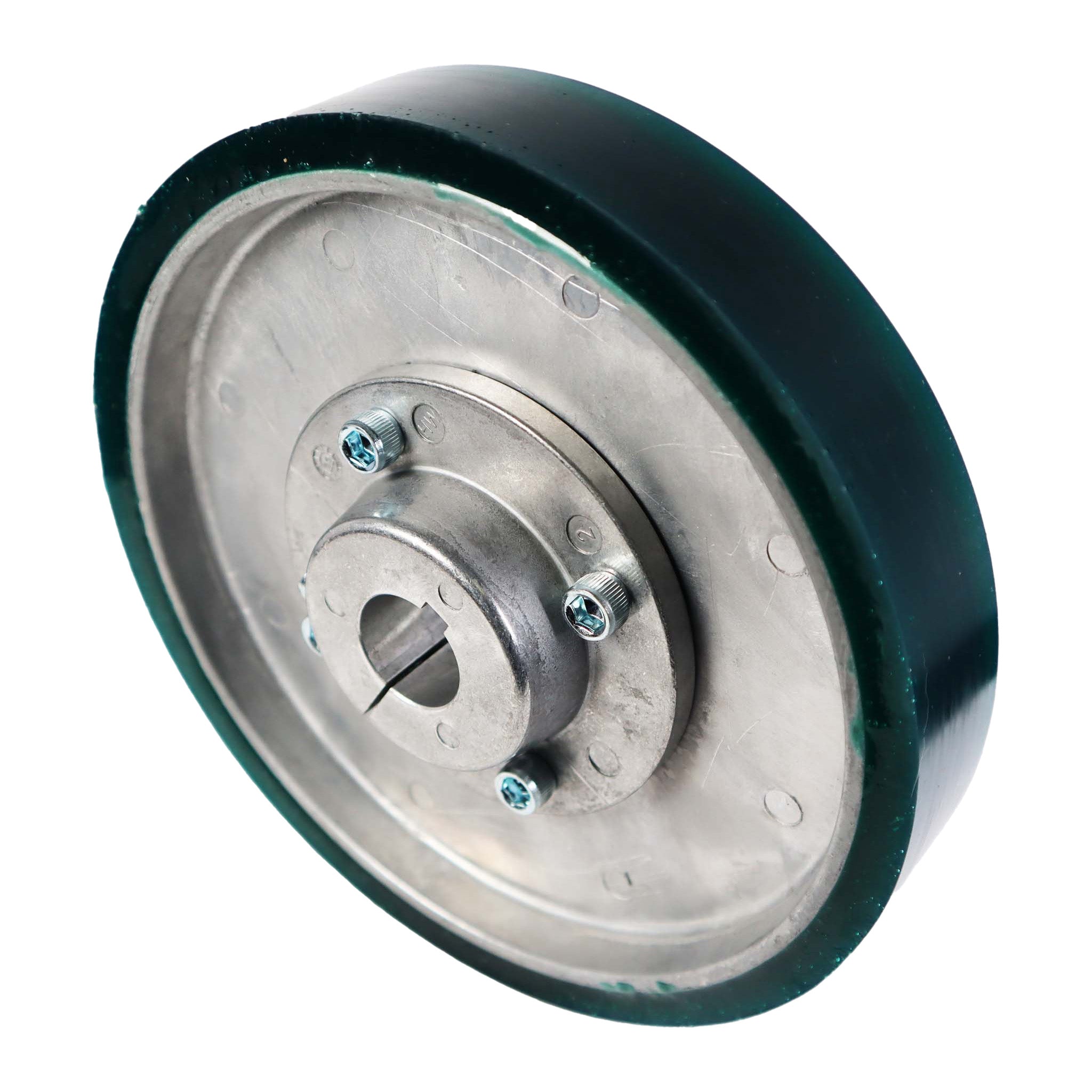
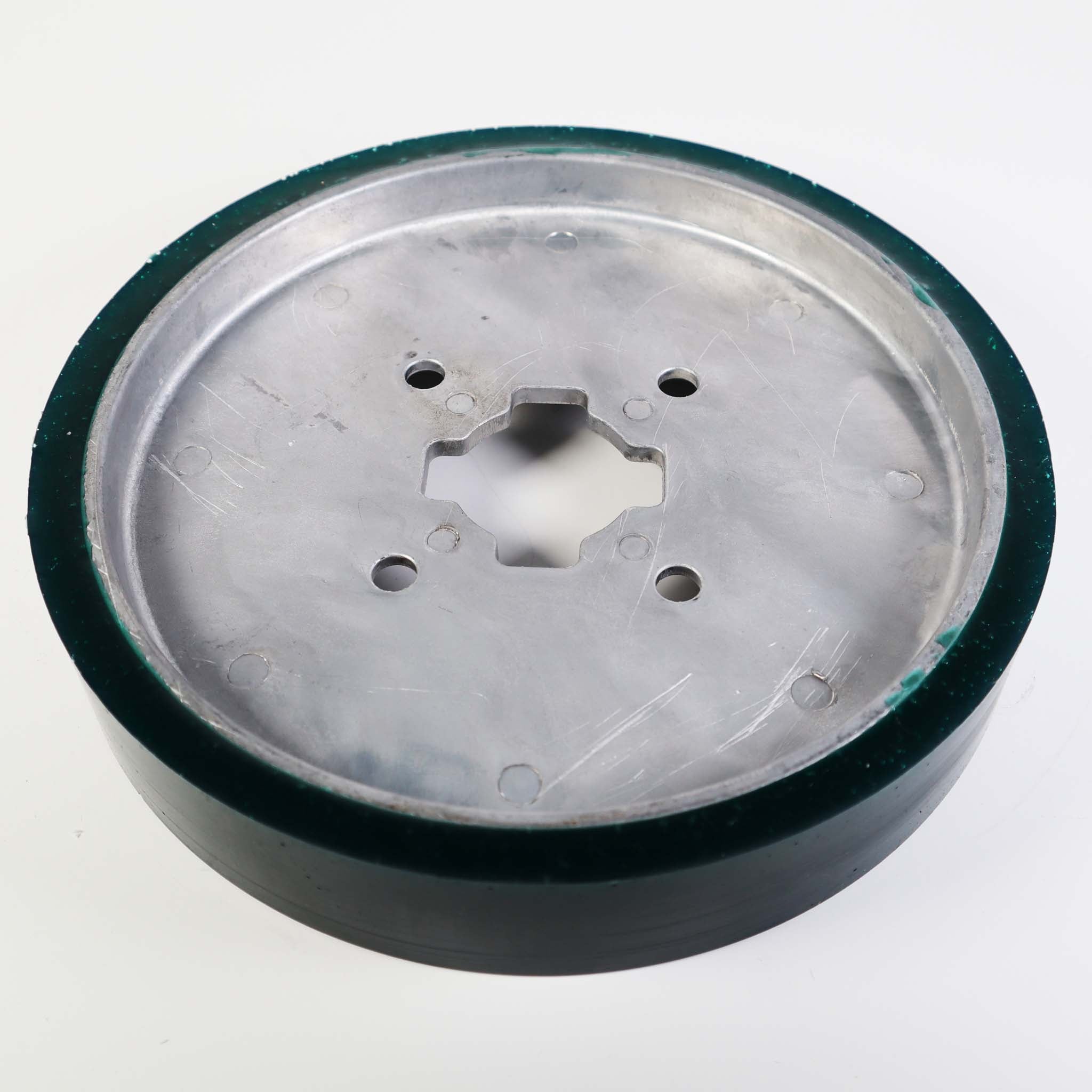
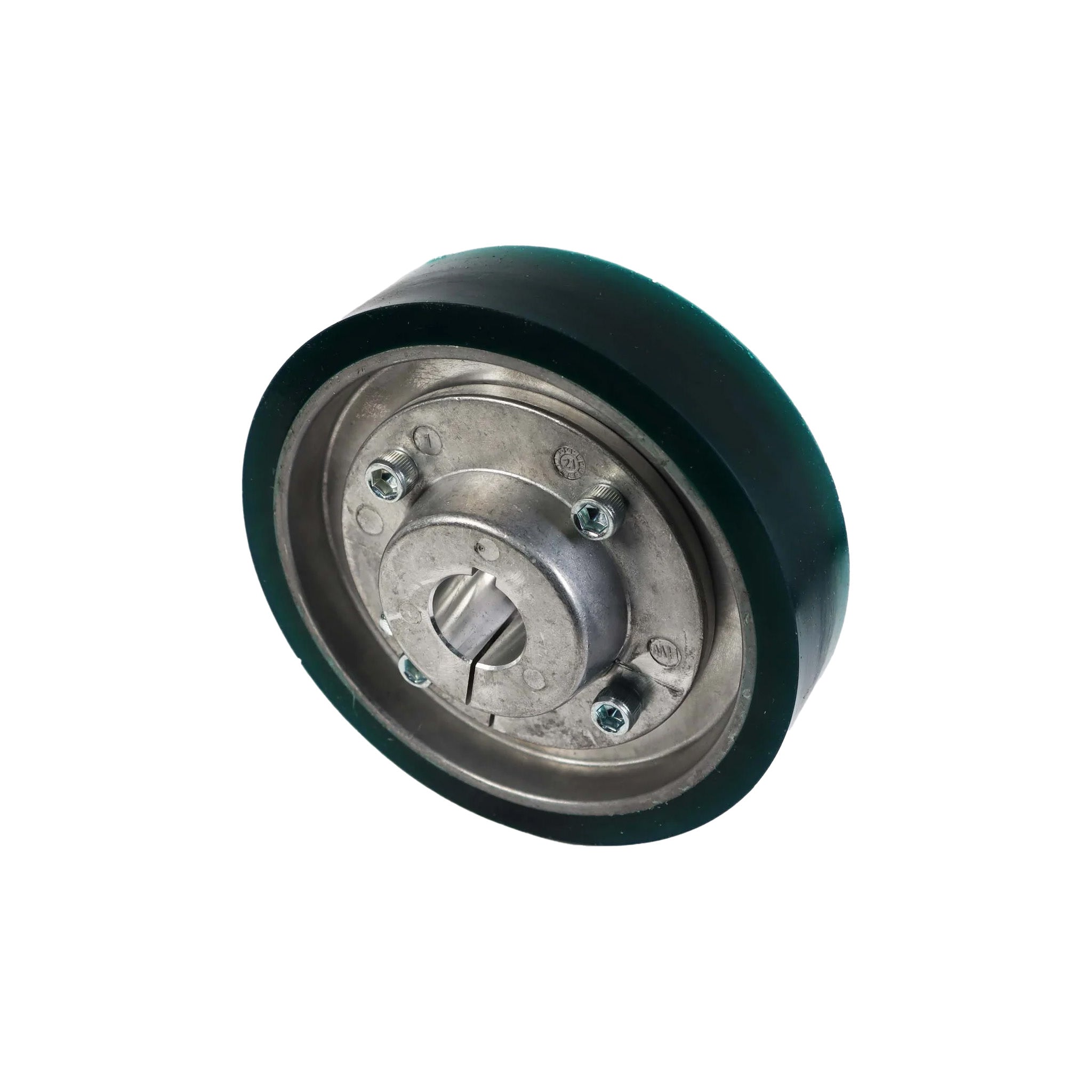
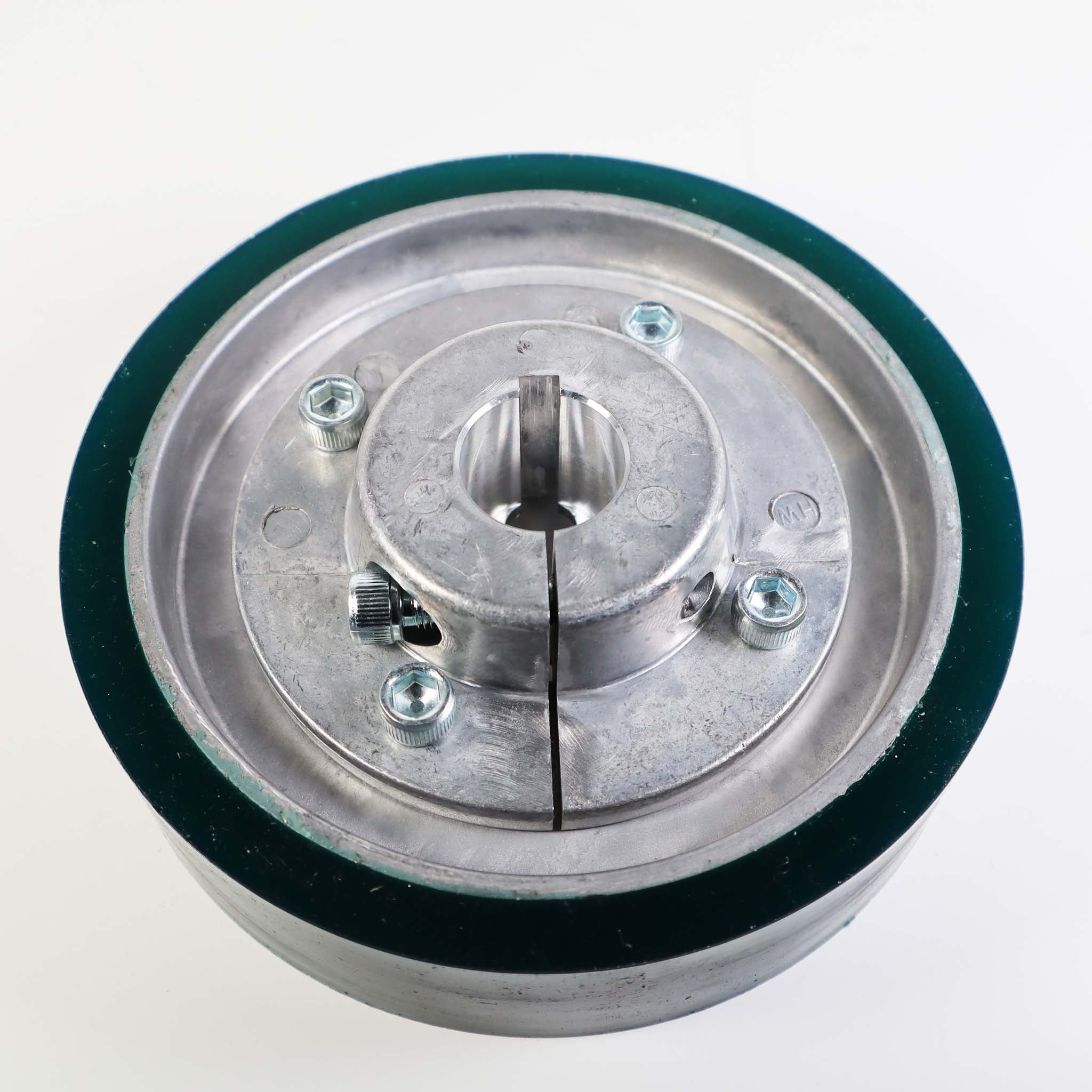
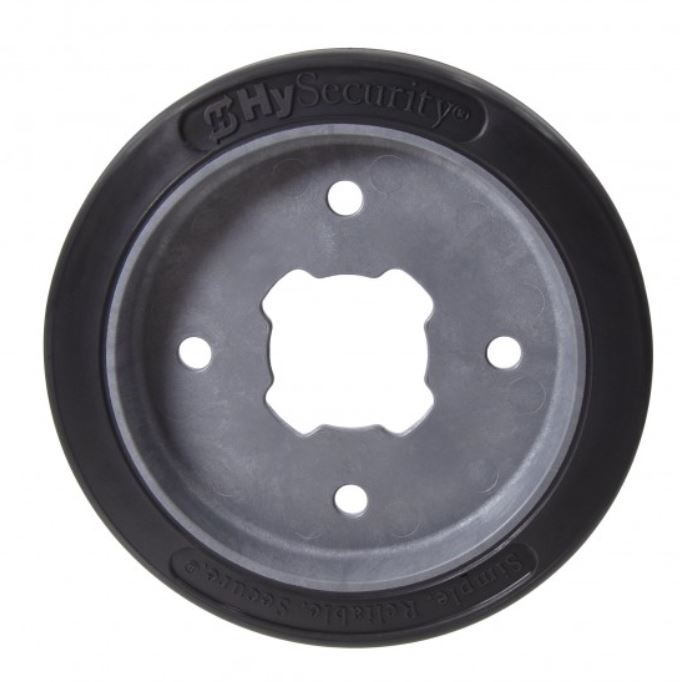
AdvanceDrive Wheel Replacement, 6 and 8 inch (MX001827, MX002064)
View PDF: AdvanceDrive Wheel Replacement, 6 and 8 inch (MX001827, MX002064) (opens in a new tab) -
AdvanceDrive Collared Wheel Replacement (MX002707, MX3132)
View PDF: AdvanceDrive Collared Wheel Replacement (MX002707, MX3132) (opens in a new tab) -
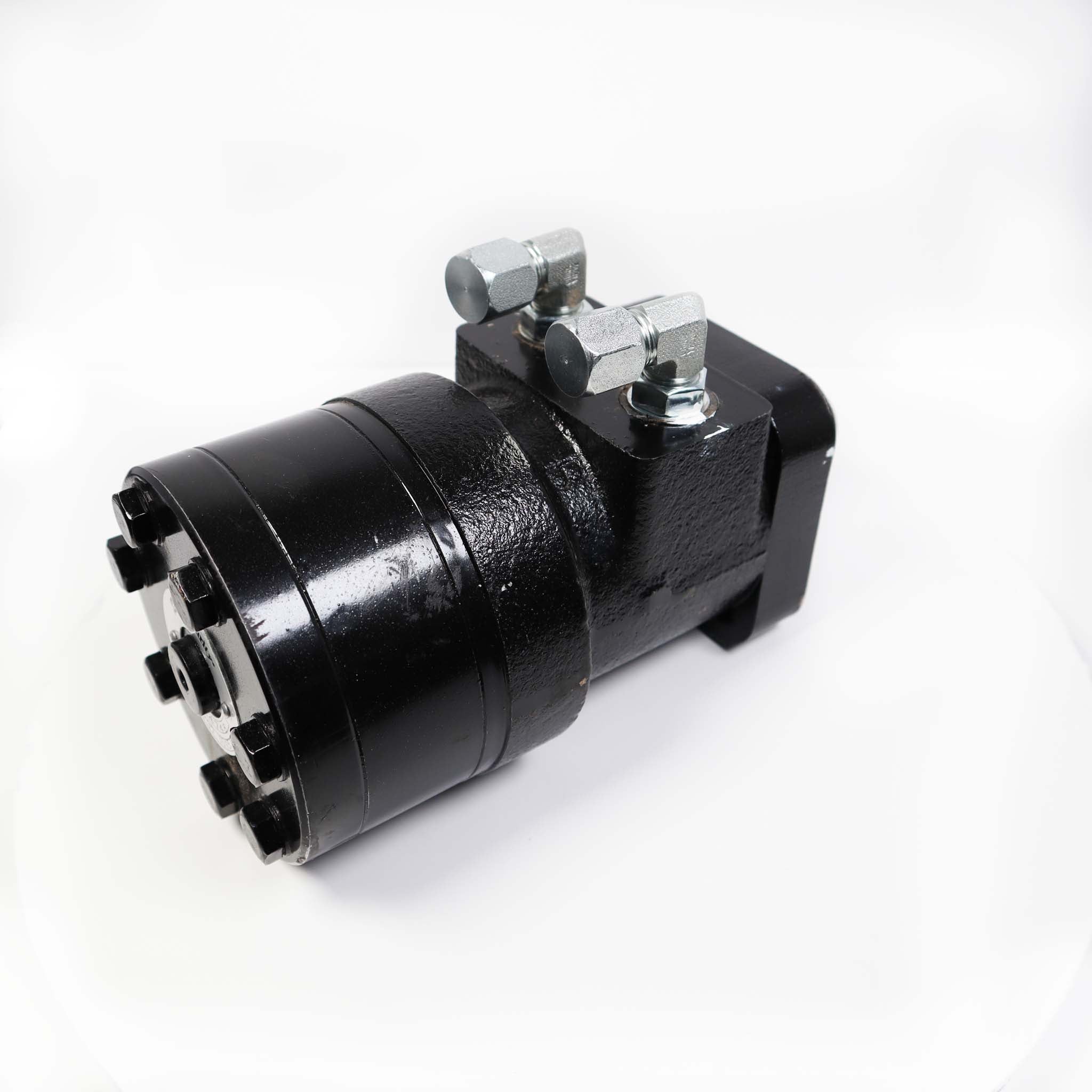
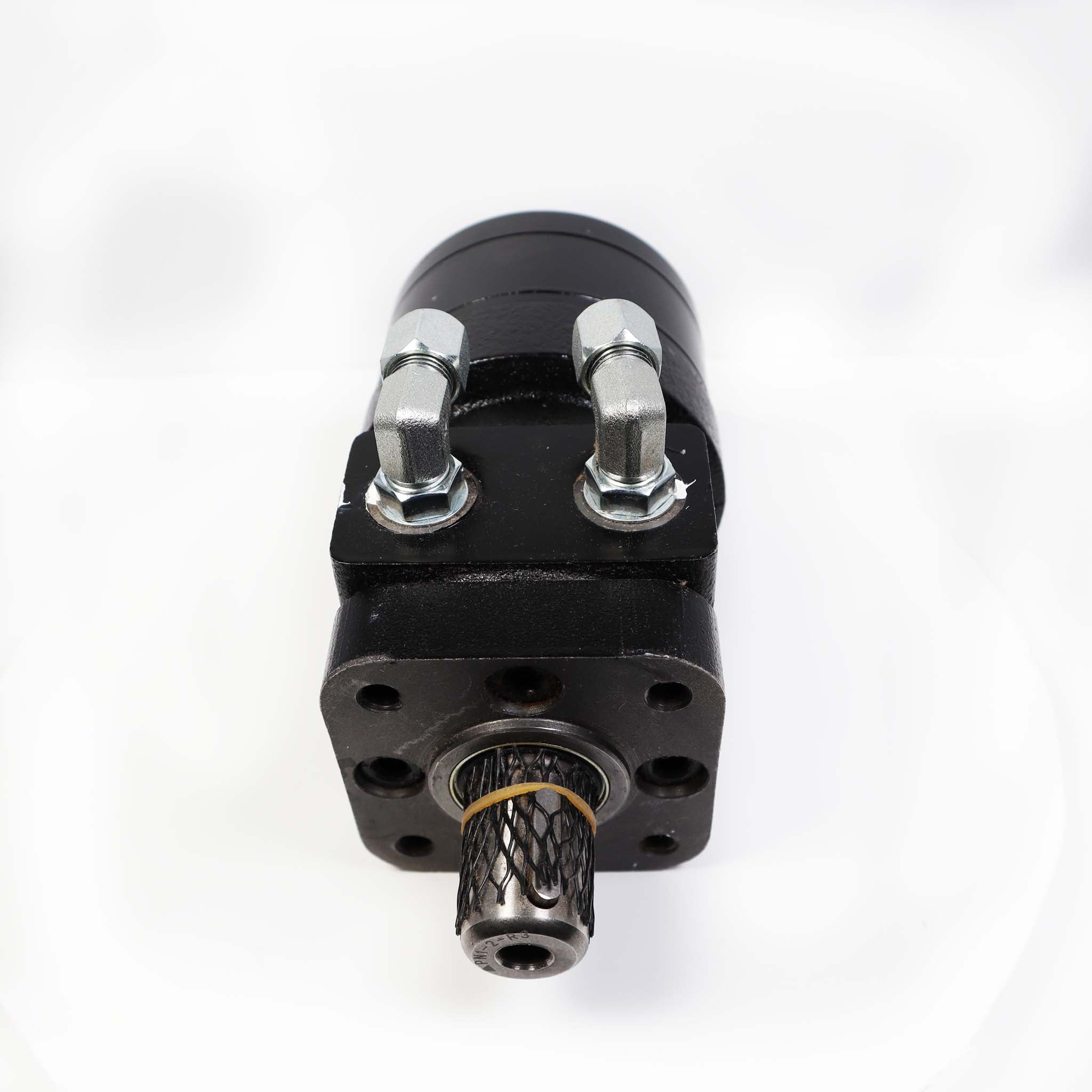
SlideDriver Pump Pack Replacement
View PDF: SlideDriver Pump Pack Replacement (opens in a new tab) -
SlideDriver Heater Installation (MX001019)
View PDF: SlideDriver Heater Installation (MX001019) (opens in a new tab) -
SlideDriver 222 Cable Release Installation
View PDF: SlideDriver 222 Cable Release Installation (opens in a new tab) -
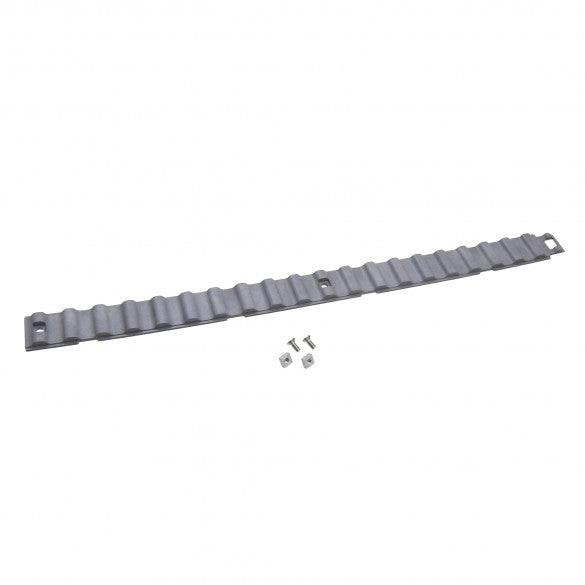
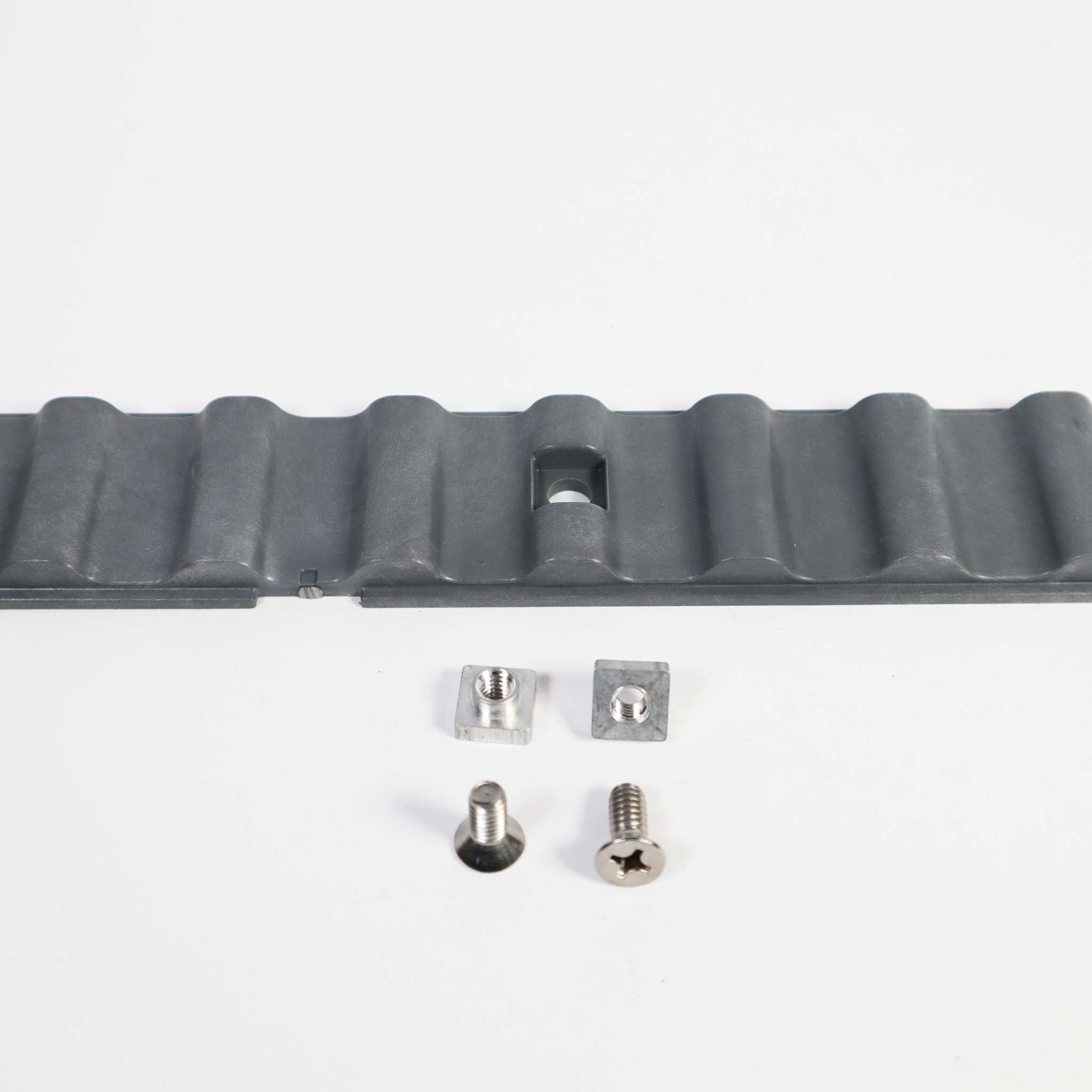
XtremeDrive Wheel and Rack Installation
View PDF: XtremeDrive Wheel and Rack Installation (opens in a new tab) -
Flanged Drive Rail and XtremeDrive Traction Upgrade
View PDF: Flanged Drive Rail and XtremeDrive Traction Upgrade (opens in a new tab) -
SlideDriver 50VF Modbus VFD Replacement Kit (MX4210, MX4211)
View PDF: SlideDriver 50VF Modbus VFD Replacement Kit (MX4210, MX4211) (opens in a new tab) -
Relay-Controlled 222 Operators Manual (pre-2001)
View PDF: Relay-Controlled 222 Operators Manual (pre-2001) (opens in a new tab) -
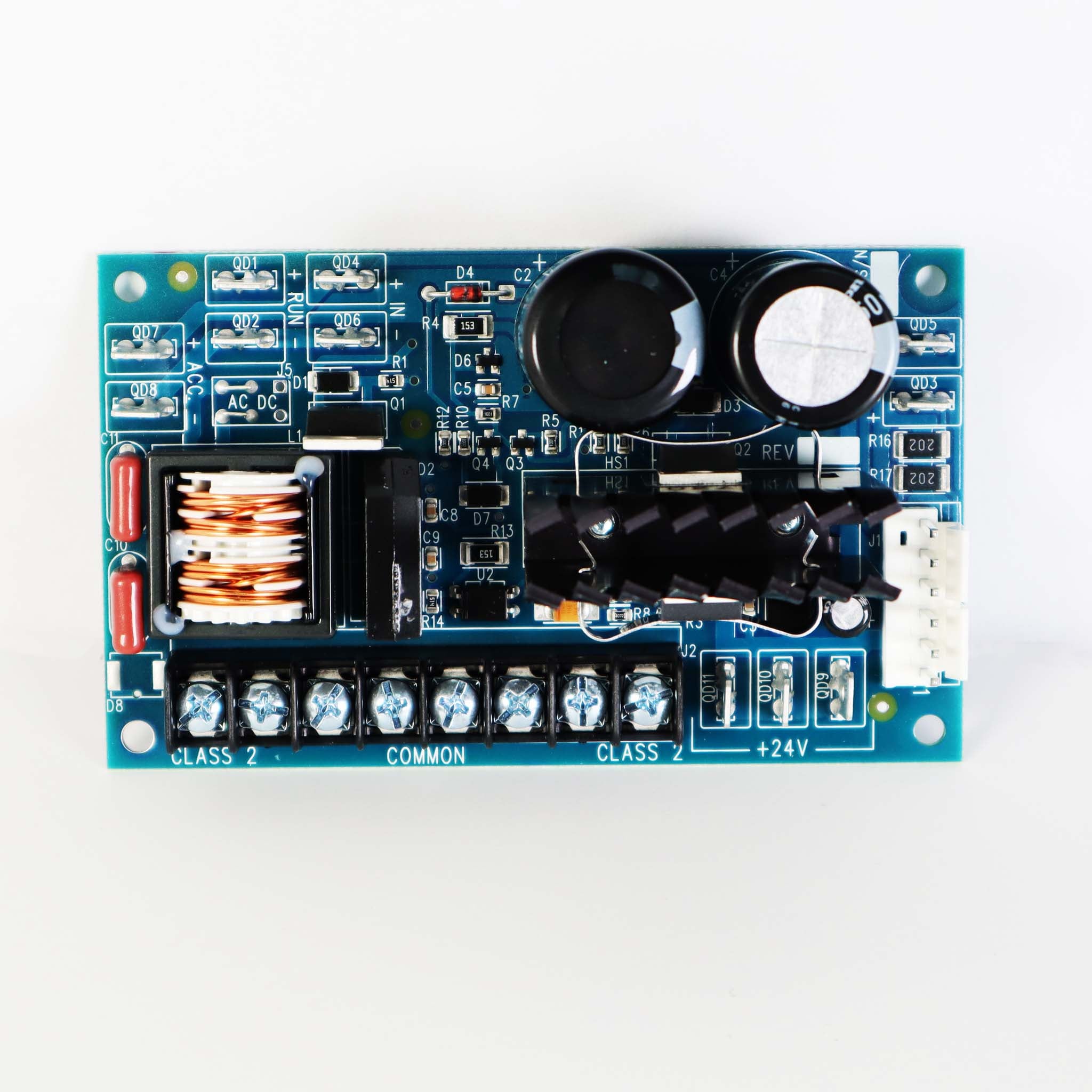
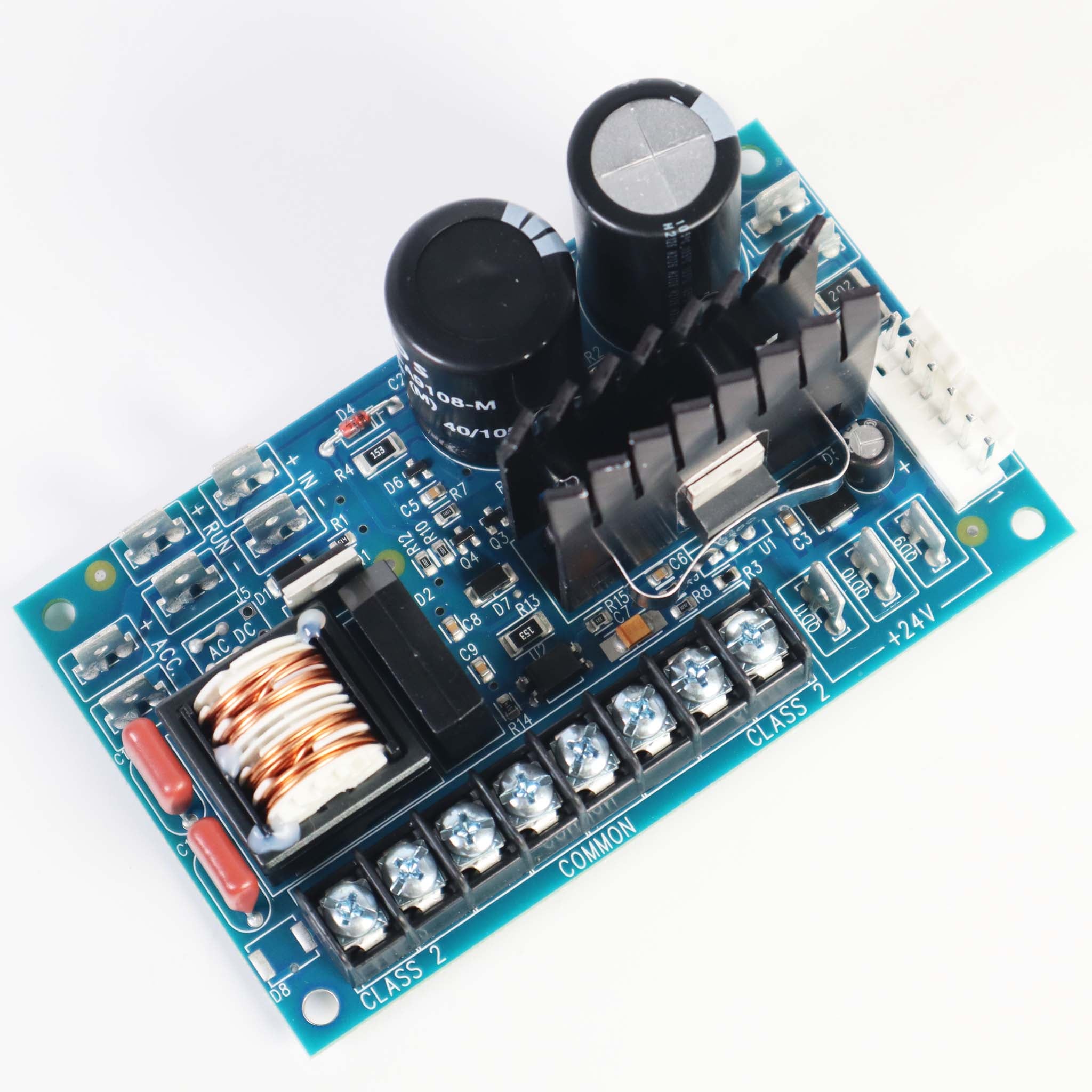
12VDC Power Supply Board Installation (MX000982)
View PDF: 12VDC Power Supply Board Installation (MX000982) (opens in a new tab) -
SlideDriver Key Release Installation (MX001213)
View PDF: SlideDriver Key Release Installation (MX001213) (opens in a new tab) -
SlideDriver Remote Air Release Installation (MX001214)
View PDF: SlideDriver Remote Air Release Installation (MX001214) (opens in a new tab) -
SlideDriver Snow Brush and Scraper Installation
View PDF: SlideDriver Snow Brush and Scraper Installation (opens in a new tab) -
HyInverter AC Installation and Reference Manual
View PDF: HyInverter AC Installation and Reference Manual (opens in a new tab)
Programming Guide
-
SlideDriver Programming and Operations Manual (Smart Touch)
View PDF: SlideDriver Programming and Operations Manual (Smart Touch) (opens in a new tab) -
S.T.A.R.T. Software User Guide
View PDF: S.T.A.R.T. Software User Guide (opens in a new tab)
Quick Start
-
UL 325-2016 Monitored Sensors Quick Start
View PDF: UL 325-2016 Monitored Sensors Quick Start (opens in a new tab)
Wiring Diagram
-
HyCharger DC Wiring, 115 VAC
View PDF: HyCharger DC Wiring, 115 VAC (opens in a new tab) -
HyCharger DC Wiring, 230 VAC
View PDF: HyCharger DC Wiring, 230 VAC (opens in a new tab) -
Correctional Facility Connections (New Generation Board)
View PDF: Correctional Facility Connections (New Generation Board) (opens in a new tab) -
Heater Wiring, 115/208/230 VAC
View PDF: Heater Wiring, 115/208/230 VAC (opens in a new tab) -
Heater Wiring, 480 VAC 3-Phase
View PDF: Heater Wiring, 480 VAC 3-Phase (opens in a new tab) -
Baldor Motor Connection Diagrams
View PDF: Baldor Motor Connection Diagrams (opens in a new tab)
Parts List
-
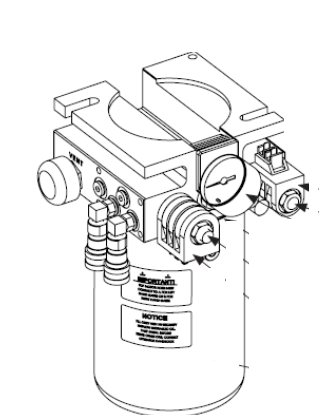
SlideDriver Part Diagrams: Chassis, Drive and Electrical
View PDF: SlideDriver Part Diagrams: Chassis, Drive and Electrical (opens in a new tab)
Spec Sheet
-
SlideDriver Spec Sheet
View PDF: SlideDriver Spec Sheet (opens in a new tab) -
UL 325-2016 Approved Sensors Cut Sheet
View PDF: UL 325-2016 Approved Sensors Cut Sheet (opens in a new tab) -
AdvanceDrive Wheel Cut Sheet
View PDF: AdvanceDrive Wheel Cut Sheet (opens in a new tab)
Brochure
-
SlideDriver Brochure
View PDF: SlideDriver Brochure (opens in a new tab)
Service Bulletin
-
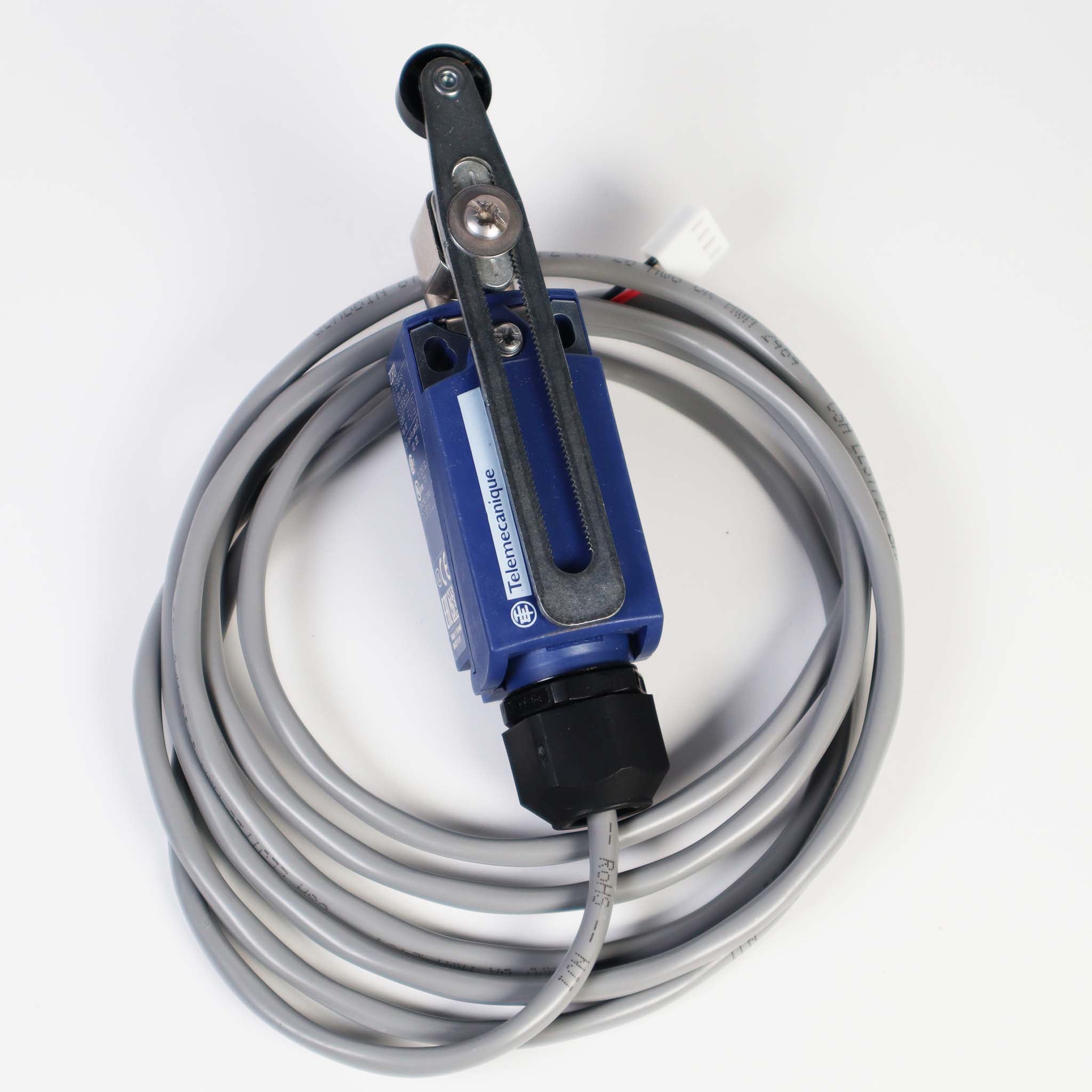
SlideDriver Limit Sensor Retrofit Kit
View PDF: SlideDriver Limit Sensor Retrofit Kit (opens in a new tab)
Other documents
-
Smart Touch Troubleshooting: Alerts, Faults and Errors
View PDF: Smart Touch Troubleshooting: Alerts, Faults and Errors (opens in a new tab) -
Important Safety Instructions
View PDF: Important Safety Instructions (opens in a new tab)
Troubleshooting
Common questions
Match the part number on your label. 222 SS ST goes to the SD15, 222 E ST to the SD40, 222 X3 ST to the SD50F, 222 X1 ST to the SD80V and 222 CE ST to the SD40 Corrections. For a 222 EX 1.7 ST (30F), go to the SD50F if you need fast gate speed. If you chose the 30F only for its 3,000 lb rating and do not need the speed, the SD40 covers it.
Smart Touch boards set to Build Year 2 or 3 will not cycle the gate by themselves until monitored N.C. entrapment sensors are wired to the SENSOR inputs and set in the installer menu. Check the BY setting and the S1, S2 and S3 sensor settings.
An alert clears with a new Open or Close command. A fault clears with the Stop or Reset button. An error clears only with the Reset button or by cycling power, and it may point to a part that needs service.
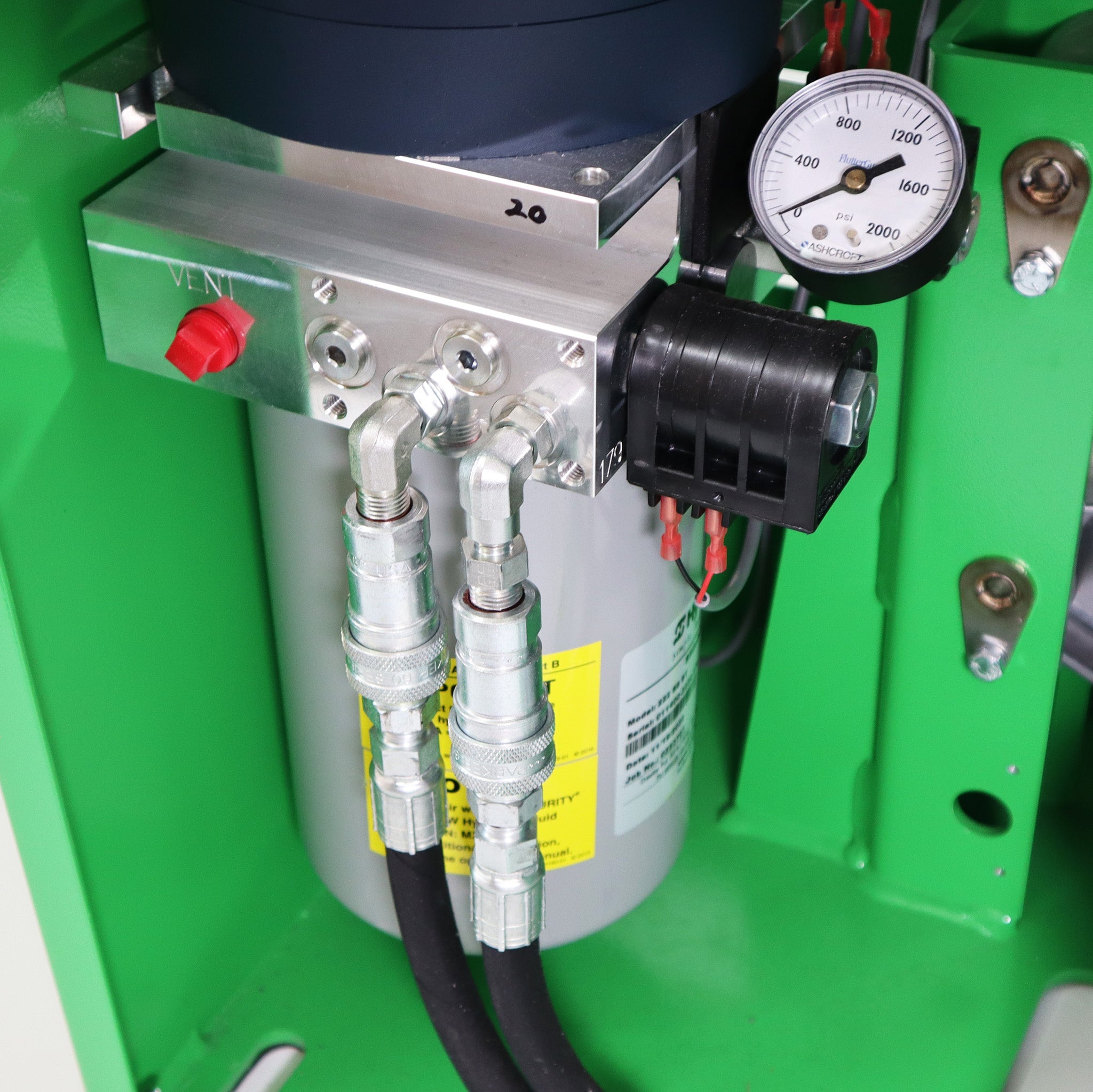
Check the hydraulic fluid level first. On 3-phase power, check that the motor turns counterclockwise. Then check the pressure gauge. If pressure stays low, adjust or clean the pressure relief valve.
UPS models with the HyCharger DC use two 12 V, 110 Ah AGM batteries. When the batteries run low the display shows Low 24VDC, then Dead Battery below 21 V.
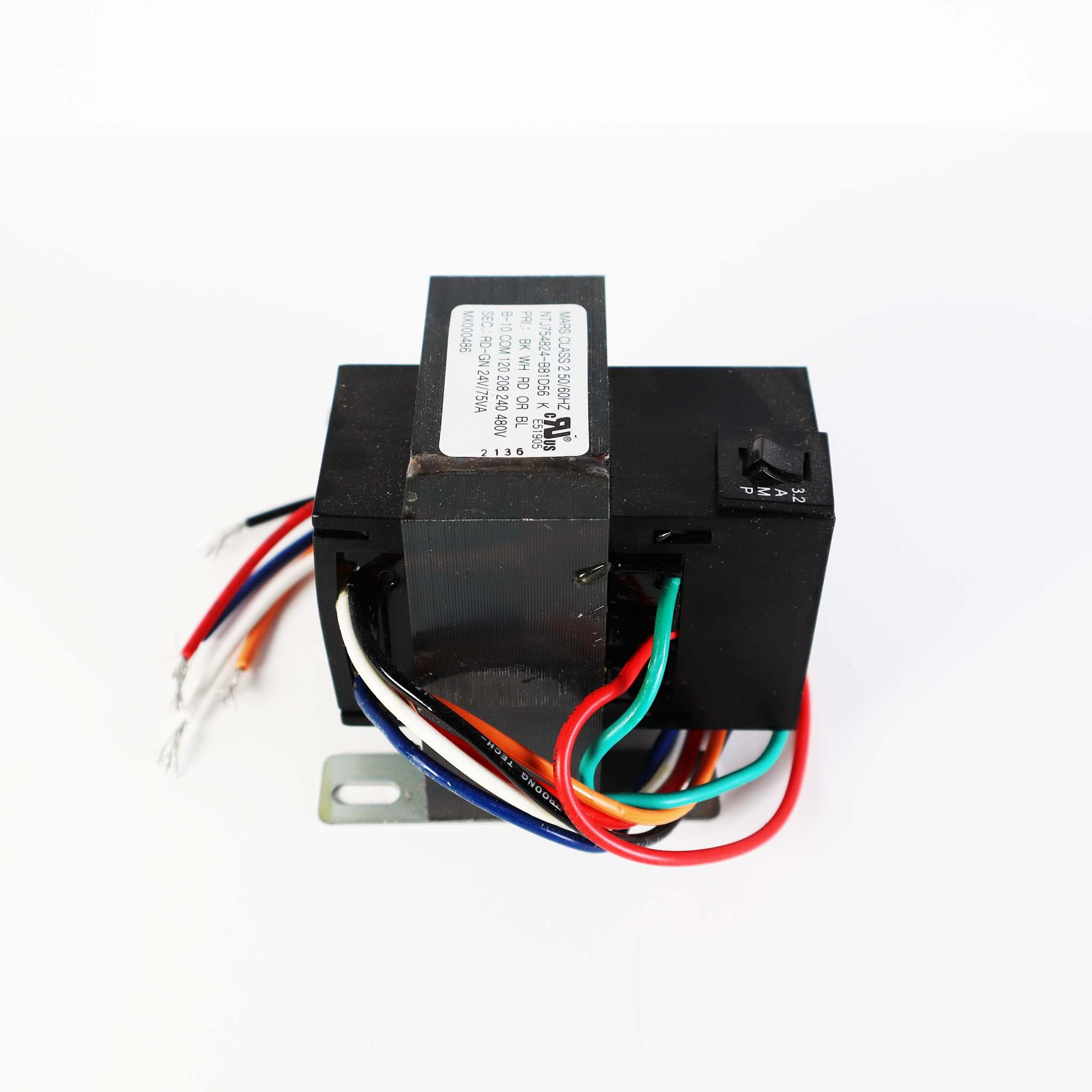
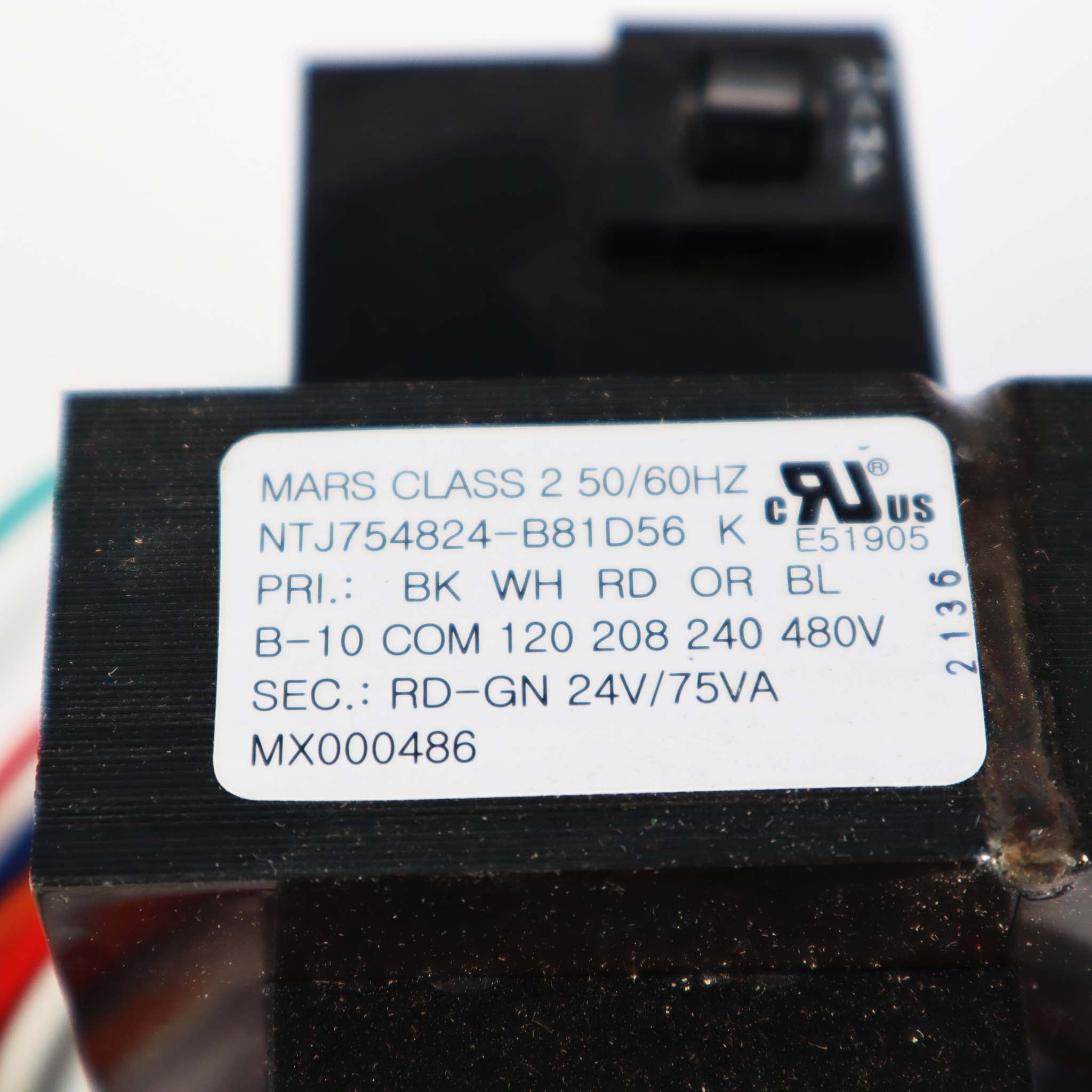
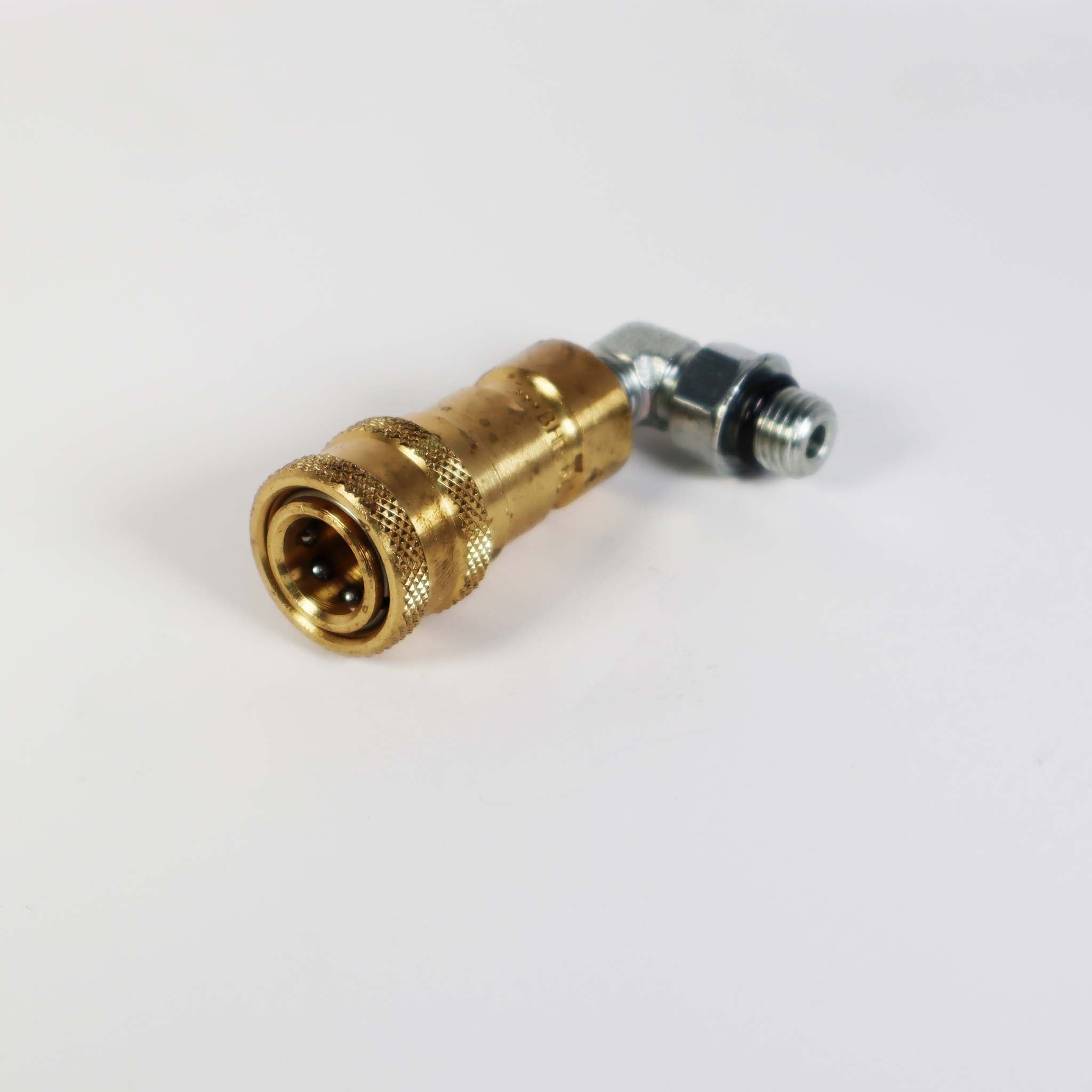
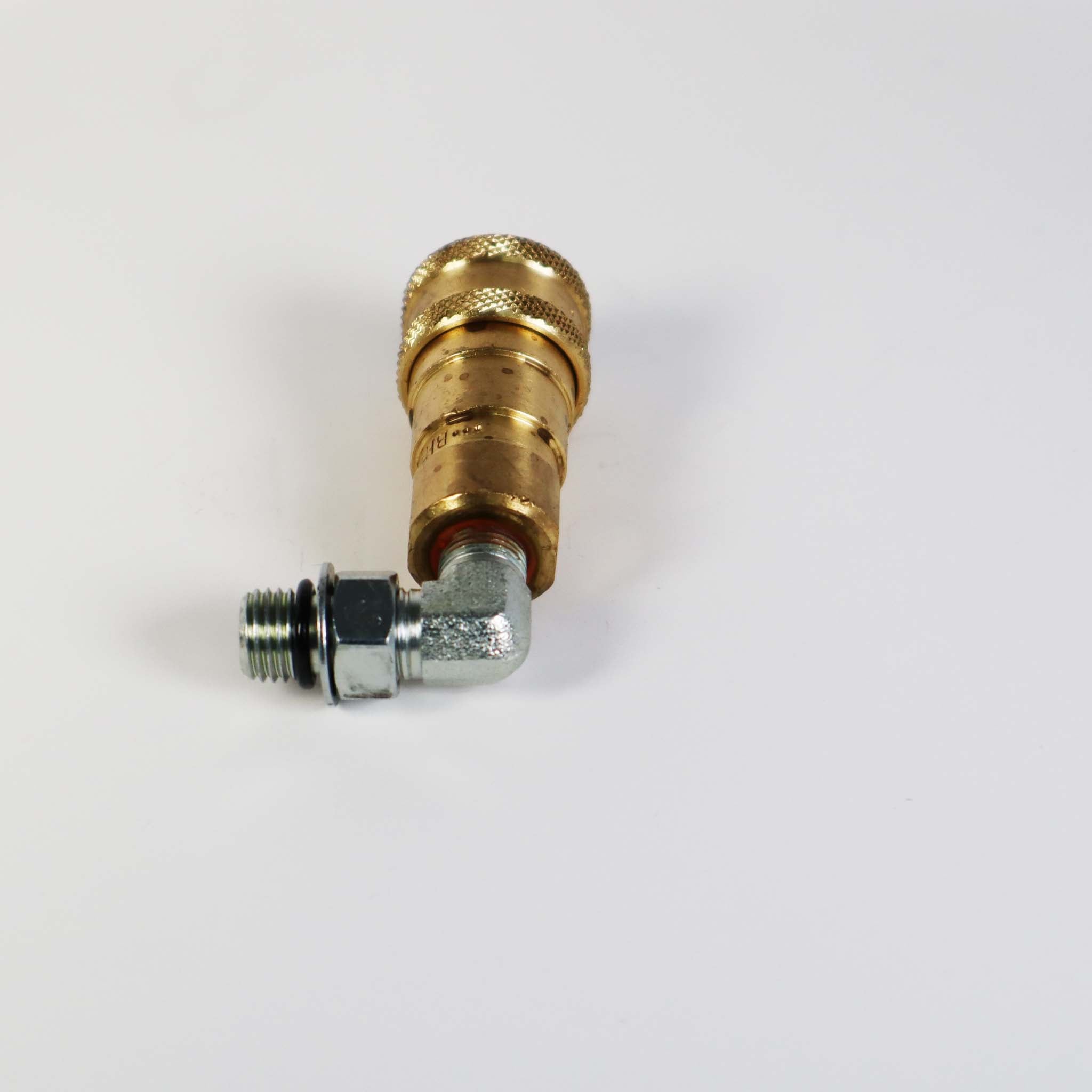
Replacement parts
Parts diagram: Buscador de piezas de repuesto para Hysecurity Slidedriver 40