
BEA LZR-S600 LASER SCANNER FOR BUILDING AUTOMATION AND SECURITY
Manuals & Support · installation manuals, wiring diagrams and troubleshooting
BEA LZR-S600 LASER SCANNER FOR BUILDING AUTOMATION AND SECURITY
Manuals & Support · installation manuals, wiring diagrams and troubleshooting
- Current Trade Policy Costs Included In Price
- In Cart Discounts Offered on Many Products
- GSA, Net 30 and purchase orders available
Description
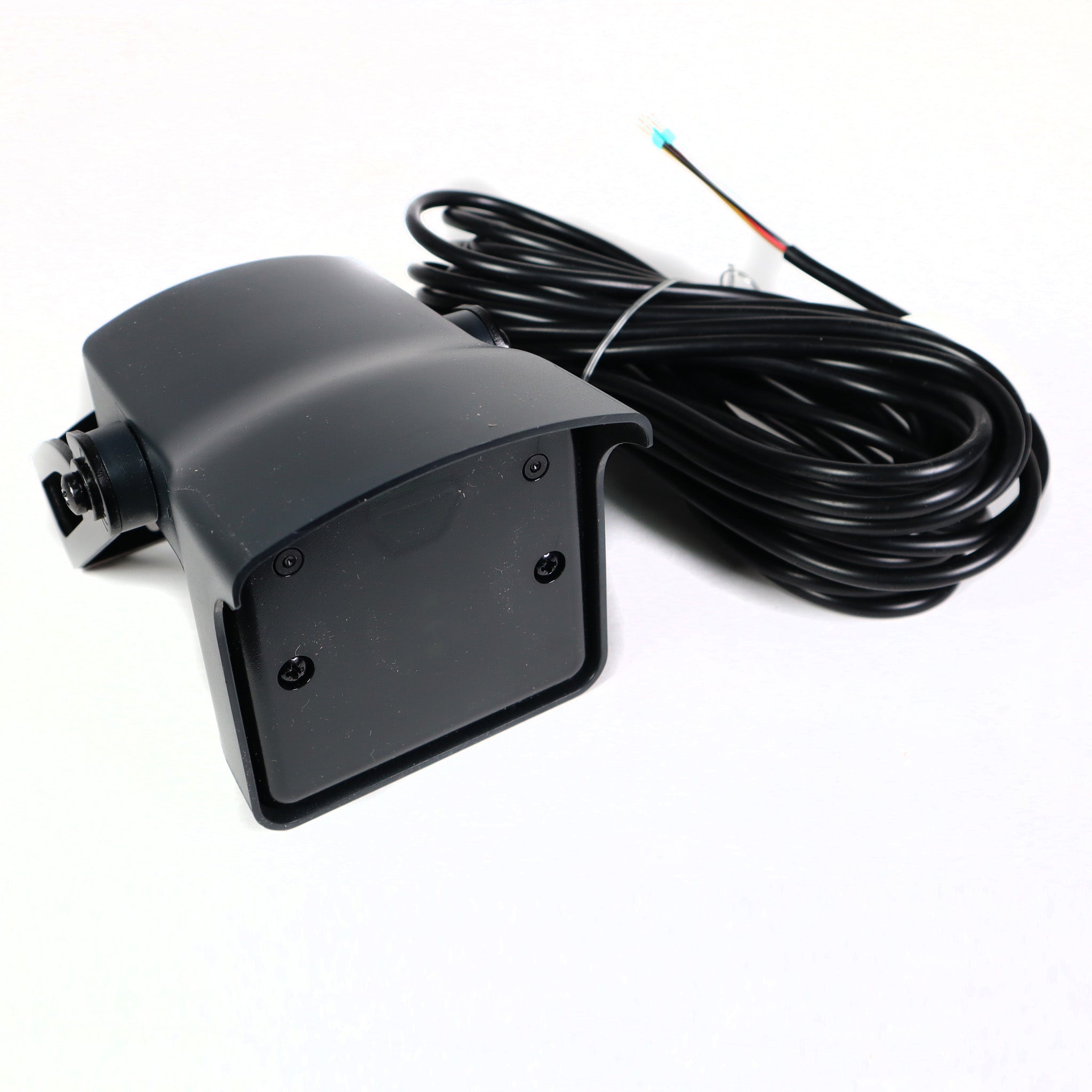
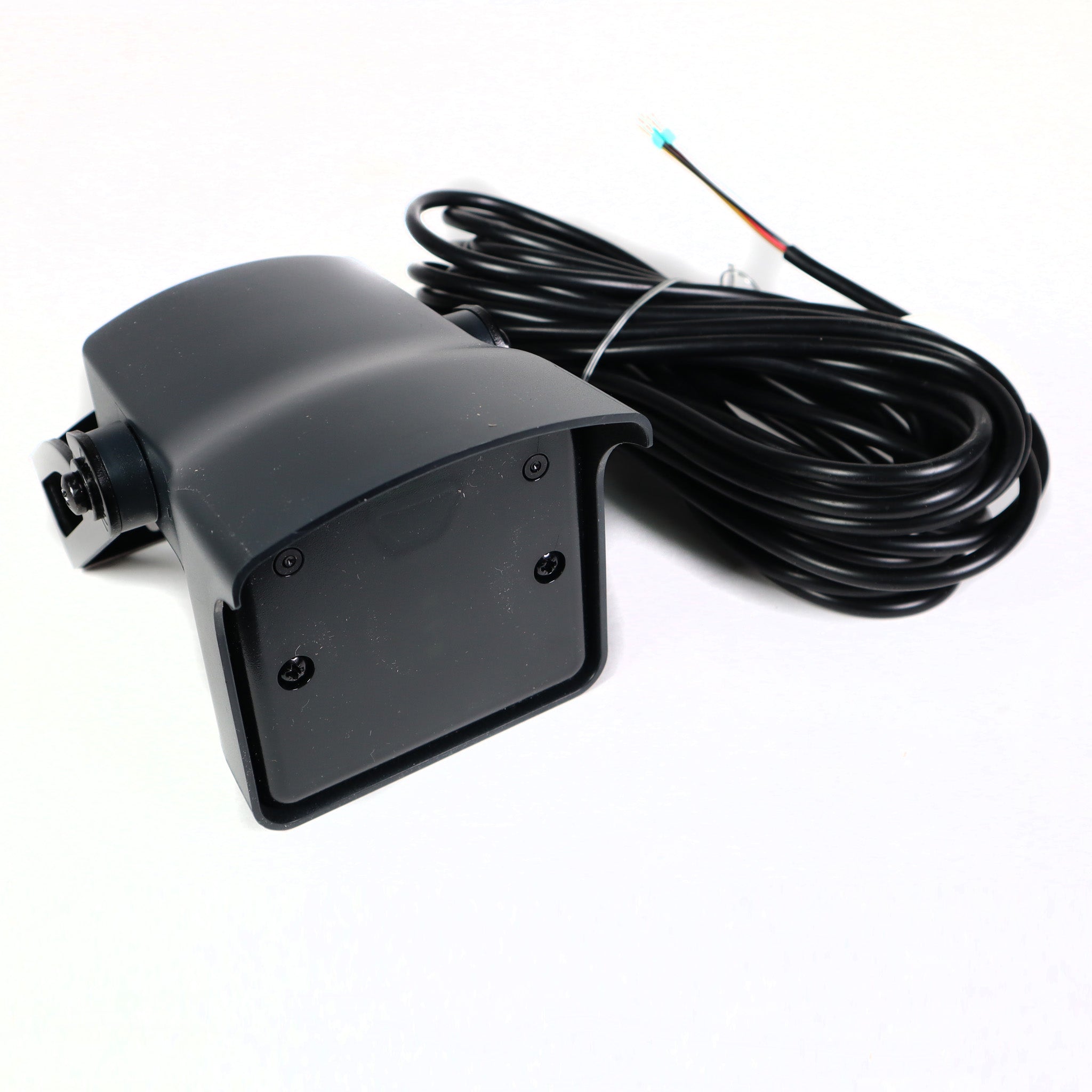
The BEA LZR-S600 is a long-range laser scanner for perimeter security, building automation and large industrial doors and gates. It uses Time-of-Flight laser measurement with four curtains for 3D motion and presence detection. It has BEA's largest field: up to 82 ft x 82 ft. It runs on 10-35 VDC and the housing is IP65.
It ignores changing ground conditions and weather, which cuts false detections outdoors. Three visible spots help set the tilt angle, and settings are changed with the BEA universal remote. Response time is typically 20 ms.
Before You Order
- Power: 10-35 VDC at the sensor, under 5 W.
- Outputs: 2 electronic relays, 35 VDC / 24 VAC max, 80 mA max. Test input: 2 optocouplers, 30 VDC max.
- Settings are changed with the BEA 10REMOTE universal remote.
- Default field is about 33 ft x 33 ft. The 82 ft x 82 ft maximum depends on target reflectivity and setup.
- Cable length: about 33 ft (10 m). Operating temperature: -22 to 140 °F powered.
BEA's largest detection field
Reduce false detections
Safe and reliable
Eliminates false detections
Dimensions
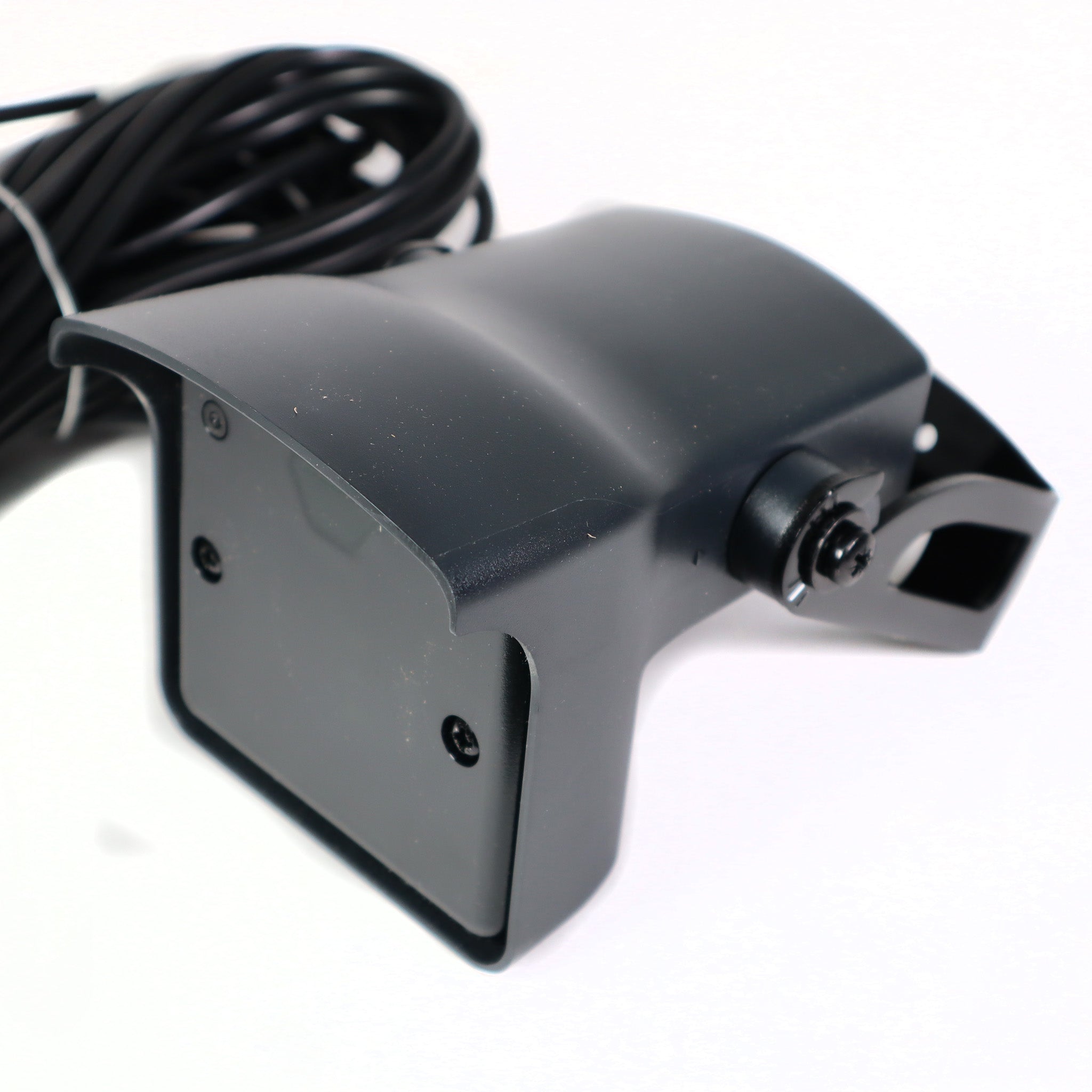
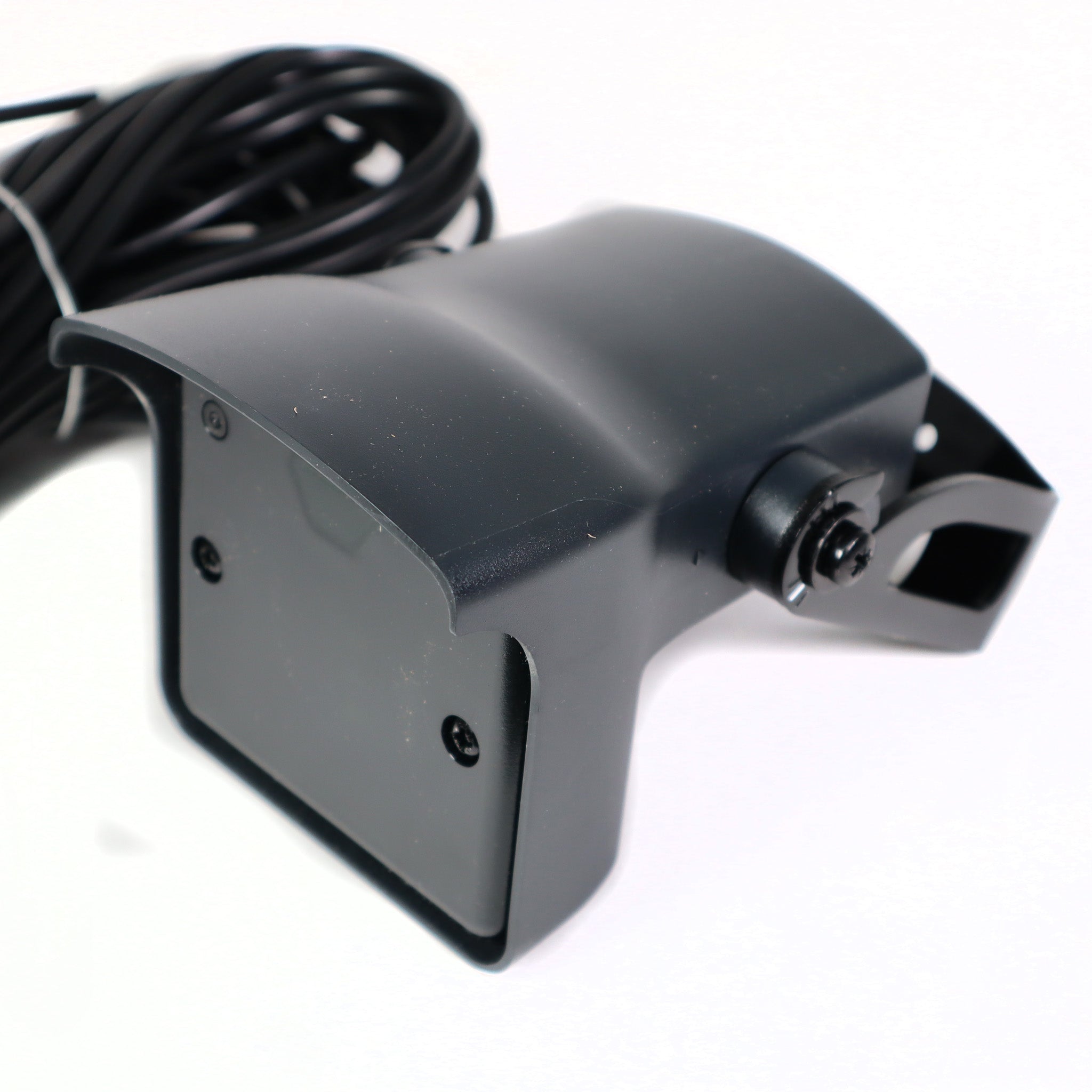
- Dimensions: 3⅝ x 2¾ x 5 in (W x H x D); mounting bracket: + ½ in
- Technology: LASER scanner, time-of-flight measurement
- Detection Mode: Motion and presence
- Detection Range: Default: 33 x 33 ft @ 2% remission factor (max. 82 x 82 ft)
- Angular Resolution: 0.3516°
- Min. Detected Object Size (typ.): 0.8 in @ 10 ft; 1.4 in @ 16 ft; 2.8 in @ 33 ft; 6.9 in @ 82 ft
- Emission Characteristics: IR laser: wavelength 905 nm; output power 0.10 mW (Class 1); red visible laser: wavelength 635 nm; output power 0.95 mW (Class 2)
- Supply Voltage: 10 - 35 VDC @ sensor side
- Power Consumption: < 5 W
- Peak Current @ Power-On: 1.8 A (max. 80 ms @ 35 V)
- Cable Length: 33 ft
- Response Time: Typ. 20 ms (max. 80 ms) + output activation delay
- Output: 2 electronic relays (galvanic-isolated, polarity-free); max. switching voltage 35 VDC / 24 VAC; max. switching current 80 mA (resistive); switching time tON = 5 ms, tOFF = 5 ms; output resistance typ. 30 Ω; voltage drop on output < 0.7 V @ 20 mA; leakage current < 10 µA
- Input: 2 optocouplers (galvanic-isolated, polarity-free); max. contact voltage 30 VDC (over-voltage protected); voltage threshold: log. active high > 8 VDC, log. active low < 3 VDC
- Response Time Monitoring Input: < 5 ms
- LED Signal: 1 blue LED: power-on status; 1 orange LED: error status; 2 bi-colored LEDs: detection / output status (green = no detection, red = detection)
- Dimensions: 3⅝ x 2¾ x 5 in (W x H x D); mounting bracket: + ½ in
- Material: PC / ASA
- Color: Black
- Mounting Angles on Bracket: -45°, 0°, 45°
- Rotation Angles on Bracket: -5 to 5° (lockable)
- Tilt Angles on Bracket: -3 to 3°
- Protection Degree: NEMA 4 / IP65
- Temperature Range: Powered: -22 to 140°F (-30 to 60°C); unpowered: 14 to 140°F (-10 to 60°C)
- Humidity: 0 - 95% non-condensing
- Vibrations: < 2 G
- Pollution on Front Screen: Max. 30%, homogenous
- Norm Conformity: 2006/95/EC: LVD; 2002/95/EC: RoHS; 2004/108/EC: EMC; IEC 60529:2001; IEC 60825-1:2007; IEC 60950-1:2005; IEC 61000-6-2:2005; IEC 61000-6-3:2006
Manuals & Support: installation manuals, wiring diagrams and troubleshooting
Why is there only a blue light on the LZR-S600?
Attach the blue wires to power if you’re not using monitoring.
Why does the remote control not program any settings?
The sensor has been locked out. Turn the power off and back on.
How do I perform a Learn on the LZR-S600 if the distance is too far for the remote or I don’t have a remote?
You must apply the recommended voltage to the oranges wires for approximately 2 seconds. Removal of the voltage from the orange wires triggers the learn process.
What is the maximum field allowed?
82′ x 82′
Can the LZR-S600 be used vertically and horizontally?
Yes. Be aware that the LZR-S600 is designed to detect all objects in its field; it cannot filter out objects like the LZR-H100 opening field.
Will the LZR-S600 detect snow and rain?
Yes. Utilize the Immunity setting (ghost on the remote).
Can I use one curtain to do one thing and the other curtains to do something different?
Yes. Each curtain is assignable to trigger field 1 relay, field 2 relay, both, or none. See User’s Guide for more information.
Why is the orange LED flashing and the detection LEDs are red?
No background reference is found or the sensor has moved. Check the position of the sensor. If there is no background reference, set the mounting side to 3, 4, or 5.
What is the minimum object size that can be detected?
This is dependent upon the distance from the sensor. I.e. If the distance is 10″, the minimum object size is 0.8″. If the distance is 33′, the minimum object size is 2.8″. If the distance is 82′, the minimum object size is 6.9″.
Applications
- Industrial Automation Solutions: High performance doors, commercial doors, loading docks, warehousing
- Public Transportation Sensing Solutions: Train, tram & subway doors; bus doors; platform screen doors
- Vehicle Sensing Solutions: Toll gates, parking, gates, barriers
- Security & Access Sensing Solutions: Perimeter protection, artwork protection
All in stock orders typically ship the same business days or within 1-2 business days. Cut off for same day shipping is 2:30PM Central Time.
LEADTIME
Items with lead times typically ship in 4-7 business days.
FREE SHIPPING POLICY
Orders with free shipping may have longer lead times due to those items being shipped the most economical way. Free shipping on most orders over $195.00 does not include gate operators, loop sealant, and any extreme length or weight items
Our return policy lasts for only 30 days. If 30 days have gone by since your purchase, unfortunately we can’t offer you a refund. Some items such as Gate Operators or custom parts may not be returnable or carry a restocking fee if returned.
Protec Controls accepts purchase orders please contact us.
NET 30
We also support Net 30 terms on our website for easy ordering. Please fill out the form to the right with your company information and we will get your account setup to place Net 30 orders.
GOVERNMENT & GSA
Protec Controls accepts GSA SmartPay cards along with all major credit cards. For government quotes and purchase orders please email govsales@proteccontrols.com